
3D Model Generation & Remeshing for VR and AR
Generate prototype props locally and remesh supported models for lightweight real-time XR workflows.
Windows 10/11 · macOS on Apple Silicon · Free viewer
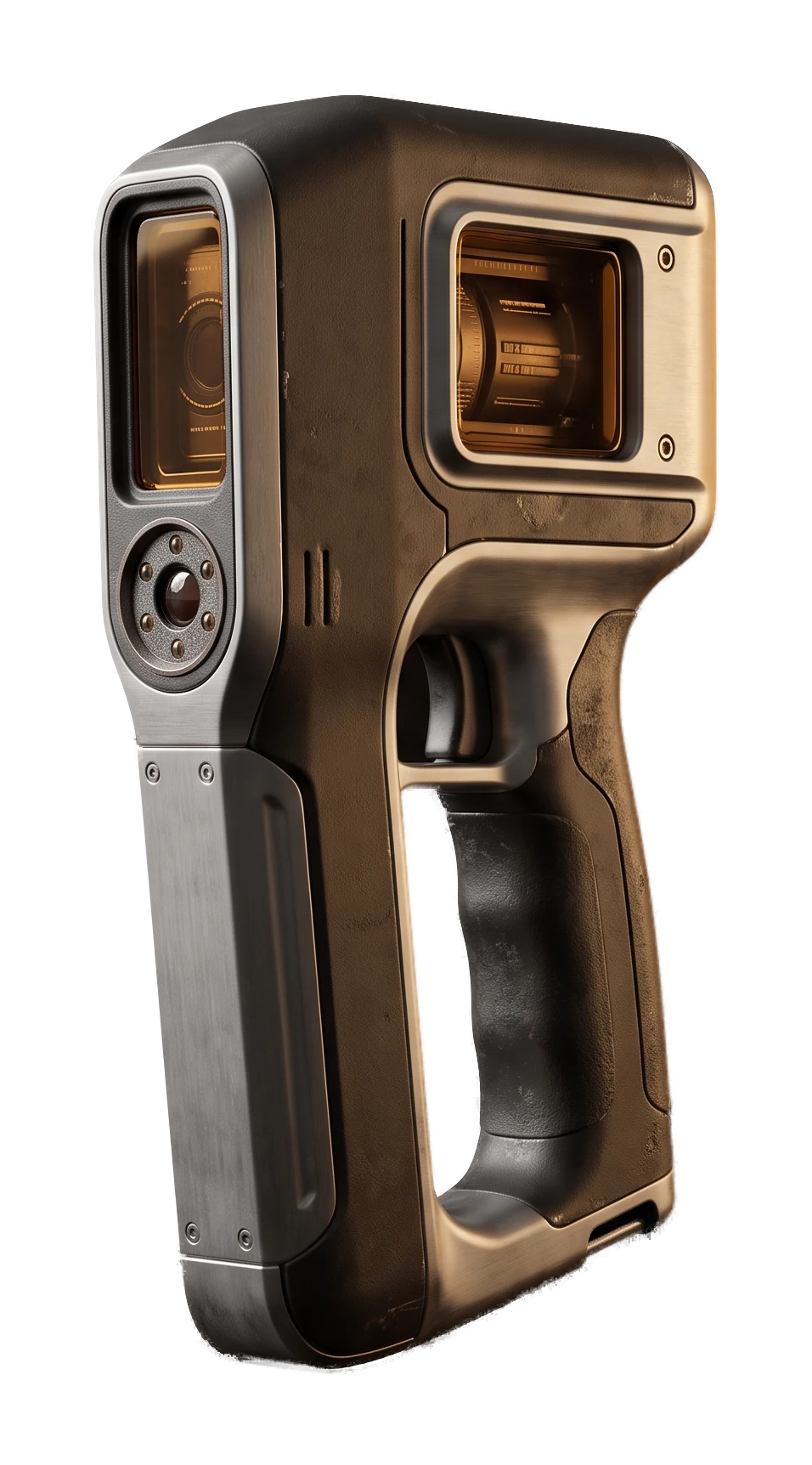
Built for Lightweight Real-Time Prototypes
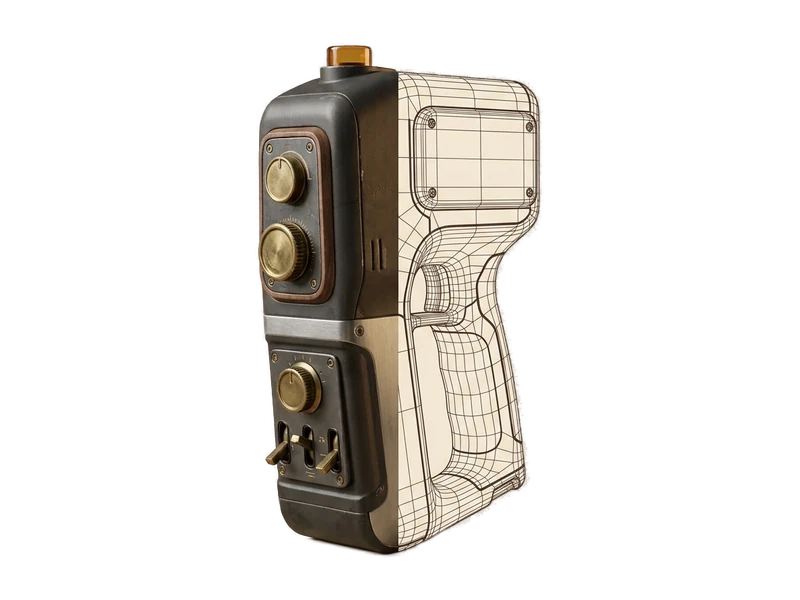
Remeshing
Use the local remeshing workflow, then inspect and validate the result against your standalone or mobile headset performance budget.
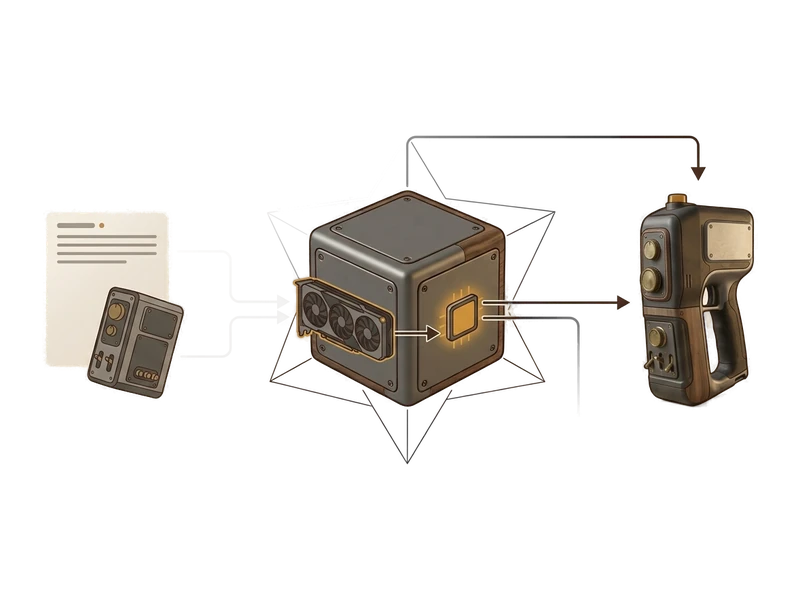
Image to 3D
Generate a rapid prototyping asset from a reference photo to block out an interaction or a scene locally, before final art is ready.
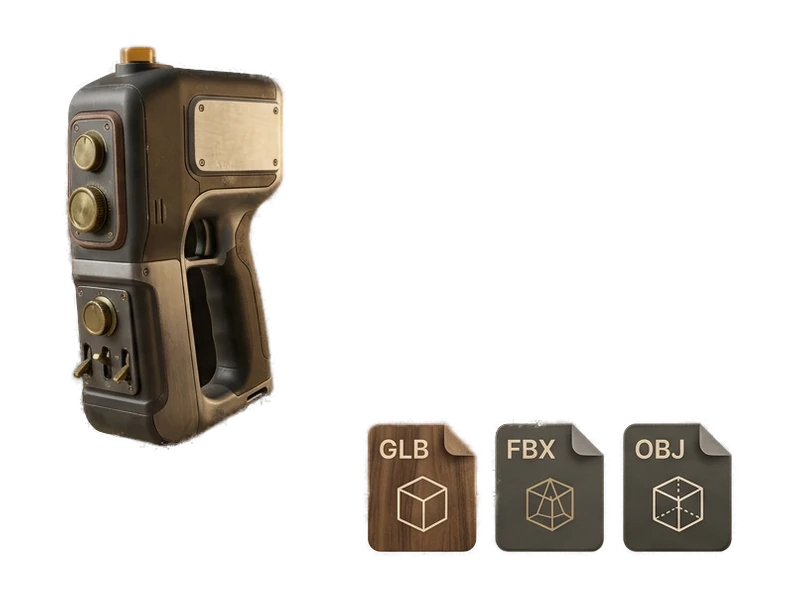
AI Texture Generator
Generate PBR maps for a UV-mapped asset so prototypes have useful surface detail in the headset.
Common questions
Does Fudge3d work offline for on-site headset testing sessions?
Yes. Remeshing, generation and the viewer all run locally on your GPU, so you can prepare and check assets on-site without an internet connection.
Is unreleased project work kept private when I use Fudge3d?
Yes. Nothing you open, remesh or generate is uploaded - everything stays on your machine, which matters for unannounced VR and AR titles.
What does it cost to start using Fudge3d for VR/AR development?
The 3D viewer is free forever. Optional generation tiers are available, and you can download the installer to get started.
How do I get a model down to a strict mobile-headset poly budget?
Use Fudge3d's local remeshing workflow, then inspect and validate the result against your target application's performance budget.
What GPU do I need to run remeshing and generation?
Remeshing and generation use your own GPU, so requirements depend on the hardware you have. Exact specs are listed on the download page.
Can I quickly prototype an interactable prop before building the final asset?
Yes. Generate a rough version from an image or a text prompt to block out interactions in the headset, then replace it with final art once the interaction is validated.
Prototype and remesh supported XR assets locally
Free viewer · No viewer account · Local creative processing