
Image to 3D Model Generator
Turn a single photo or reference image into a textured 3D model on your own GPU. Creative processing happens locally instead of sending the source image to a hosted generation service.
Windows 10/11 · macOS on Apple Silicon · Local creative operations
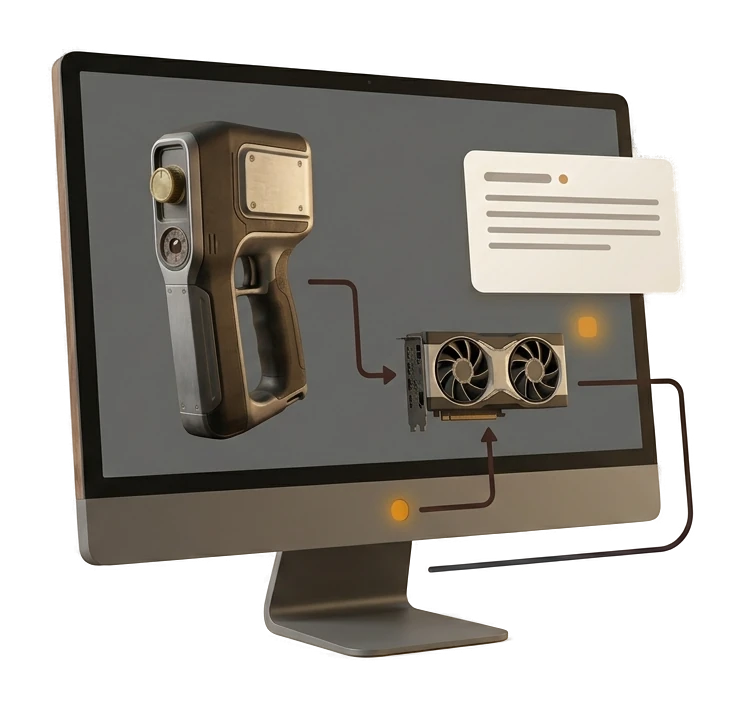
How to Turn an Image into a 3D Model
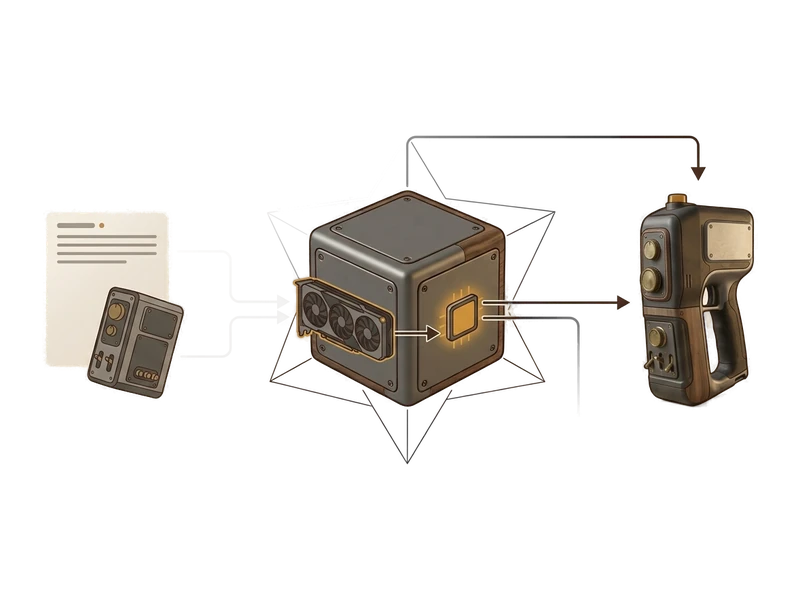
Choose a clear reference image
Choose Image to 3D inside Fudge3d and select a photo already on your PC. There's no upload dialog - the file simply never leaves your disk.
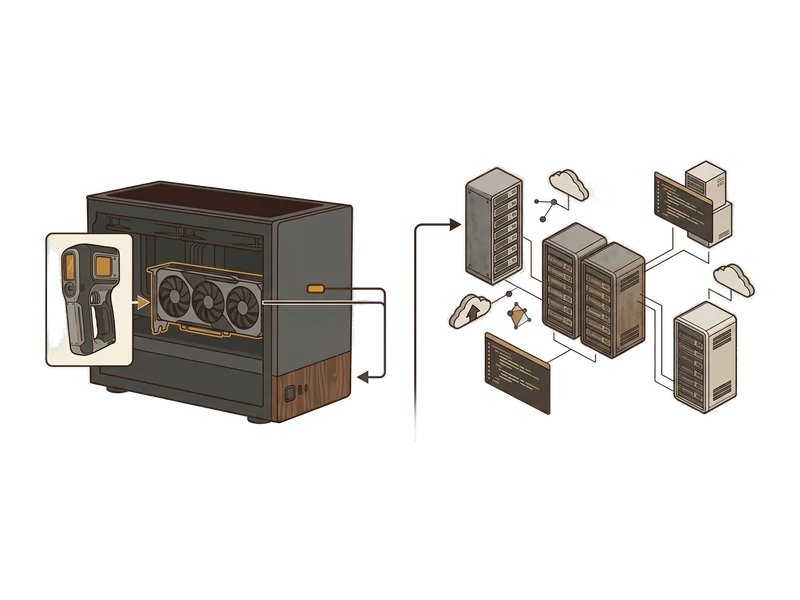
Generate the 3D model locally
Fudge3d builds the mesh and PBR textures using your own graphics card. No account check-in mid-generation, no server queue to wait behind.
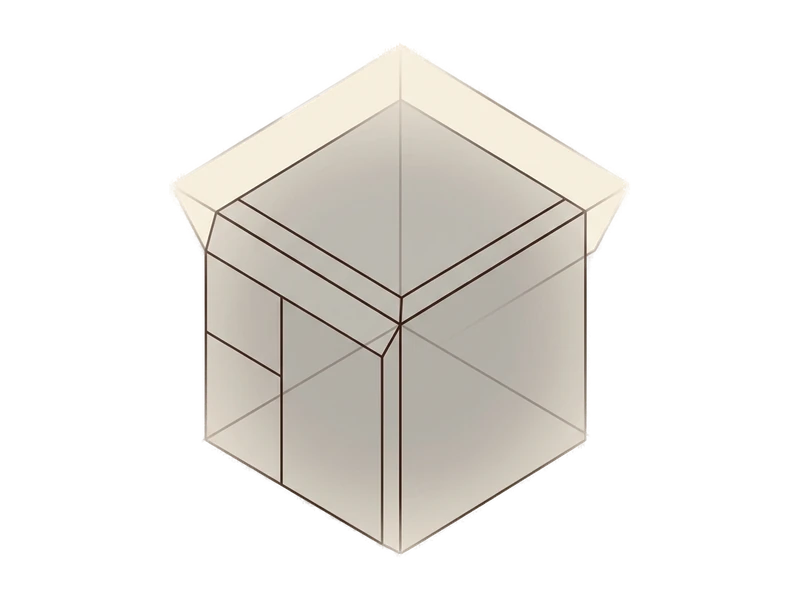
Inspect, texture or remesh the result
The finished model opens in the viewer. Continue to remeshing or repainting, or export it into your pipeline.
Your photo, your GPU, your model
Unlimited & private
There's no per-image cost, because the generation happens on hardware you already own. Convert as many photos as you like, including client or NDA-covered reference shots, without a third party ever seeing them.
Local creative processing
Turn off your Wi-Fi and Image to 3D still runs - generation never depends on a live connection to a remote server.
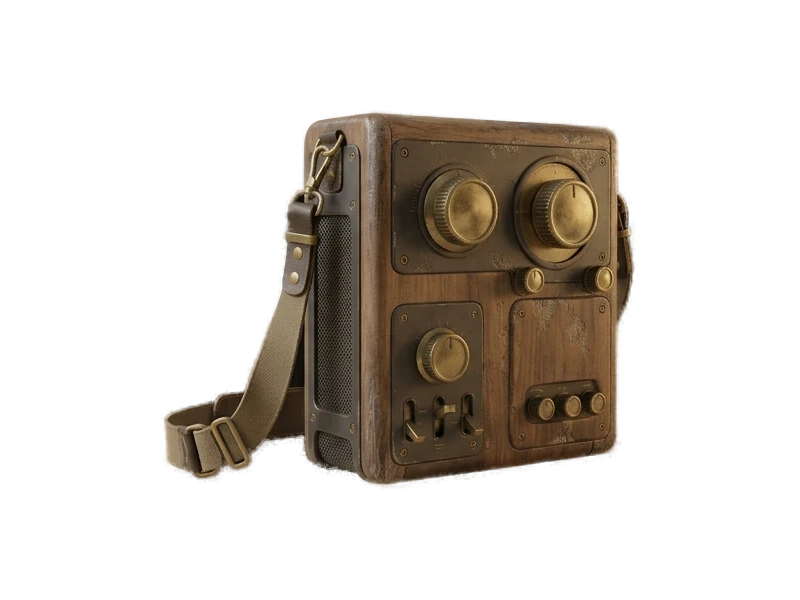
Local mesh output
The generator resolves detail from your source photo into real geometry, not just a bump map painted over a flat plane.
PBR maps included
Continue the local workflow with Fudge3d's texture, remeshing and repainting tools.
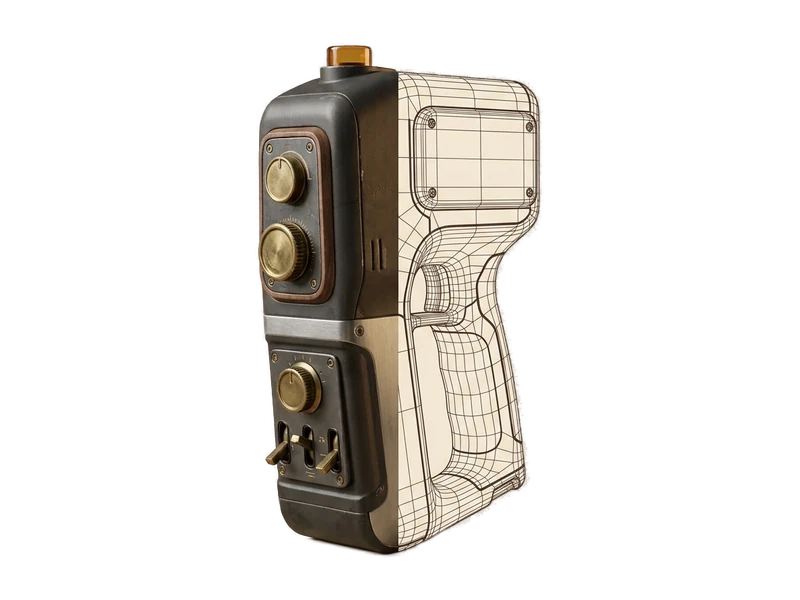
Remesh built in
Take the same model into the local remeshing workflow. Remeshing
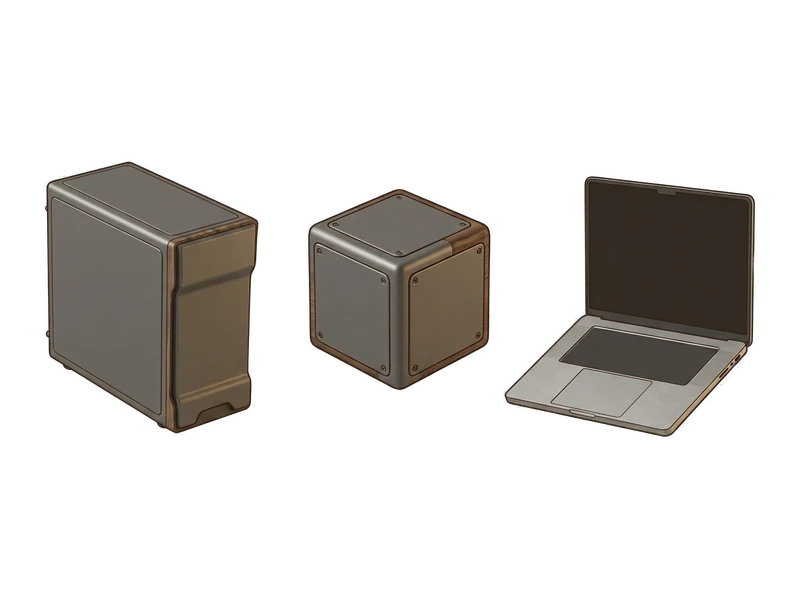
Simple install
One installer, next-next-done. No Python environment, no CUDA setup, no command line to fight with first.
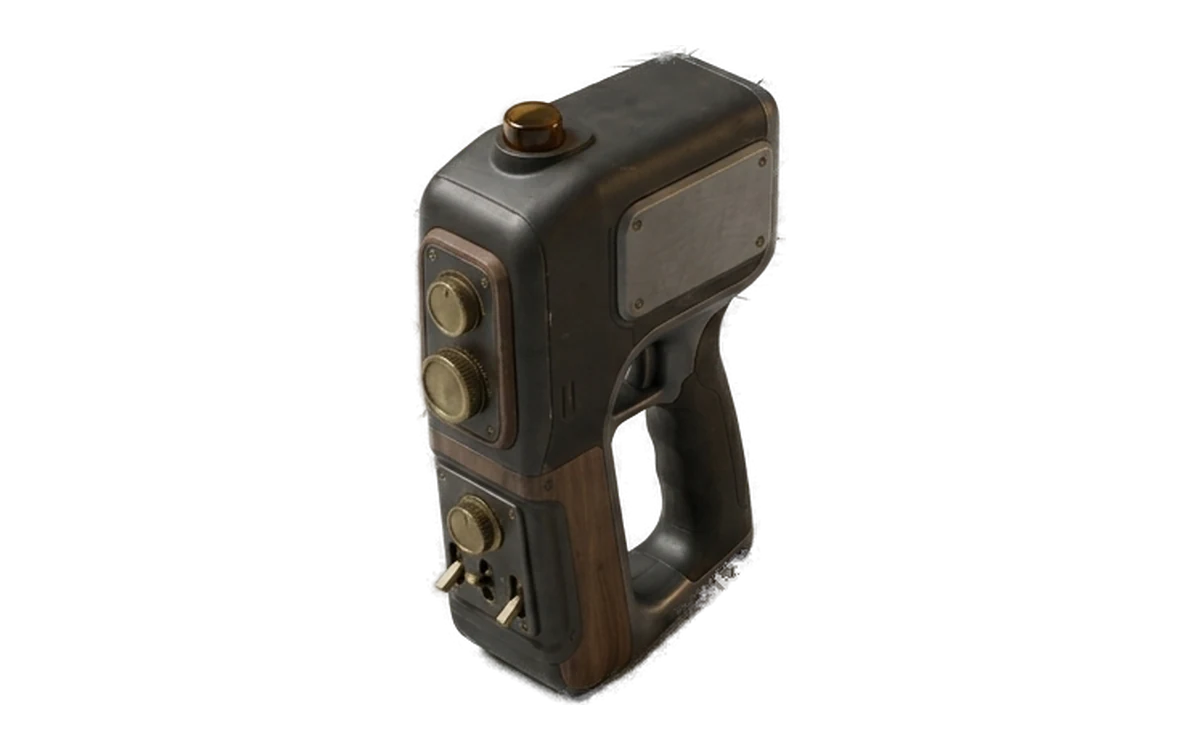
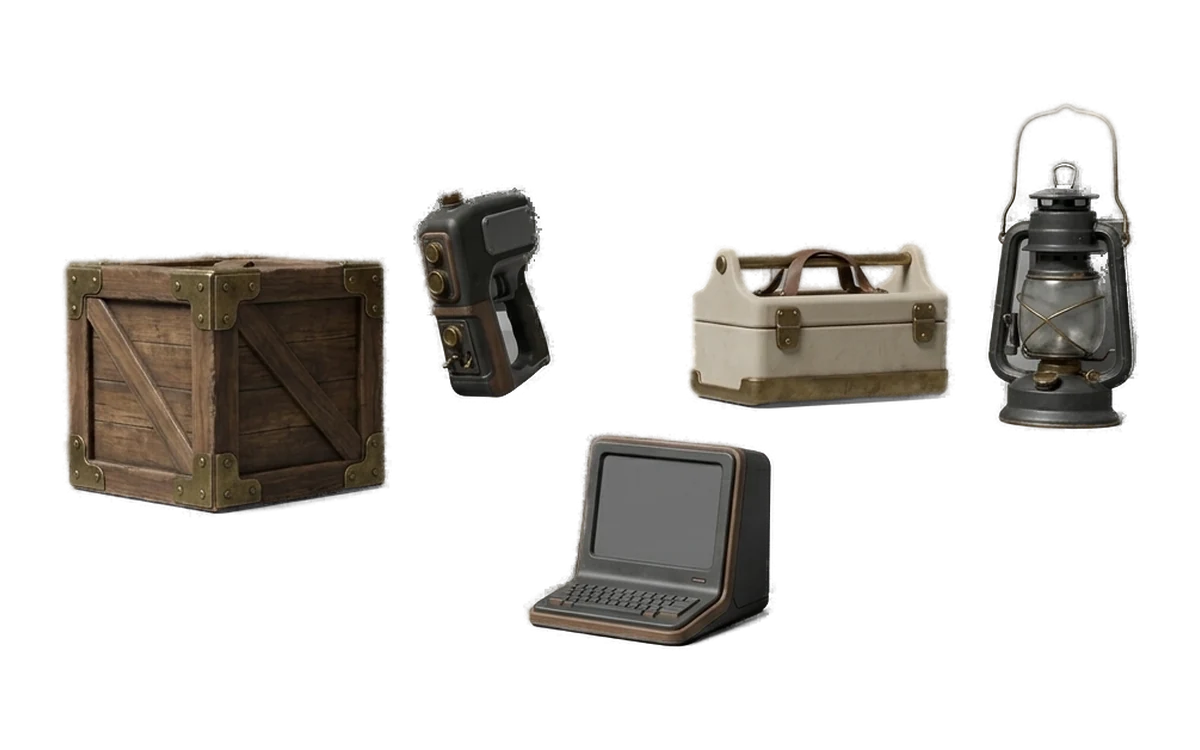
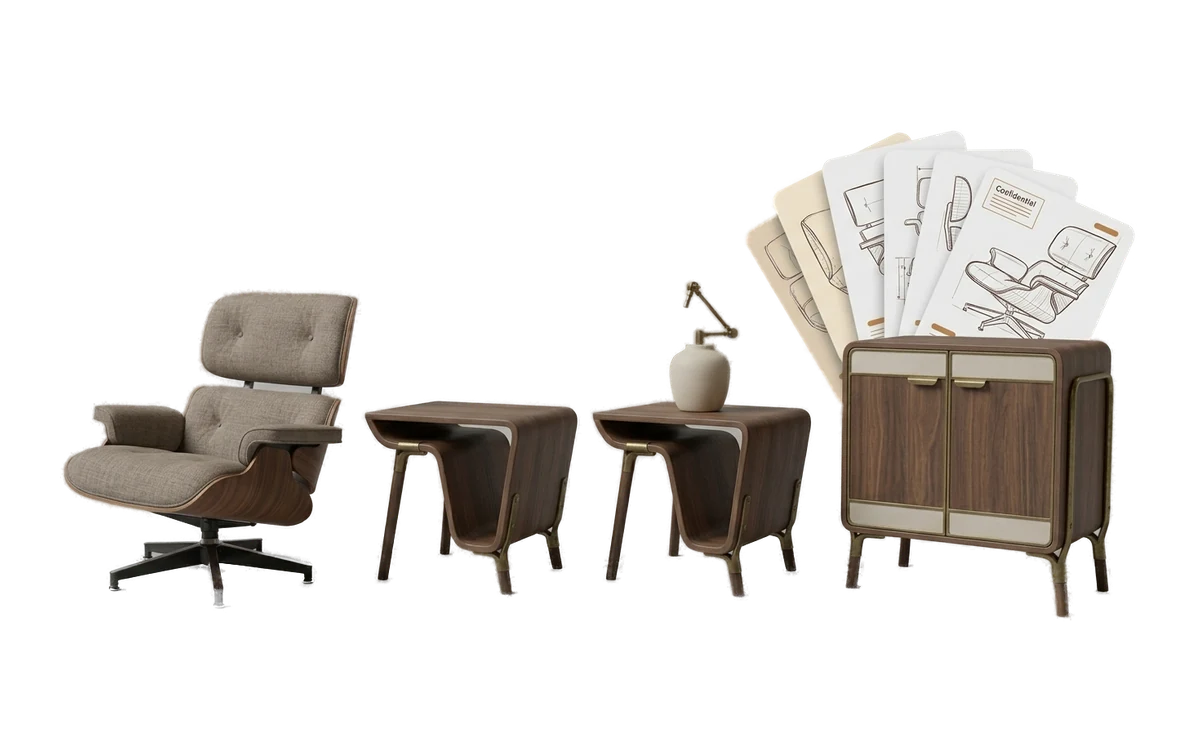
Start from a Single Reference Image
Common questions
How do I convert an image into a 3D model?
Choose Image to 3D, select one clear reference image and start generation. Processing runs on your GPU, and the result opens in Fudge3d for inspection and refinement.
Can AI create a 3D model from one photo?
Yes. The current Fudge3d workflow uses one photo or reference image to create a textured 3D model. A clear subject and uncluttered background give the model less to guess about.
What kind of image works best for image-to-3D?
Use a well-lit image with one clearly visible subject and as little background clutter as possible. Avoid heavy occlusion and ambiguous silhouettes where practical.
Does Fudge3d support multi-image 3D generation?
The current Image to 3D workflow uses one source image. Fudge3d does not advertise a multi-image workflow.
Does image-to-3D run locally?
Yes. Image-to-3D creative processing runs on your computer using your GPU rather than a hosted generation service.
Can I use image-to-3D offline?
The creative generation step runs locally. Pro uses a signed entitlement cached for 30 days and can refresh it when an internet connection is available.
Are my reference images uploaded?
No. Reference images are not uploaded for image-to-3D processing. Account, licence and payment services remain separate network functions.
Can I use a client image under NDA?
Local processing can suit work that policy or contract prevents you from uploading to a creative-processing service. You should still follow the exact terms of the NDA and your organisation's security rules.
Do I own the generated 3D model?
Yes. You own the generated model and it remains on your computer. Fudge3d claims no ownership or licence to your output.
Can I use the model commercially?
Yes. Fudge3d requires no royalty or attribution for commercial use. You remain responsible for rights in the source image and for how the result is used.
Can I remesh an image-to-3D model afterward?
Yes. Remeshing is available in the same desktop app so you can adjust mesh structure and target poly count after generation.
Can I generate PBR textures for the model?
Yes. Fudge3d can generate albedo, normal, metallic and roughness maps for supported UV-mapped meshes.
Explore More Fudge3d 3D Tools
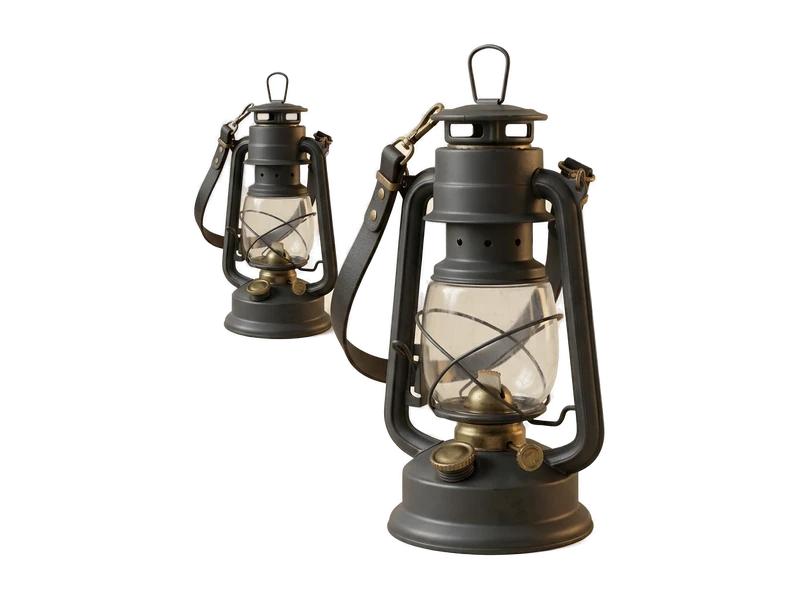
Free 3D Viewer
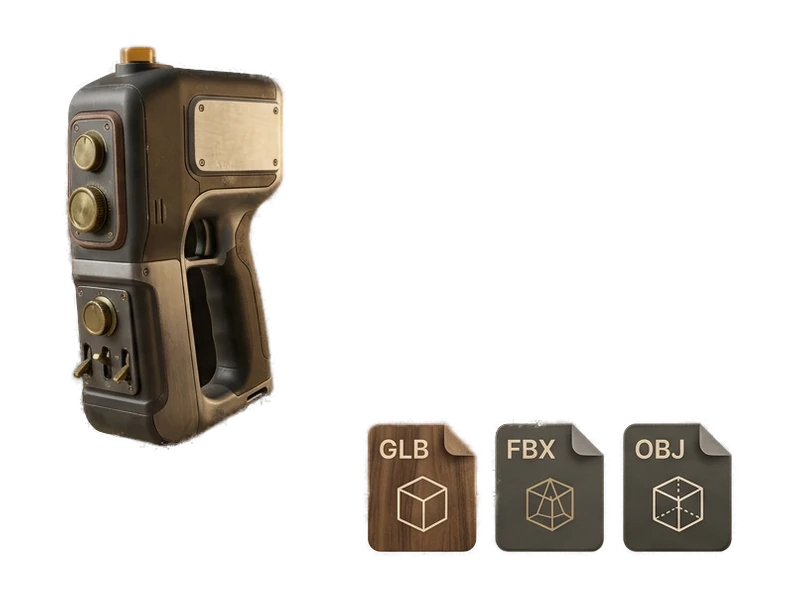
Open FBX, OBJ and GLB files without a viewer account.
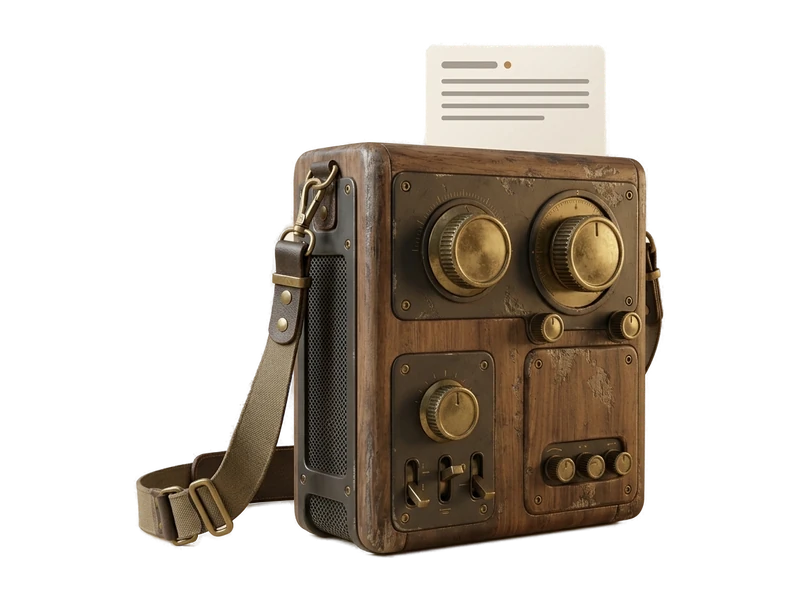
Text to 3D
Generate a 3D model from a text prompt.
AI Texture Generator
Generate PBR textures for supported UV-mapped meshes.
AI Image Generator
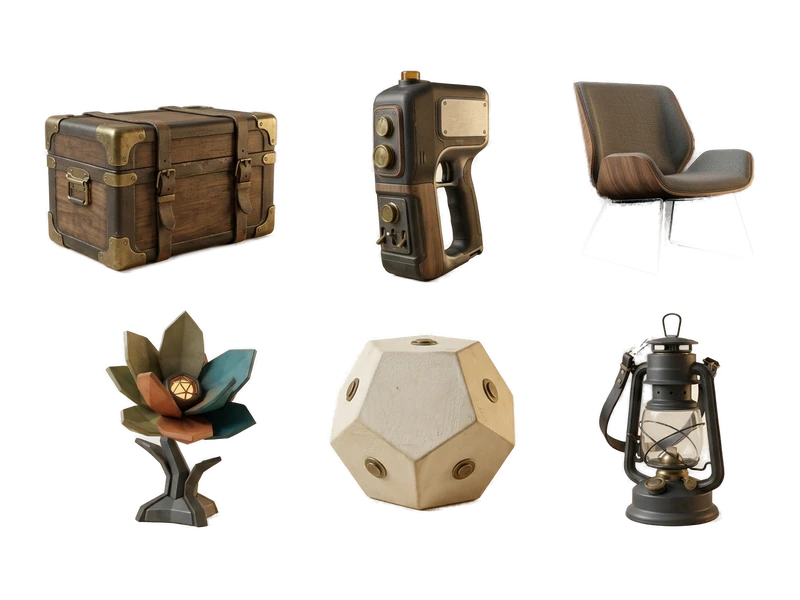
Create reference images for the image-to-3D workflow.
Remeshing
Local mesh and surface updates.
Try Fudge3d on Your Own Hardware
Free viewer · 10 free generations monthly · Local creative processing