
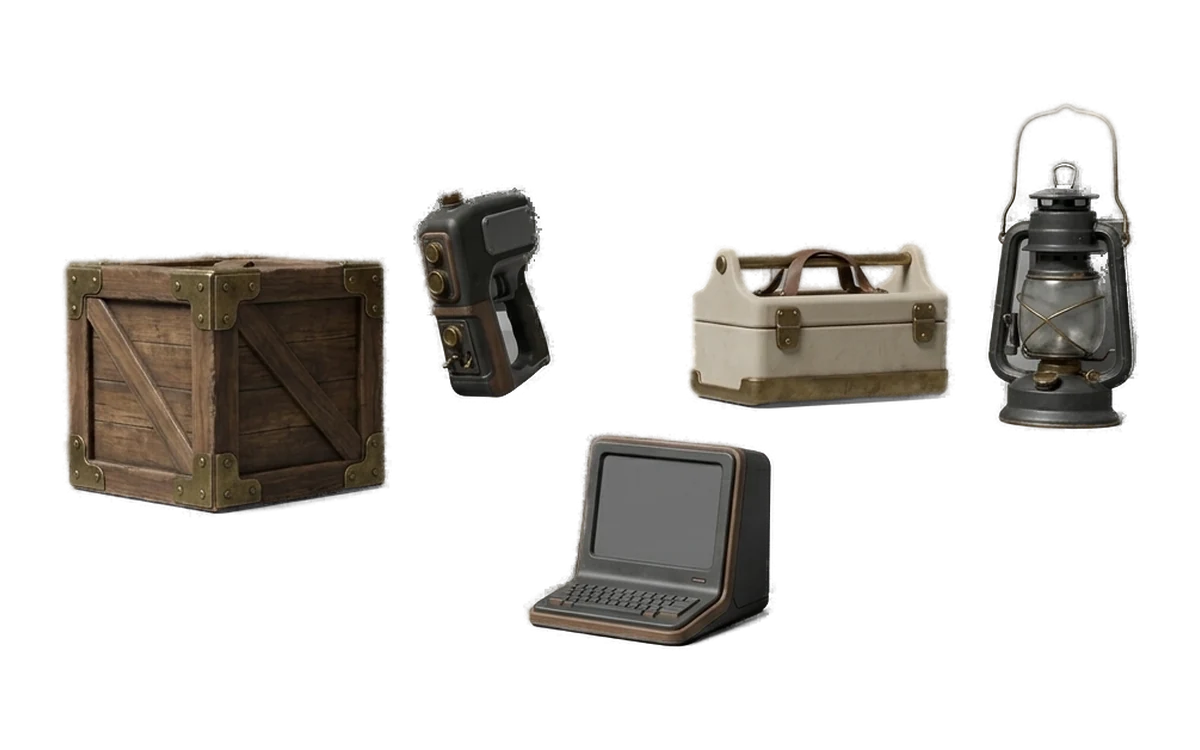
Game Development
Fill a level with props and blockout geometry without paying per asset or sending the art director's concepts to anyone's server.
Generate 3D models from images or text, create PBR textures, remesh existing assets and open FBX, OBJ and GLB files in one desktop app. Creative processing runs locally.
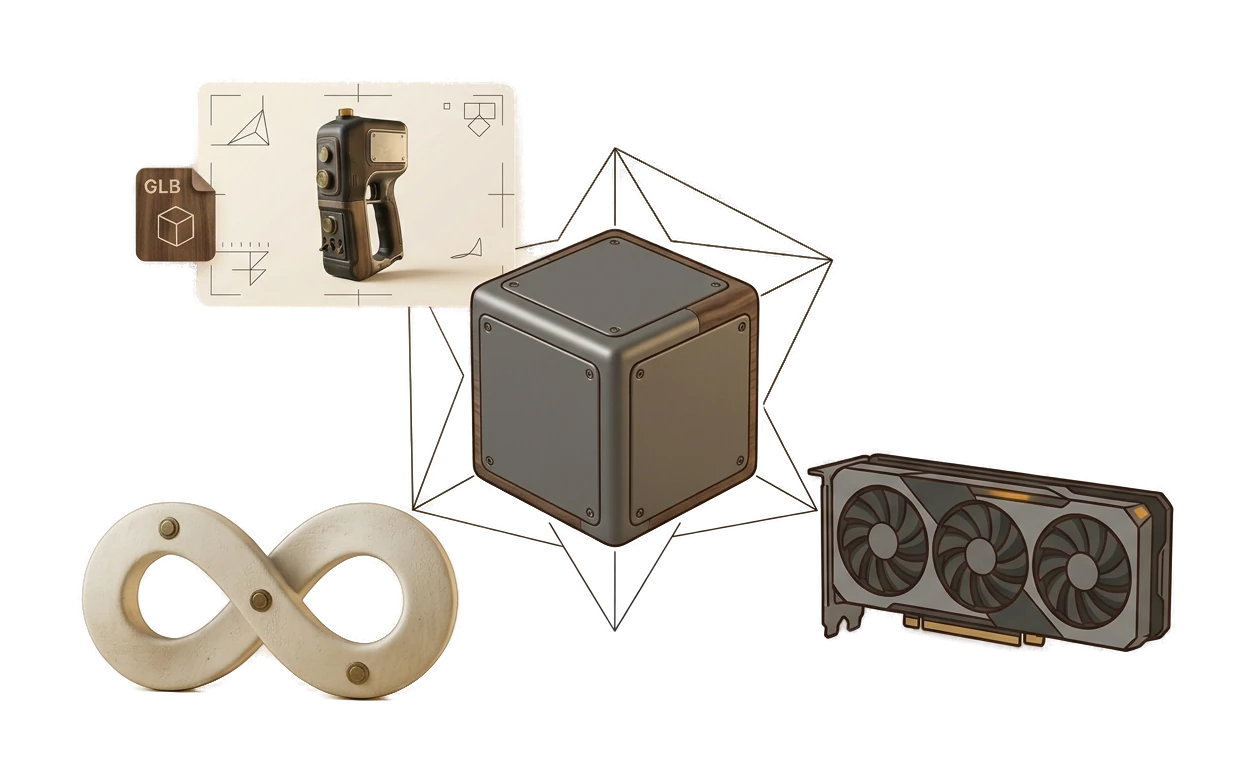
Creative inputs and outputs are not uploaded for processing. Review your specific client agreement for legal requirements.
Generation runs on hardware you already own, so there is no per-model cost. Kitbash two hundred background props if that is what the scene needs.
Pro caches a signed entitlement for 30 days and may refresh it while online. The viewer requires no network connection.
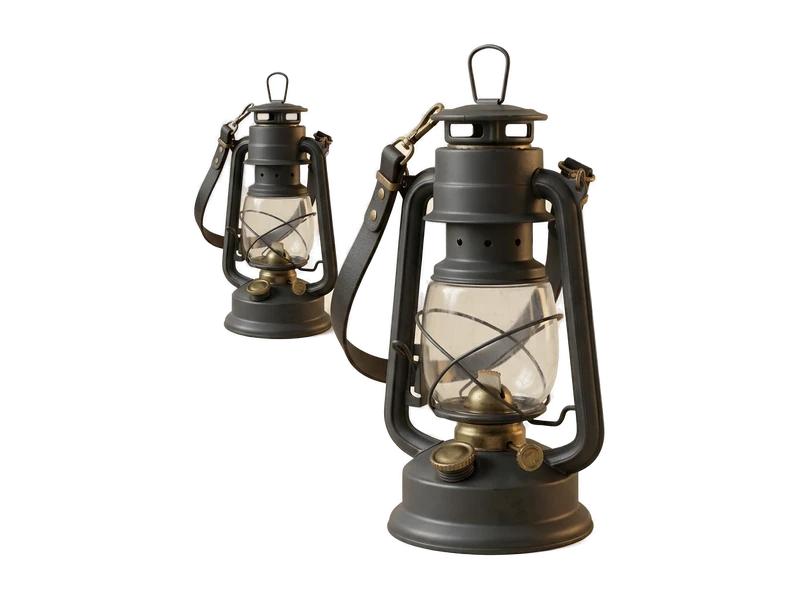
Open FBX, OBJ and GLB files in the free viewer without an account or network connection. Viewing remains available whether or not you subscribe to Pro.
Free forever · no account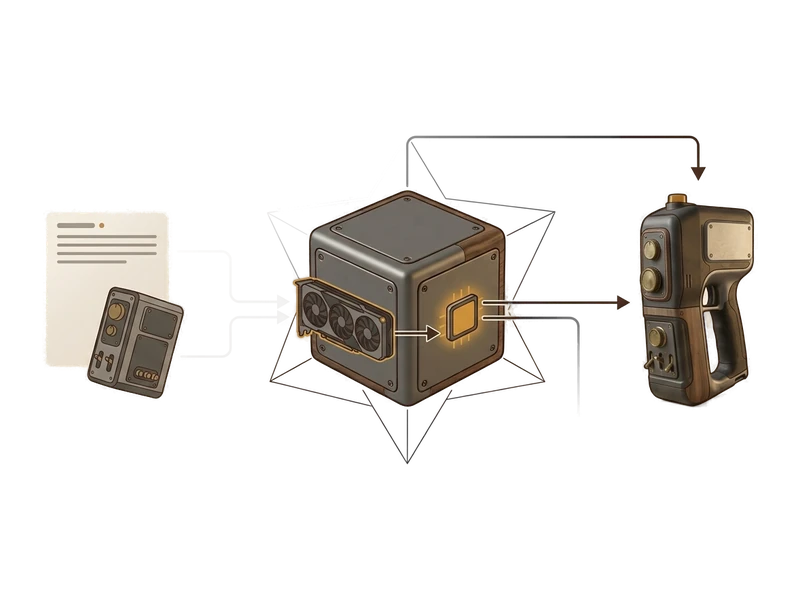
Point Fudge3d at a single reference image and it builds a textured 3D model on your machine. Concept art, a product photo, a scan of a paper sketch - the picture never leaves your computer, which is what makes this usable on client work you are contractually barred from uploading anywhere.
Explore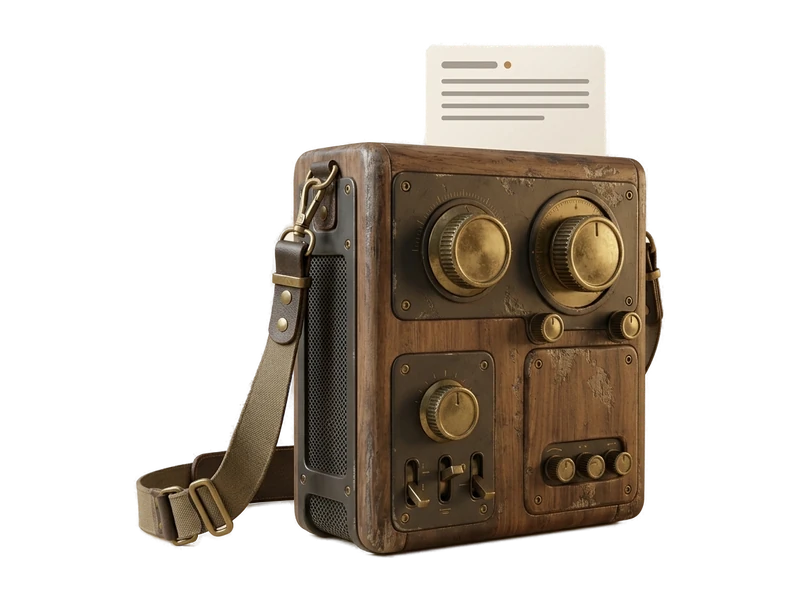
Type what you need and get a textured model back. Useful for blockouts and background props where you know the shape you want but sketching it first is wasted time. Runs with the network off, so the prompt is not logged, rate-limited, or metered by anyone.
Explore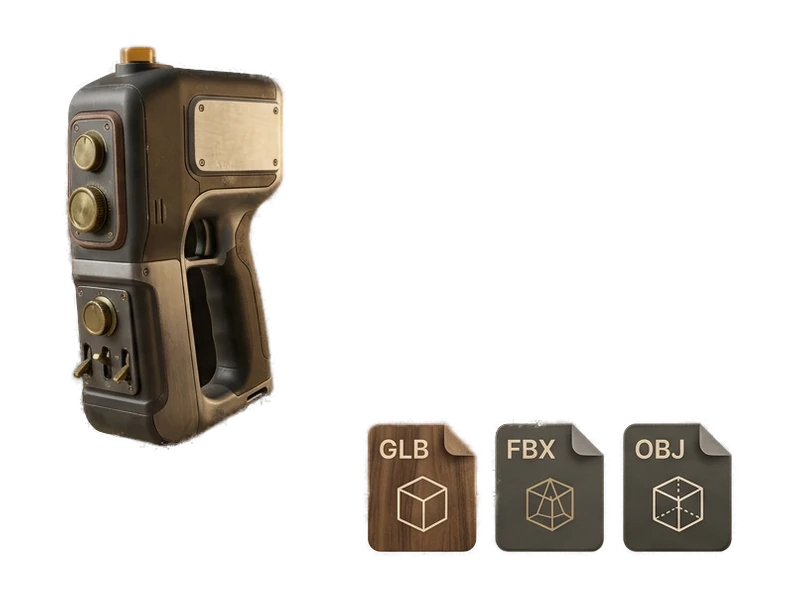
Bring your own model - modelled in Blender, bought from a marketplace, or pulled from an old project - and generate a complete PBR set for it: albedo, normal, metallic and roughness. The maps land as ordinary image files in a folder you choose, ready for Unity, Unreal or Blender.
Explore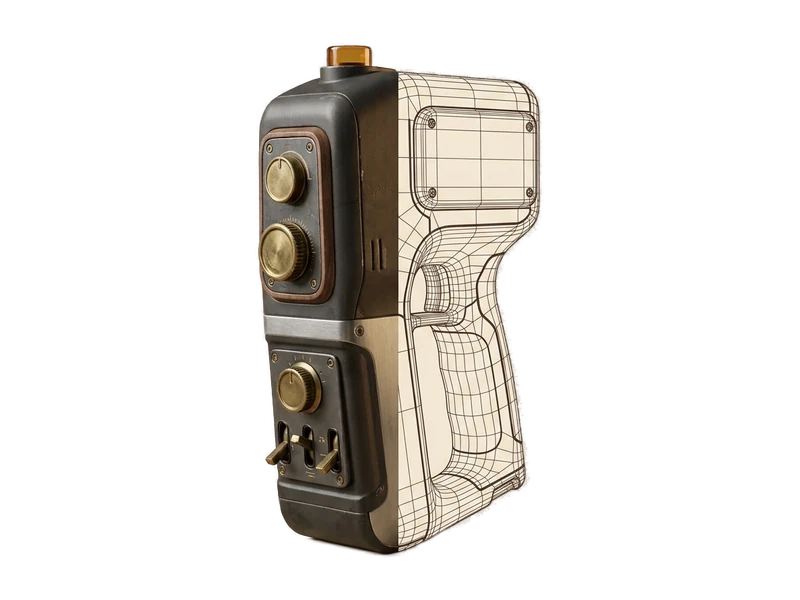
Remesh or repaint existing models with creative operations that run locally on your GPU. The workflow supports imported models as well as models generated in Fudge3d.
Explore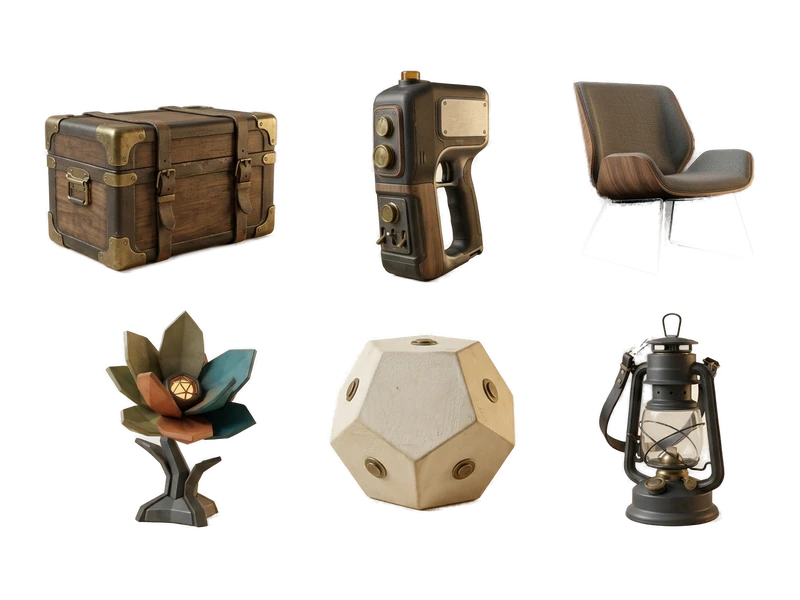
A concept-art generator with a narrow job: produce the kind of image that converts well to 3D. Clean background, single subject, one unambiguous angle. It is not a general-purpose art tool and does not pretend to be - it exists so you are never blocked waiting on a reference.
Explore
Fill a level with props and blockout geometry without paying per asset or sending the art director's concepts to anyone's server.
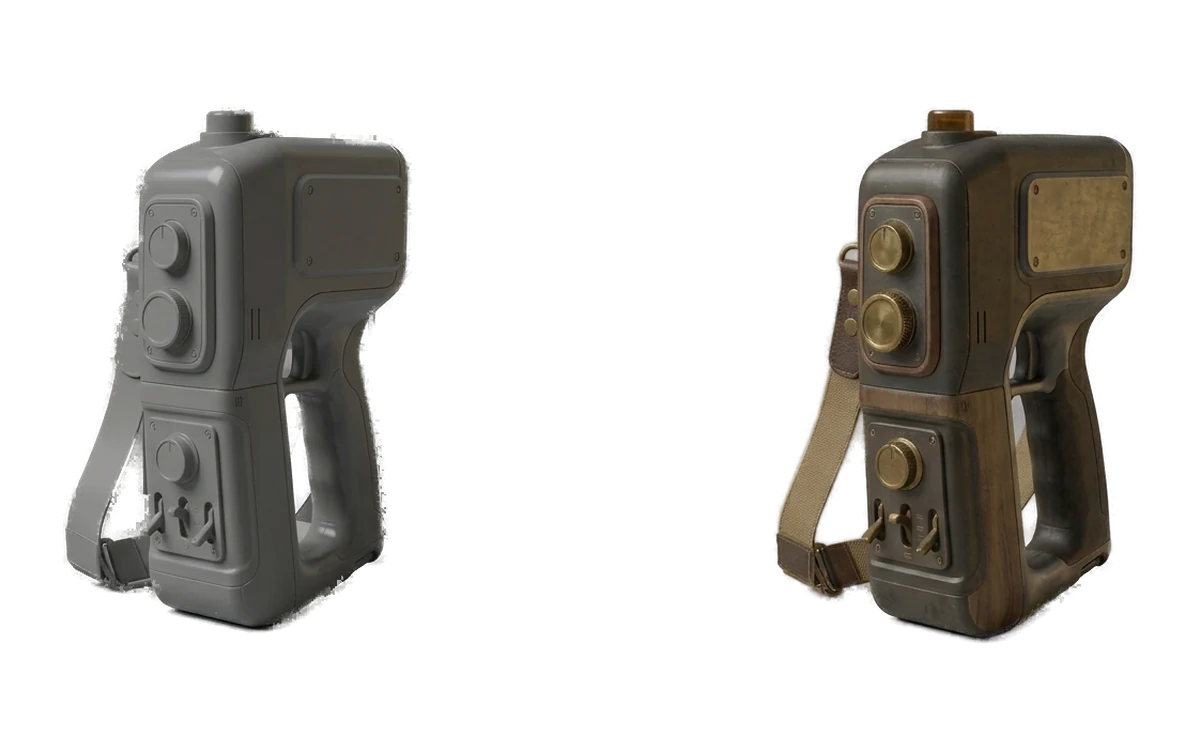
Previz a sequence and dress a set with background geometry while the shot is still changing daily, on machines already inside the facility.
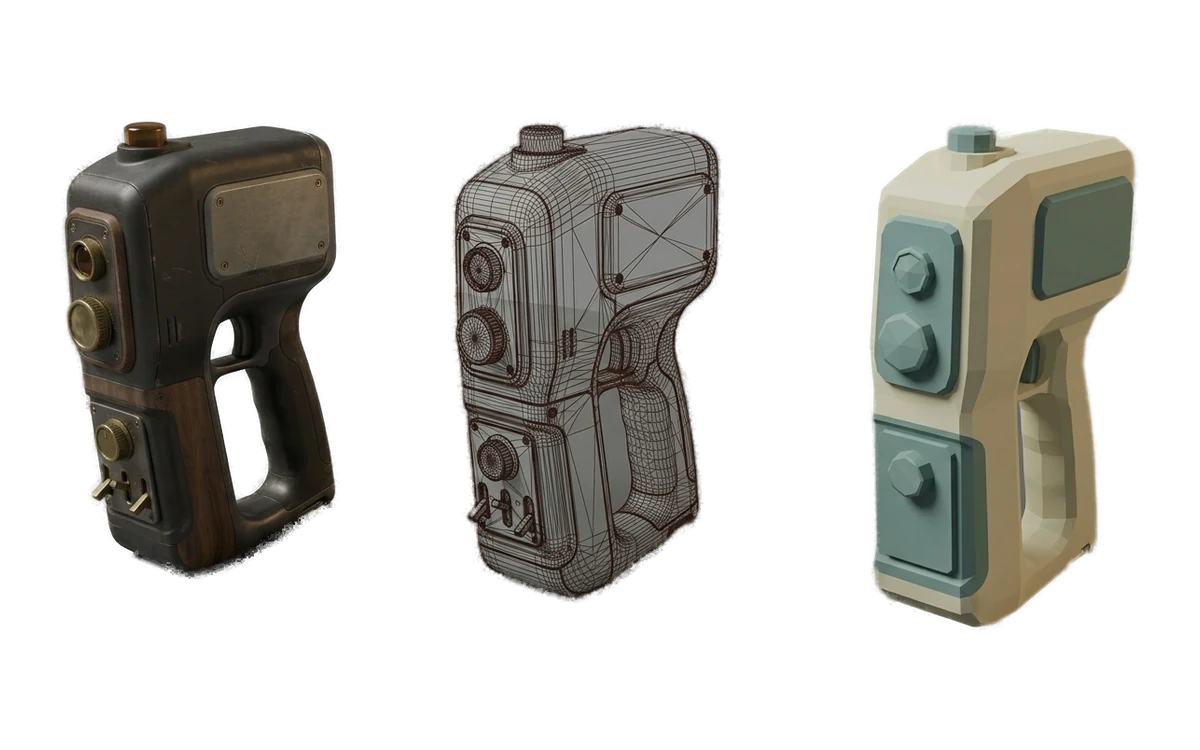
Generate environment props, then remesh them to the poly budget the headset actually allows before they ever reach the build.
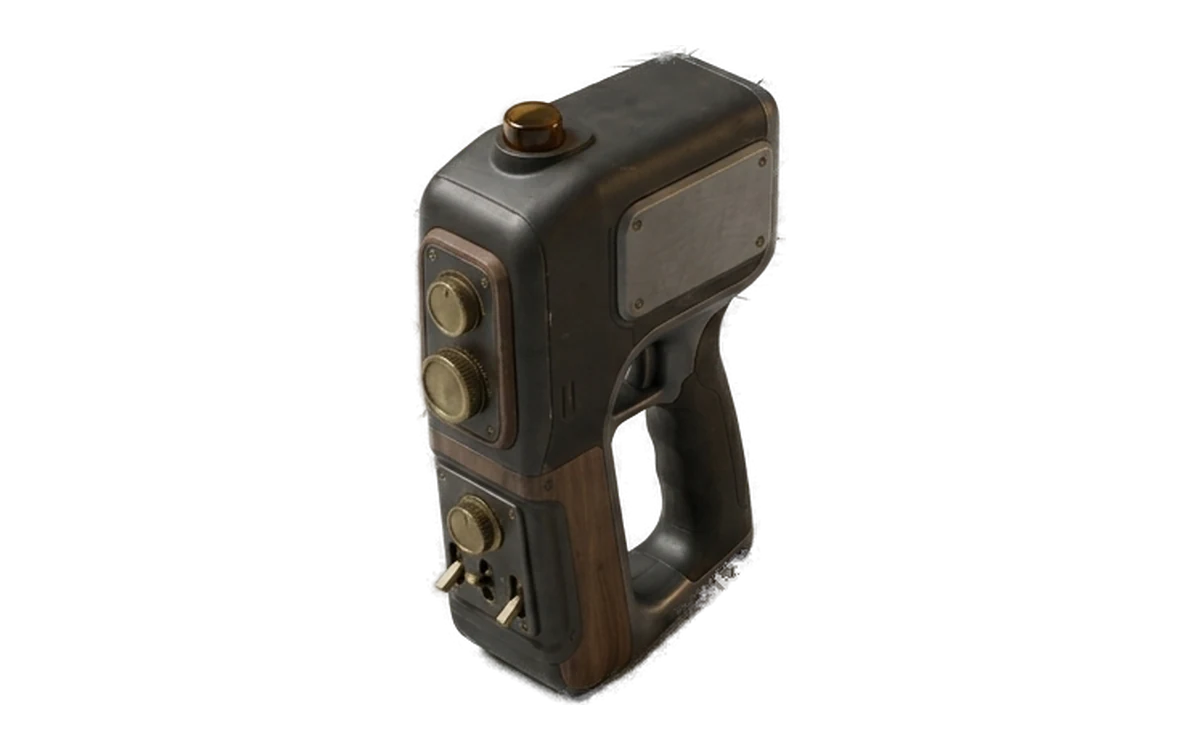
Turn a sketch into something you can rotate in front of a client this afternoon, and iterate again after they change their mind.
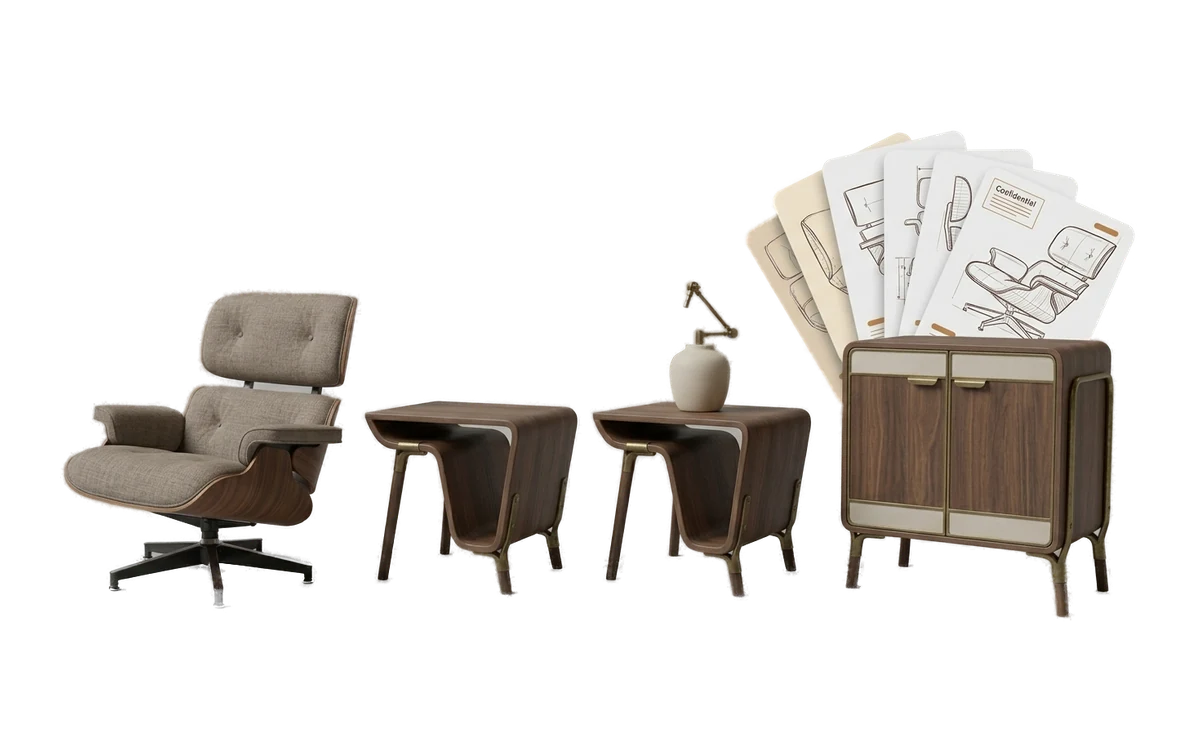
Furnish a scene with the specific pieces a room needs instead of the nearest match in an asset library you already paid for.
Put a viewer on every machine in the lab for nothing, and let a class generate their own models without a per-student bill.
No. Generation, texturing, remeshing and repainting run locally. The free viewer requires no network connection. Account, licensing and payment functions use network services as described in the privacy policy.
Creative inputs and outputs are not uploaded for processing. Review your specific client agreement; this describes product behavior, not legal advice.
Pro caches a signed entitlement for 30 days and may refresh it while online. If the entitlement expires without a refresh, the app returns to the Free tier.
Text to 3D takes a written description and produces a textured model with no reference material. Image to 3D takes one reference image - concept art, a photo, a scan of a sketch - and builds a model that matches it. Use Text to 3D when the idea only exists in your head, and Image to 3D when you already have art you need the model to resemble.
Yes. The AI Texture Generator accepts models you import, so anything you modelled in Blender or Maya, bought from a marketplace, or generated in another tool can be textured in Fudge3d. Remeshing works on imported models too. Nothing in the pipeline requires the mesh to have come from Fudge3d.
Fudge3d supports Windows 10/11 and macOS on Apple Silicon. Intel Mac support is not confirmed.
No. Some cloud tools do auto-rigging and animation and Fudge3d does not, at launch or in the near term. If a rigged, animation-ready character is what you need in one click, one of those tools is a better fit. Fudge3d covers generation, texturing, remeshing and viewing.
Nothing. Every model, texture and export you have already generated stays on your computer and stays fully yours, including for commercial use. Nothing is watermarked, disabled, degraded or clawed back. The app drops to the free tier: the viewer keeps working exactly as before, along with the monthly free generation allowance. The only thing that stops is unlimited new generation.
You do, on both the free and paid tiers, including commercial use, with no royalty and no attribution required. The law on AI-generated output is unsettled and differs by country, so we do not represent that output is free of third-party rights or that it is copyrightable.
Fudge3d supports Windows 10/11 and macOS on Apple Silicon. Intel Mac support is not confirmed.