
Local AI 3D Tools for Film & VFX Previs
Generate previs props, set-dressing assets and background geometry while confidential creative work stays on the production machine during creative processing.
Windows 10/11 · macOS on Apple Silicon · Free viewer

Built for concepting under confidentiality
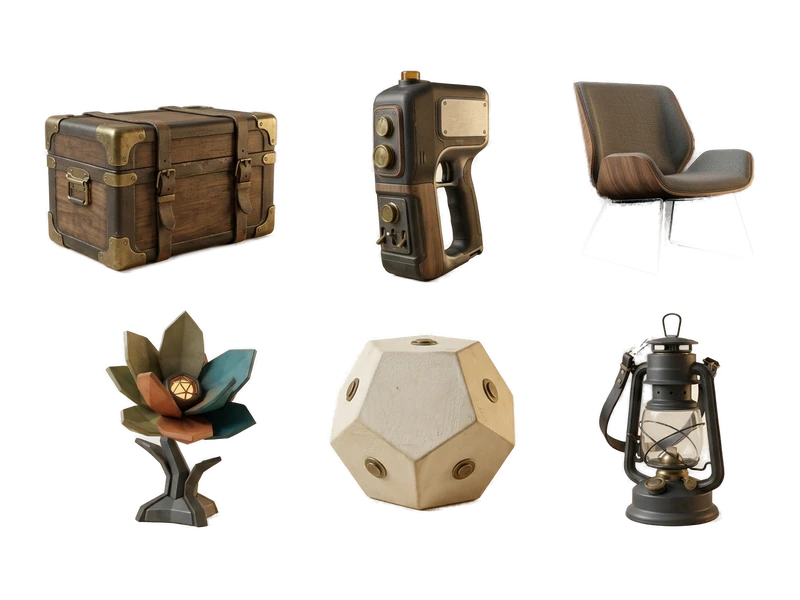
AI Image Generator
Generate reference and concept art locally to explore a look before committing production time, without an unreleased concept ever leaving your machine.
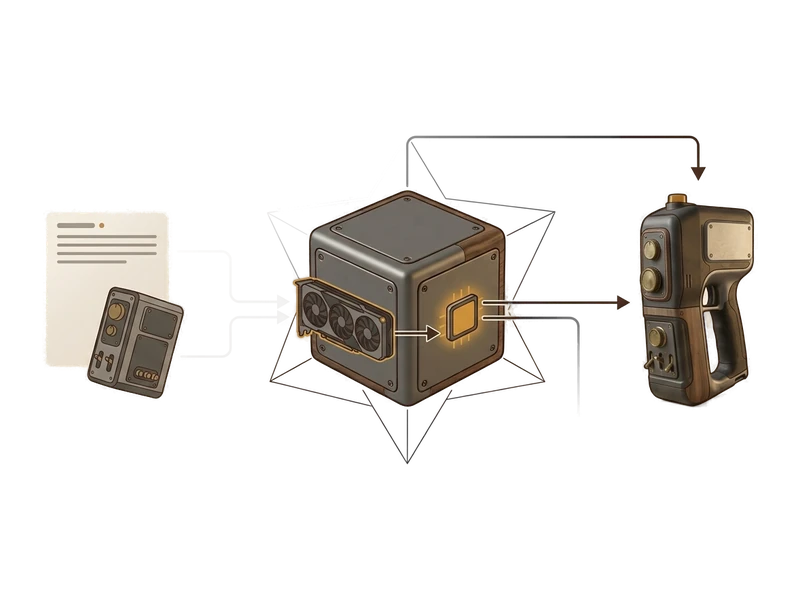
Image to 3D
Turn a concept image into a 3D asset for previs, blocking and camera planning before final assets exist.
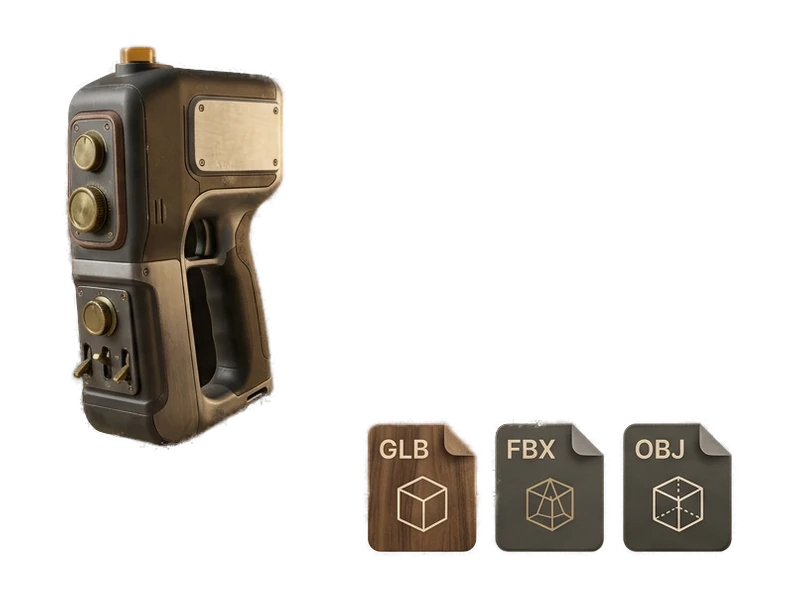
AI Texture Generator
Apply a PBR material set to a previs asset so it reads correctly under your renderer's lighting, without waiting on a cloud texturing pass.
Common questions
Does Fudge3d work offline for on-set or on-location previs?
Yes. Generation, texturing and the viewer all run locally on your GPU, so you can concept and preview assets on set or on location without an internet connection.
Is unreleased production work kept confidential?
Yes. Nothing you generate or open is uploaded - reference images, prompts and models stay on your machine, which matters for unreleased productions under strict confidentiality.
What does it cost to start using Fudge3d for film and VFX work?
The 3D viewer is free forever. Optional generation tiers are available, and you can download the installer to get started.
How do I quickly turn a concept image into a previs asset?
Generate a reference image with the AI Image Generator, or use one you already have, then run it through Image to 3D to get a model for blocking and previs, all locally.
What GPU do I need to run generation and texturing?
Generation and texturing use your own GPU, so requirements depend on the machine you have. Exact specs are listed on the download page.
Are the generated assets ready for PBR-based rendering pipelines?
Yes. Models come with albedo, normal, metallic and roughness maps, so they display correctly in PBR-based renderers and engines without extra setup.
Concept and preview with local creative processing.
Free viewer · No viewer account · Local creative processing