
AI 3D Model Generator for Game Development
Create props, blockouts and kitbash assets locally, then inspect, texture or remesh them before bringing them into your game pipeline.
Windows 10/11 · macOS on Apple Silicon · Free viewer
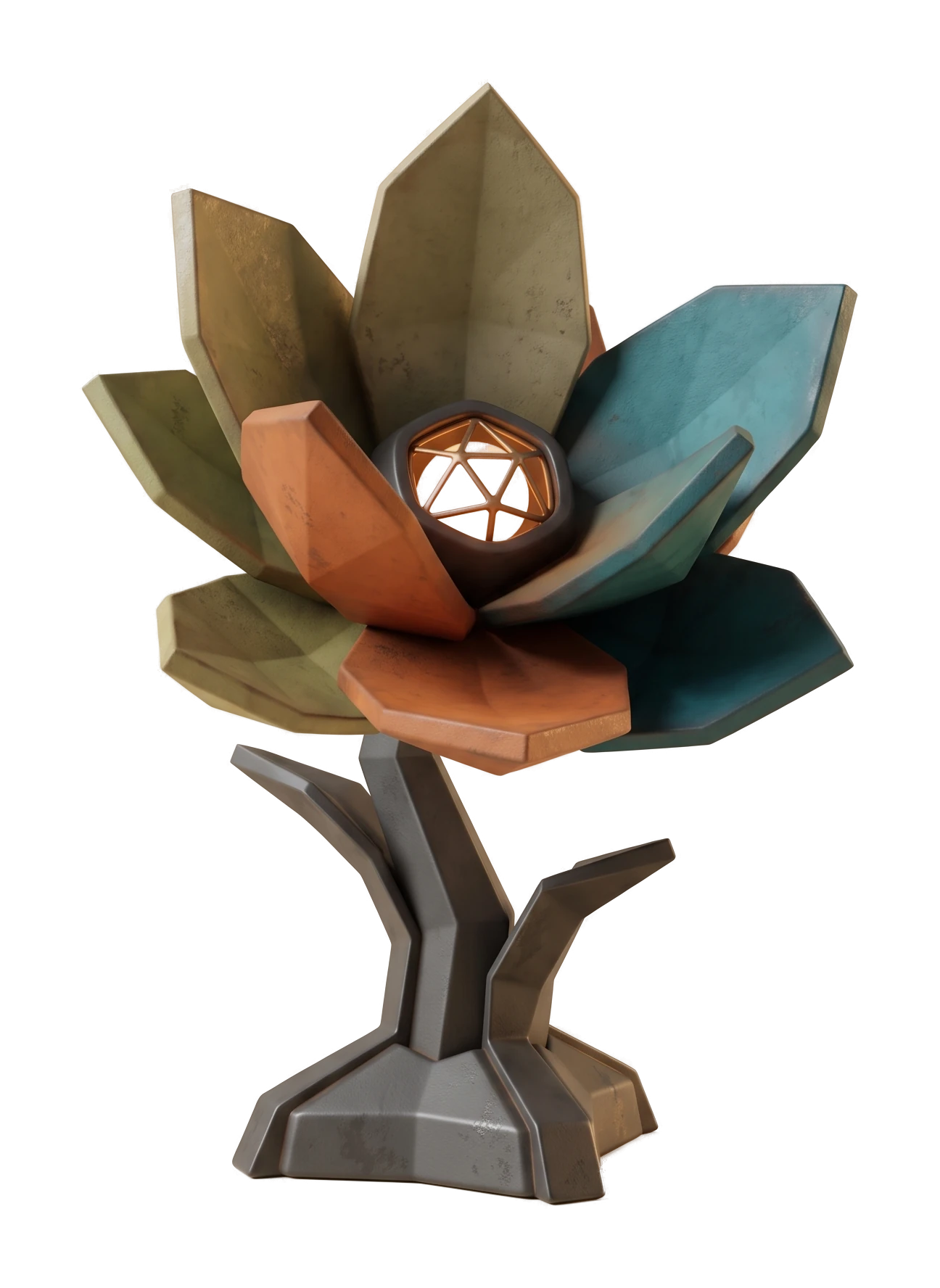
Built into a dev's daily asset workflow
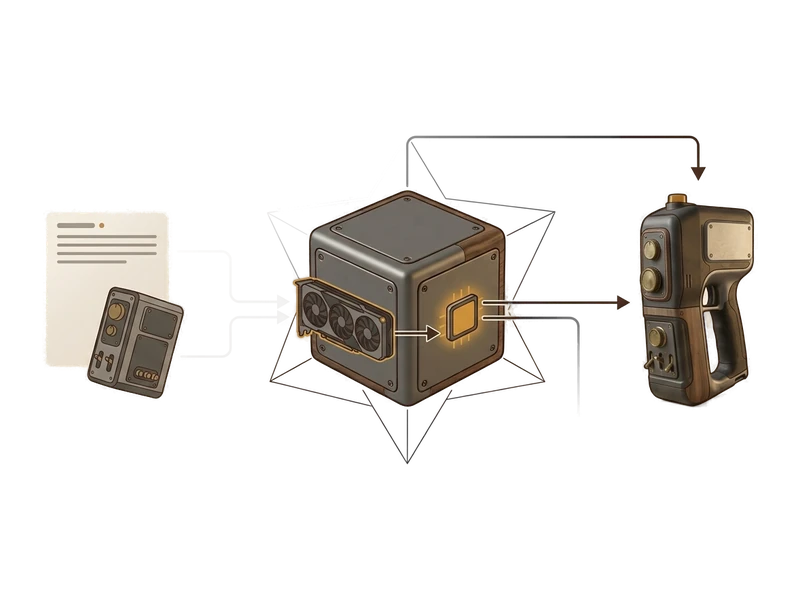
Image to 3D
Turn a reference photo or concept sketch into a blockout prop on your own GPU without sending the reference image to a third-party generation service.
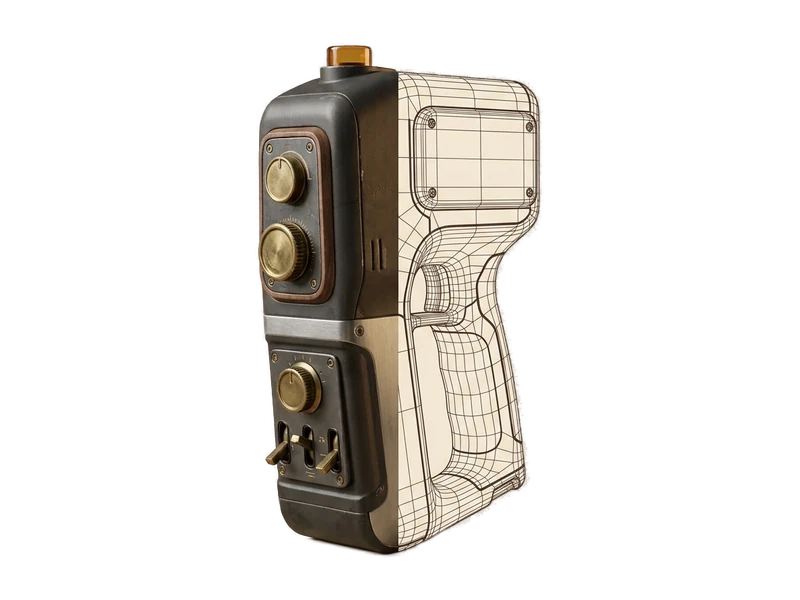
Remeshing
Use the local remeshing workflow, then inspect and validate the result against your engine and platform requirements.
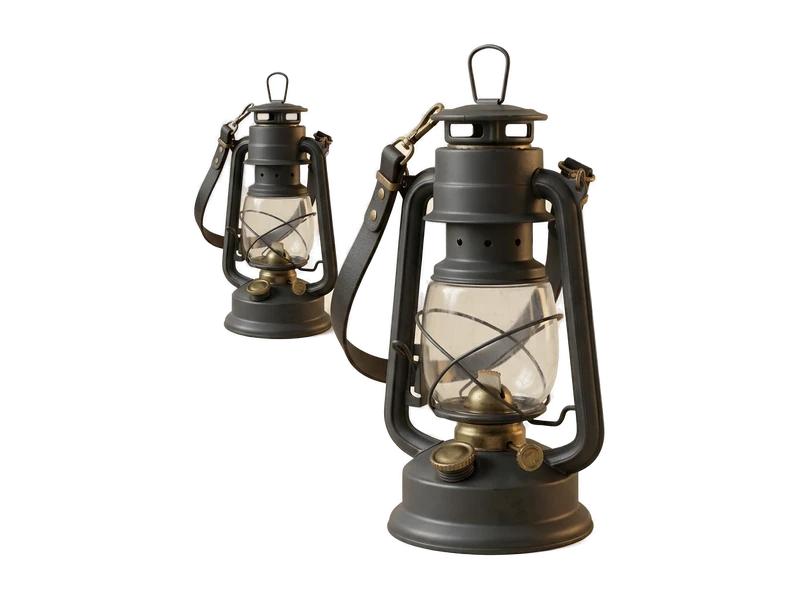
3D Viewer
Open an FBX, OBJ or GLB file from a teammate or marketplace and inspect it before adding it to your import pipeline.
Common questions
Does Fudge3d work offline for asset review on set or on a locked-down studio network?
The viewer requires no network connection. Generation, texturing and remeshing run locally without uploading creative inputs or outputs for processing. Pro caches a signed entitlement for 30 days.
Will opening a teammate's or a marketplace asset upload it anywhere?
The viewer requires no network connection. Creative generation operations run locally and do not upload creative inputs or outputs for processing.
What does it cost to start using Fudge3d for game development?
The 3D viewer is free forever. Optional generation tiers are available, and you can download the installer to get started.
How do I get a blockout prop into my engine?
Generate from an image or text prompt, then use the local remeshing and repainting workflow in the same desktop app.
What GPU do I need to run generation and remeshing?
Generation and remeshing use your own GPU, so requirements depend on the hardware you have. Exact specs are listed on the download page.
How should I validate remeshed output for a game target?
Use the local remeshing workflow, then inspect and validate the result against your engine and platform requirements.
Review, generate and remesh props without a cloud round-trip.
Free viewer · No viewer account · Local creative processing