
AI Reference Image Generator for 3D
Generate a clean reference or concept image on your own GPU, refine the idea in 2D, then continue into Fudge3d's Image to 3D workflow.
Windows 10/11 · macOS on Apple Silicon · Local creative operations
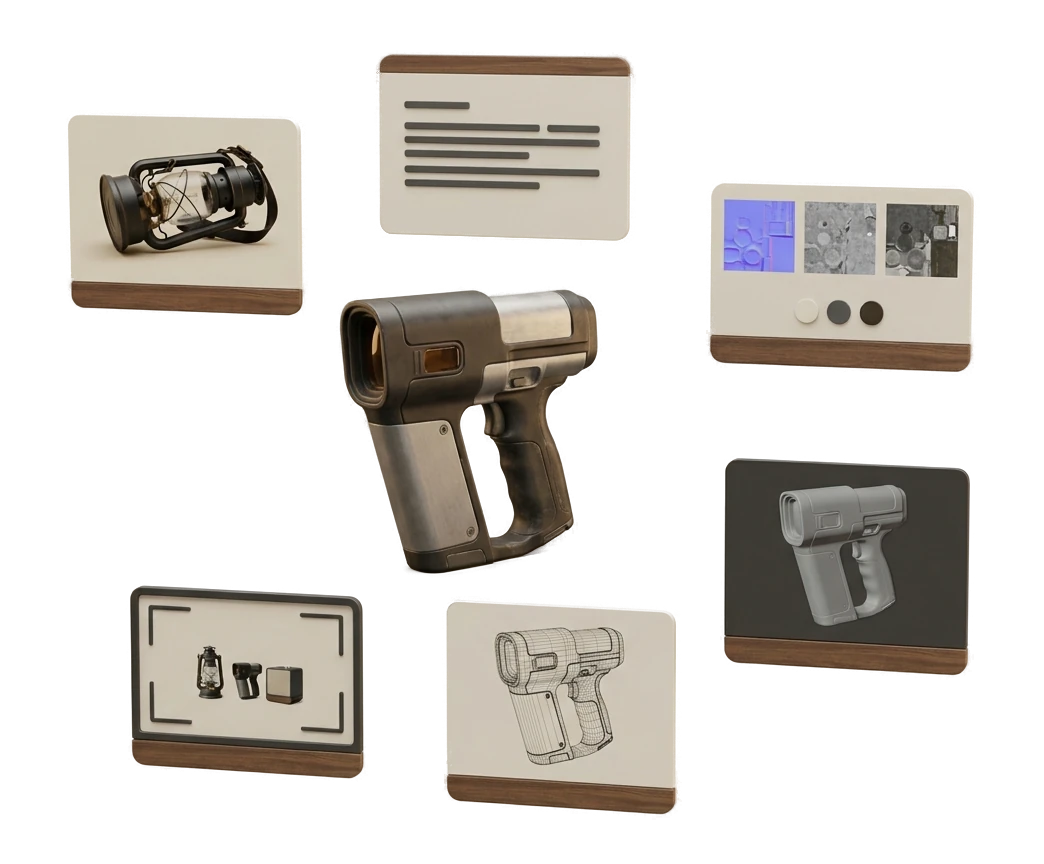
From an idea to a mesh, with an art-direction step in between
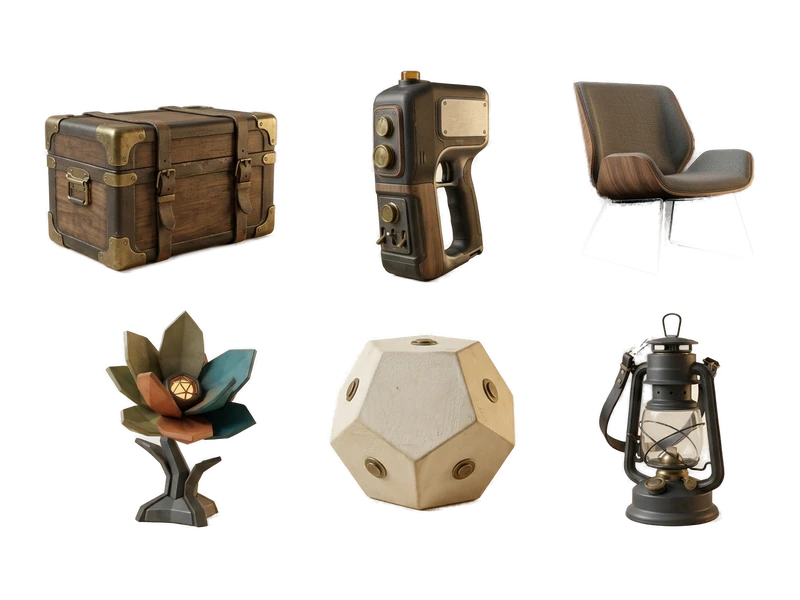
Describe the idea
Type a description of the object or concept you want, the same way you would for a text-to-3D prompt.
Generate a reference image
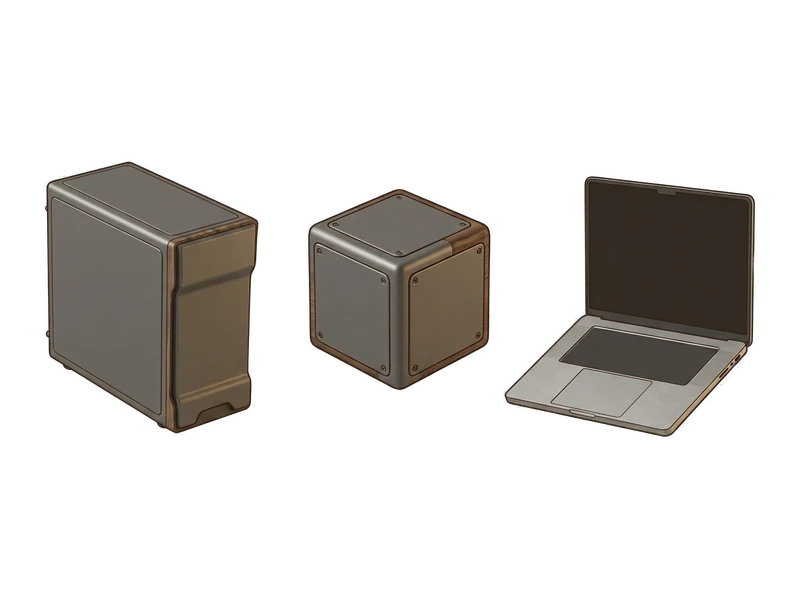
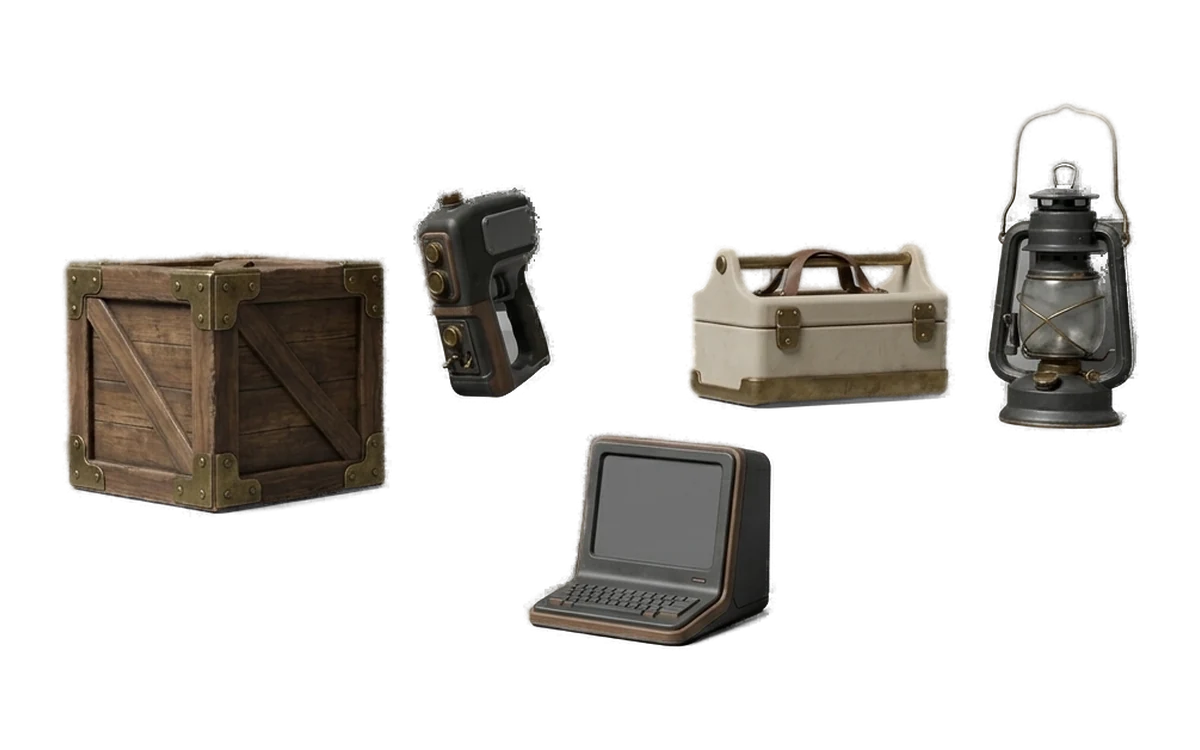
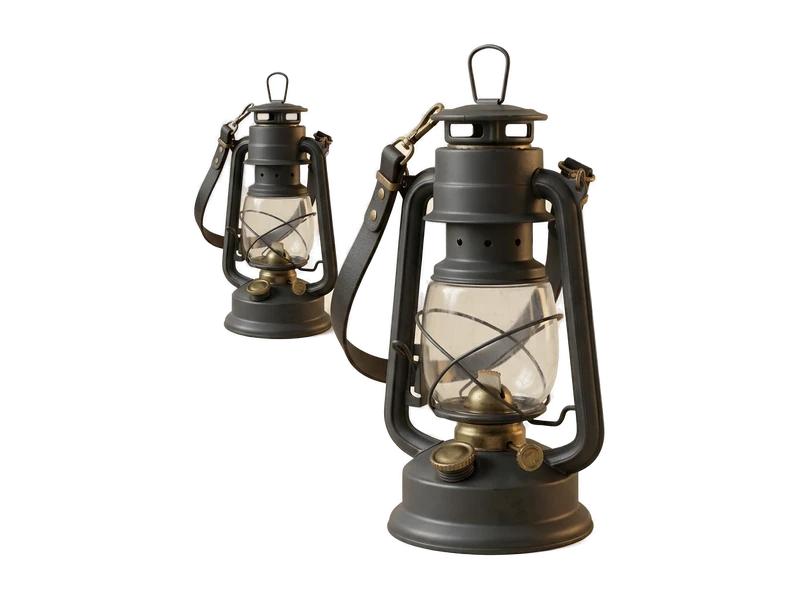
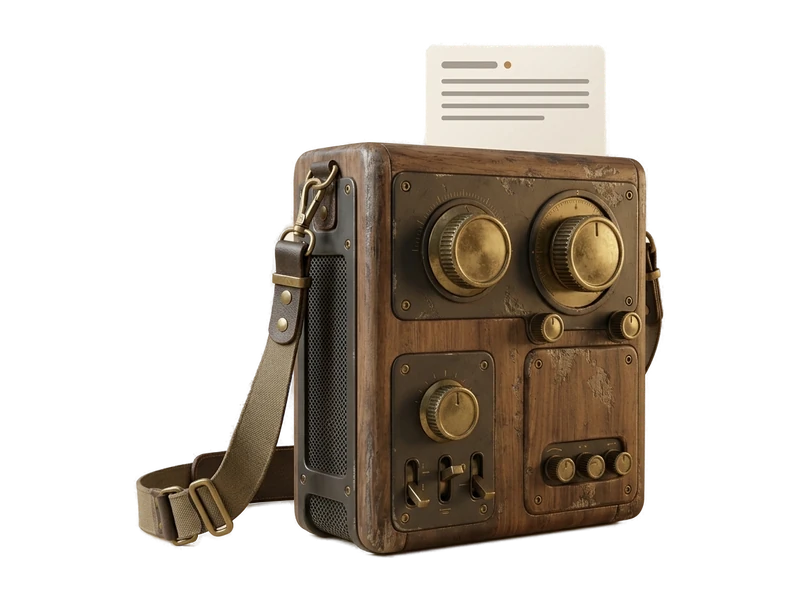
Fudge3d generates a clean, well-lit reference image locally - the kind of shot that gives Image to 3D a clear subject to work from.
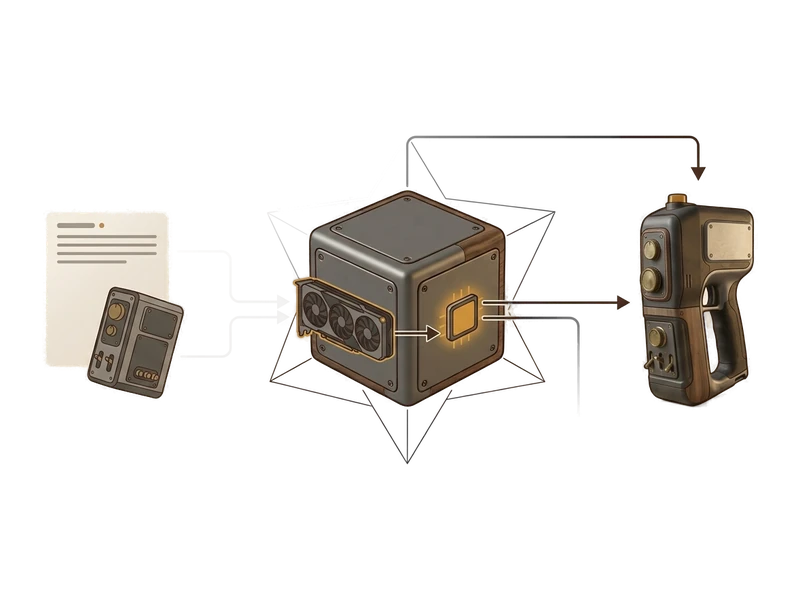
Send it into Image to 3D
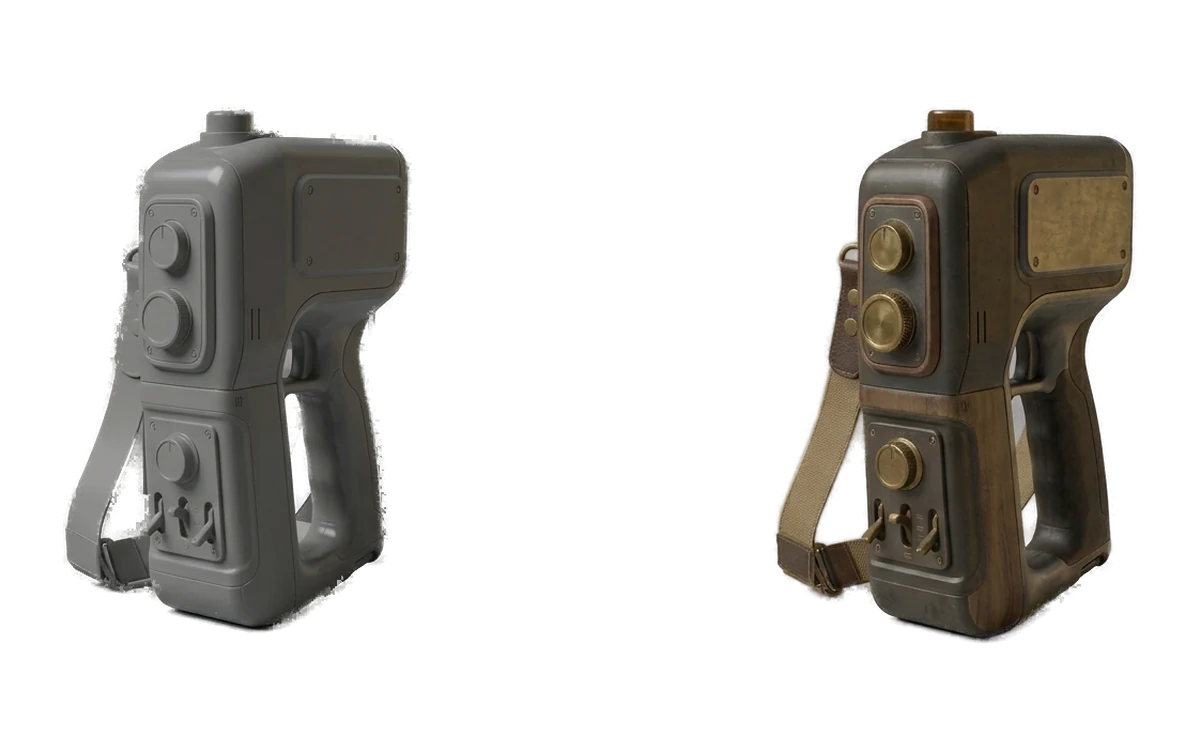
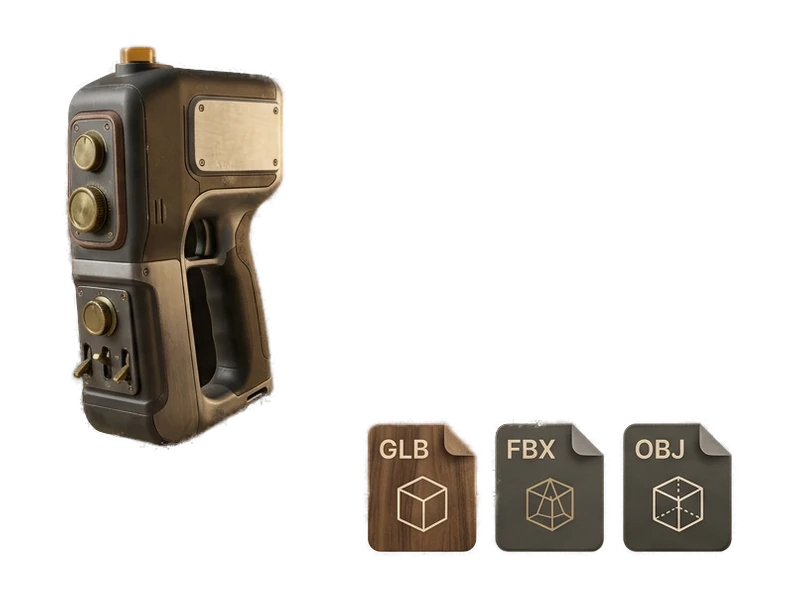
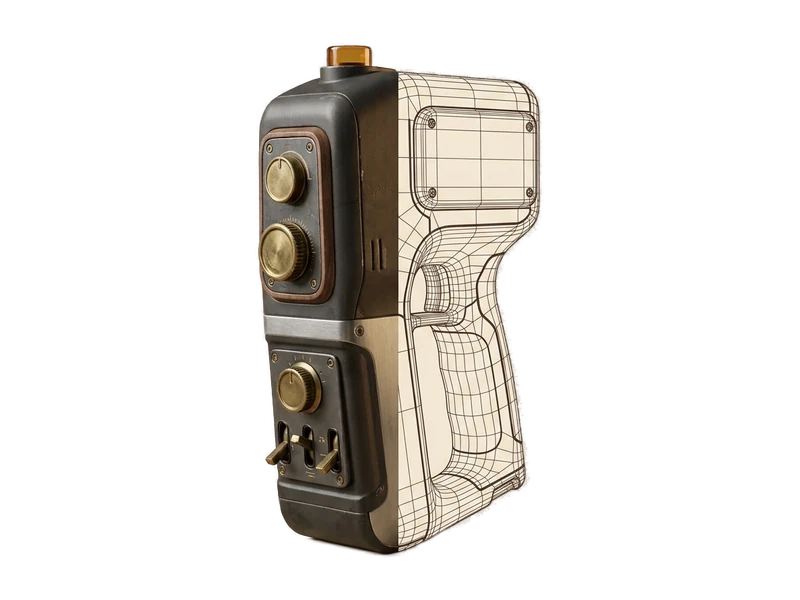
Once the image looks right, send it directly into Image to 3D to generate the model. Image to 3D
Made for the Image-to-3D Workflow
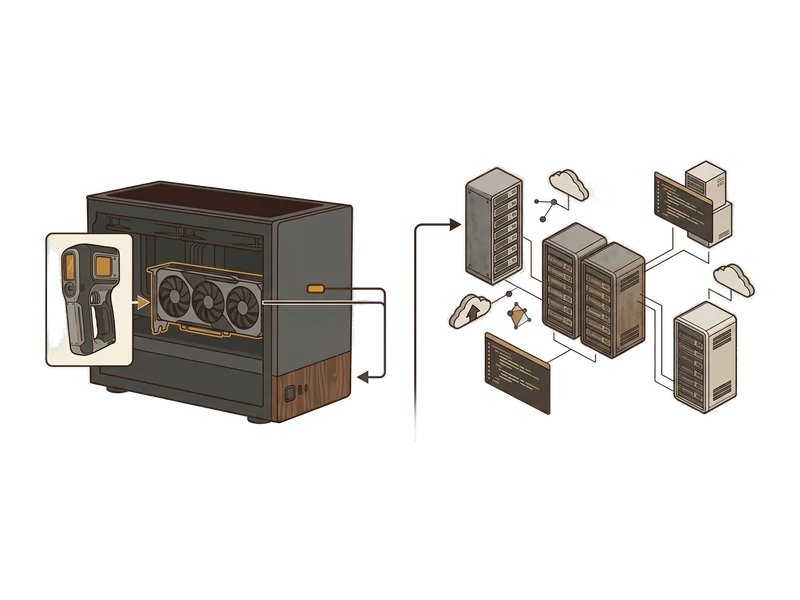
Unlimited & private
Generate as many reference images as you want to explore an idea, with no per-image cost and nothing you describe ever sent to a server.
Local creative processing
Reference images generate on your own GPU without uploading creative inputs or outputs for processing.
Art direction before you commit to a mesh
See and adjust the look of an idea in 2D first, instead of only judging the design after a full 3D generation.
Purpose-built for Image to 3D
Every generation is tuned to produce a clean, generation-friendly single reference image - not a general-purpose art tool.
Connected reference-to-model workflow
Generate the reference image and the 3D model in the same app, without exporting files between separate tools.
Simple install
One installer, next-next-done. No Python environment, no CUDA setup, no command line to fight with first.
Common questions
What is the AI Reference Image Generator for?
It creates a clear concept or reference image designed to feed the Image to 3D workflow. It is a focused art-direction step, not a general-purpose image service.
Does image generation run locally?
Yes. Reference-image generation runs on your own GPU and keeps creative inputs and outputs on your computer during processing.
Can I continue directly into Image to 3D?
Yes. After refining the reference in 2D, you can send it into the Image to 3D workflow in the same desktop app.
What makes a useful image-to-3D reference?
A single clear subject, readable silhouette, useful lighting and limited background clutter give the 3D workflow a more direct visual target.
Why generate an image before a 3D model?
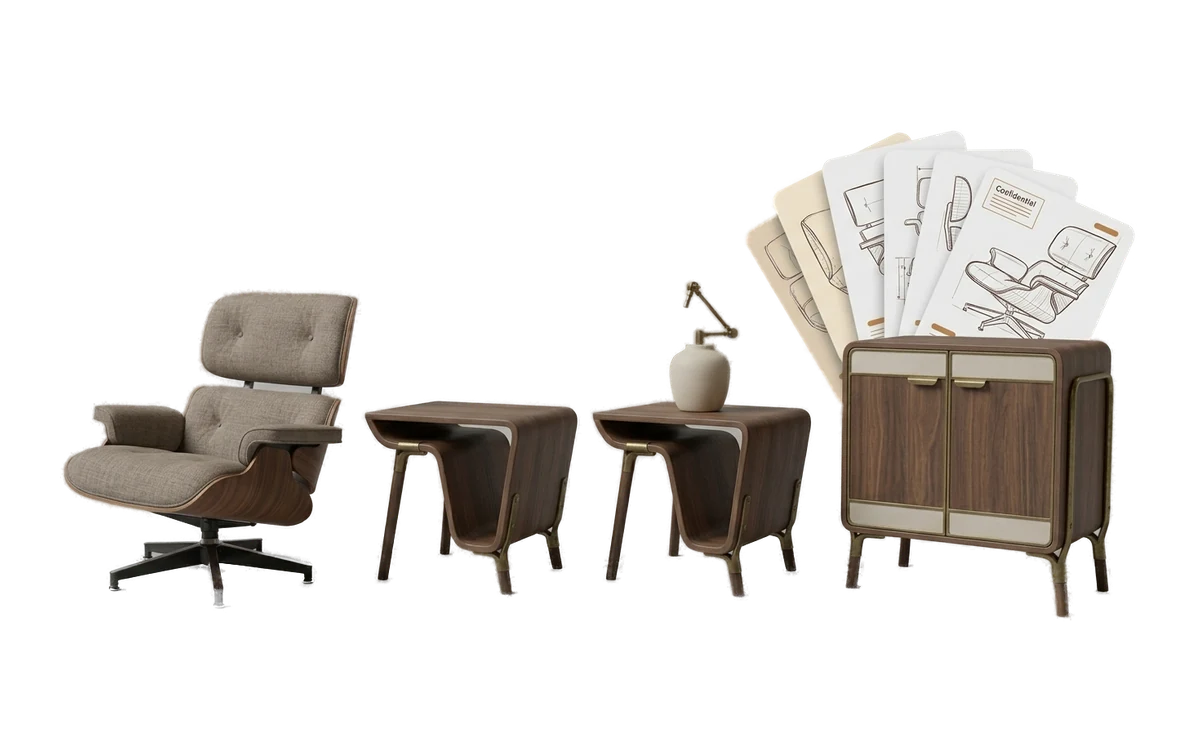
A 2D reference lets you make art-direction choices before committing to a mesh. It can be useful when the idea starts as text but needs a more specific shape or surface direction.
Can I save the reference images?
Yes. Generated images are your output and remain on your computer for continued use.
Is this a general-purpose image generator?
No. The feature is positioned specifically for reference and concept images used in Fudge3d's image-to-3D workflow.
Can I use it offline?
Creative image generation runs locally. Pro can work between licence checks using a signed entitlement cached for 30 days.
Are prompts or images uploaded?
No. Prompts and generated reference images are not uploaded for creative processing.
Do I own the generated reference image?
Yes. You own generated output and may use it commercially without royalty or attribution to Fudge3d.
Explore More Fudge3d 3D Tools
Try Fudge3d on Your Own Hardware
Free viewer · 10 free generations monthly · Local creative processing