
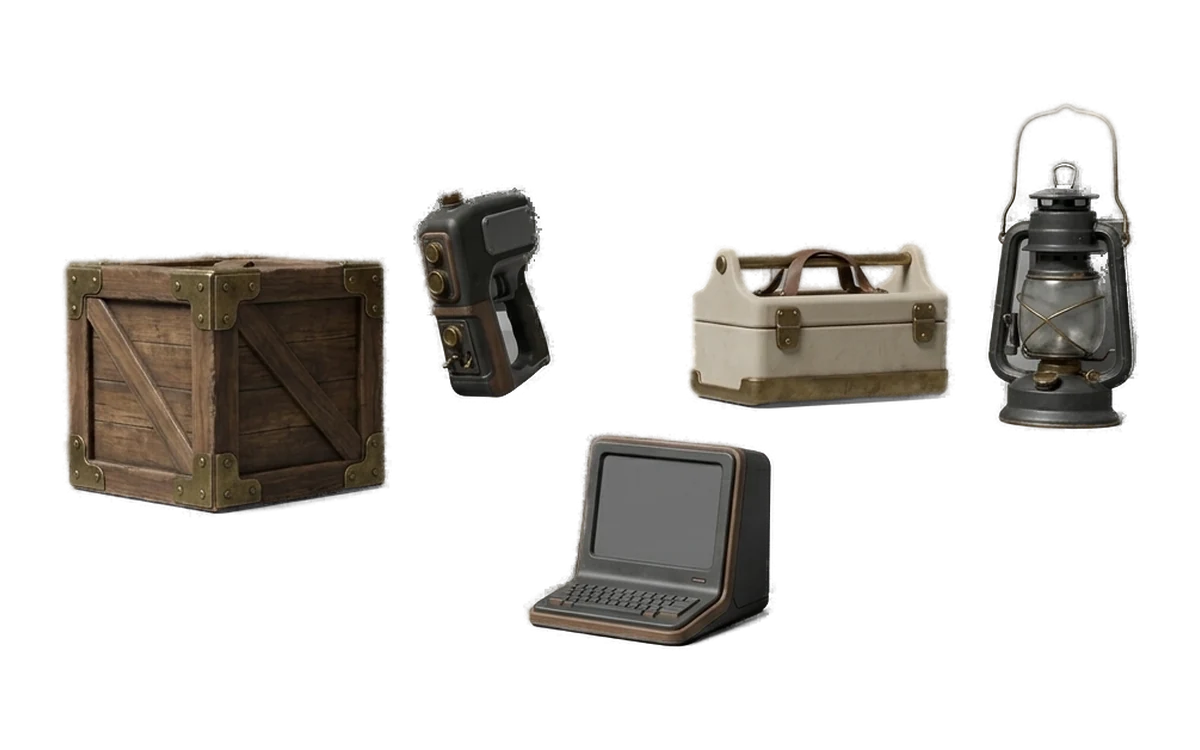
Game Development
Fill a level with props and blockout geometry without paying per asset or sending the art director's concepts to anyone's server.
See how Fudge3d fits into prop creation, blockouts, visualization, remeshing, model viewing and confidential 3D workflows.
Windows 10/11 · macOS on Apple Silicon · Free viewer
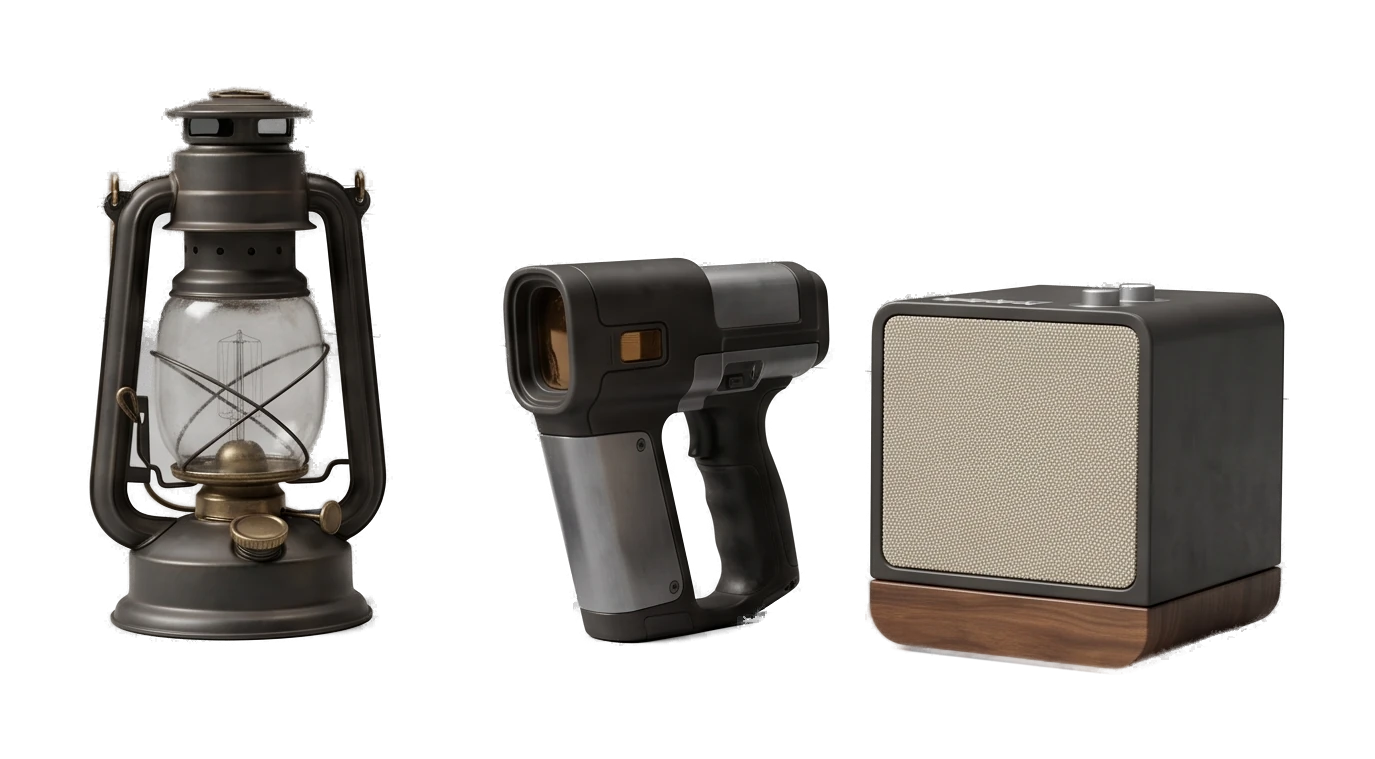
Pick the workflow you are actually working on.
Fill a level with props and blockout geometry without paying per asset or sending the art director's concepts to anyone's server.
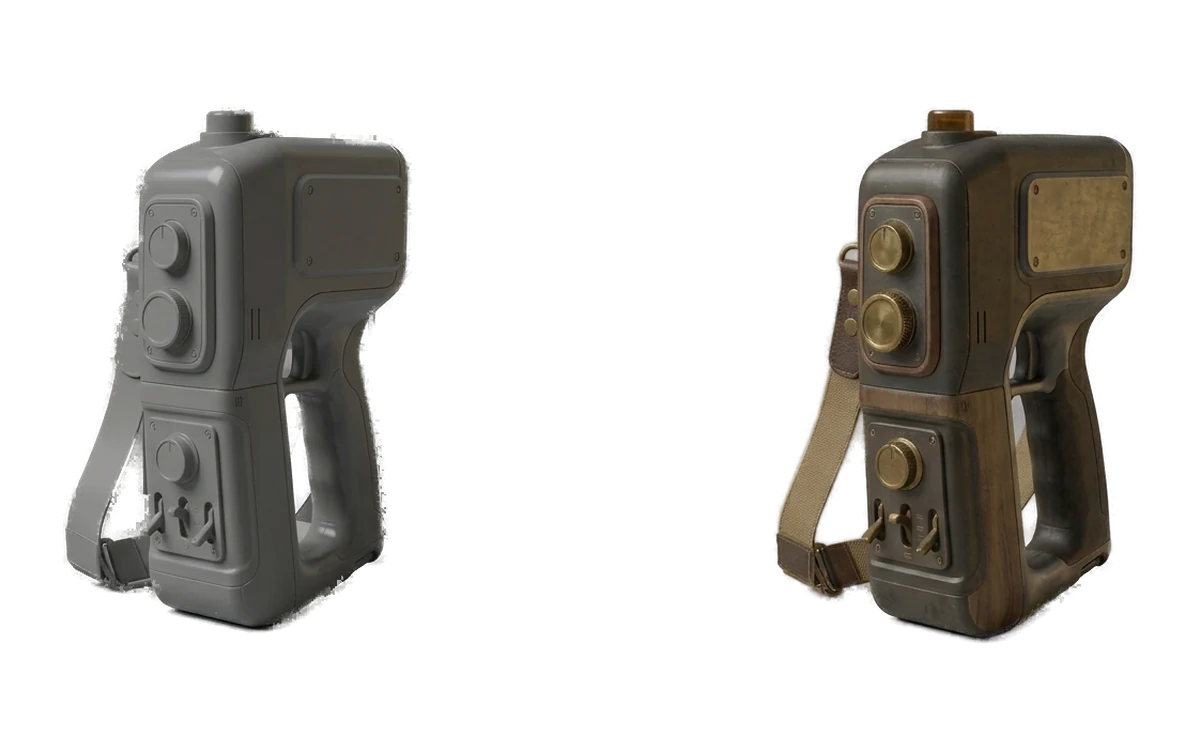
Previz a sequence and dress a set with background geometry while the shot is still changing daily, on machines already inside the facility.
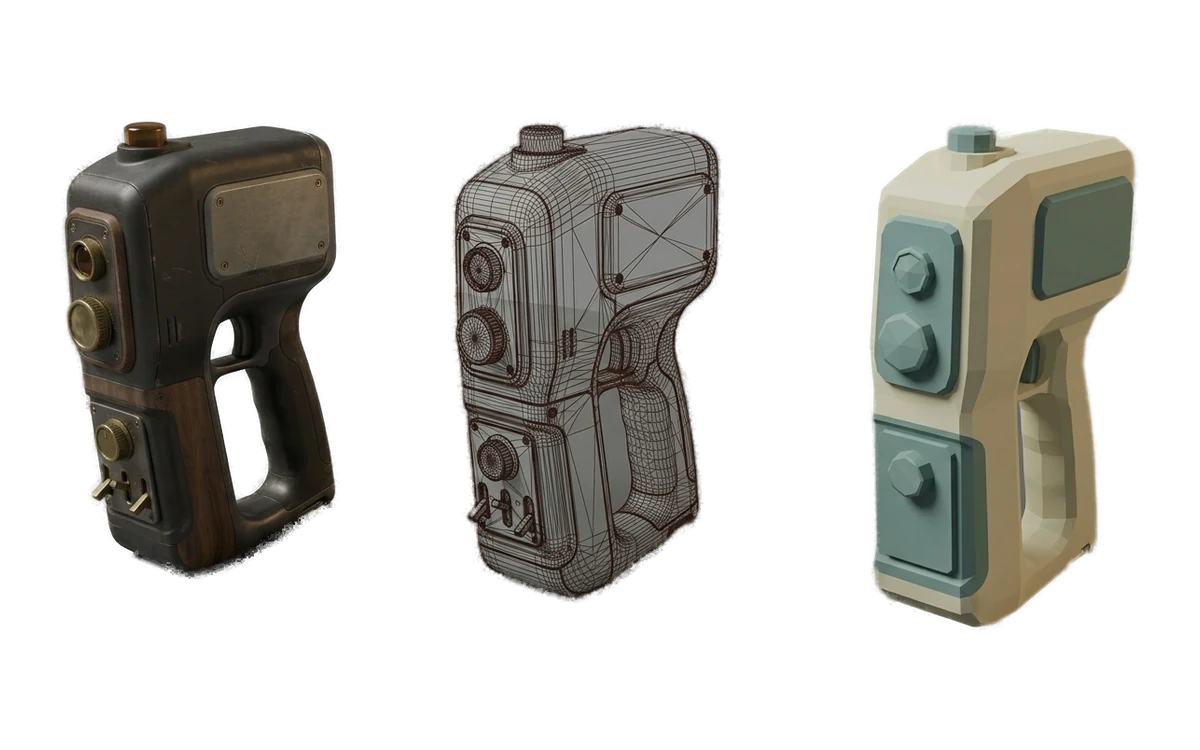
Generate environment props, then remesh them to the poly budget the headset actually allows before they ever reach the build.
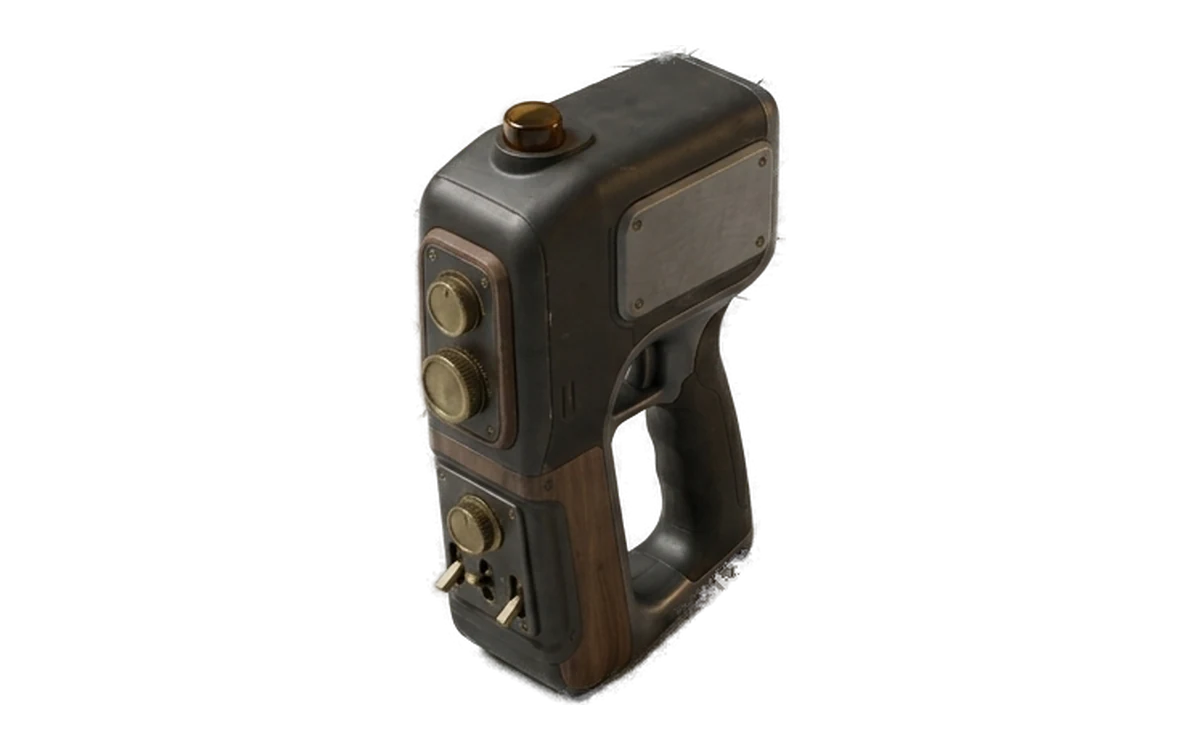
Turn a sketch into something you can rotate in front of a client this afternoon, and iterate again after they change their mind.

Furnish a scene with the specific pieces a room needs instead of the nearest match in an asset library you already paid for.
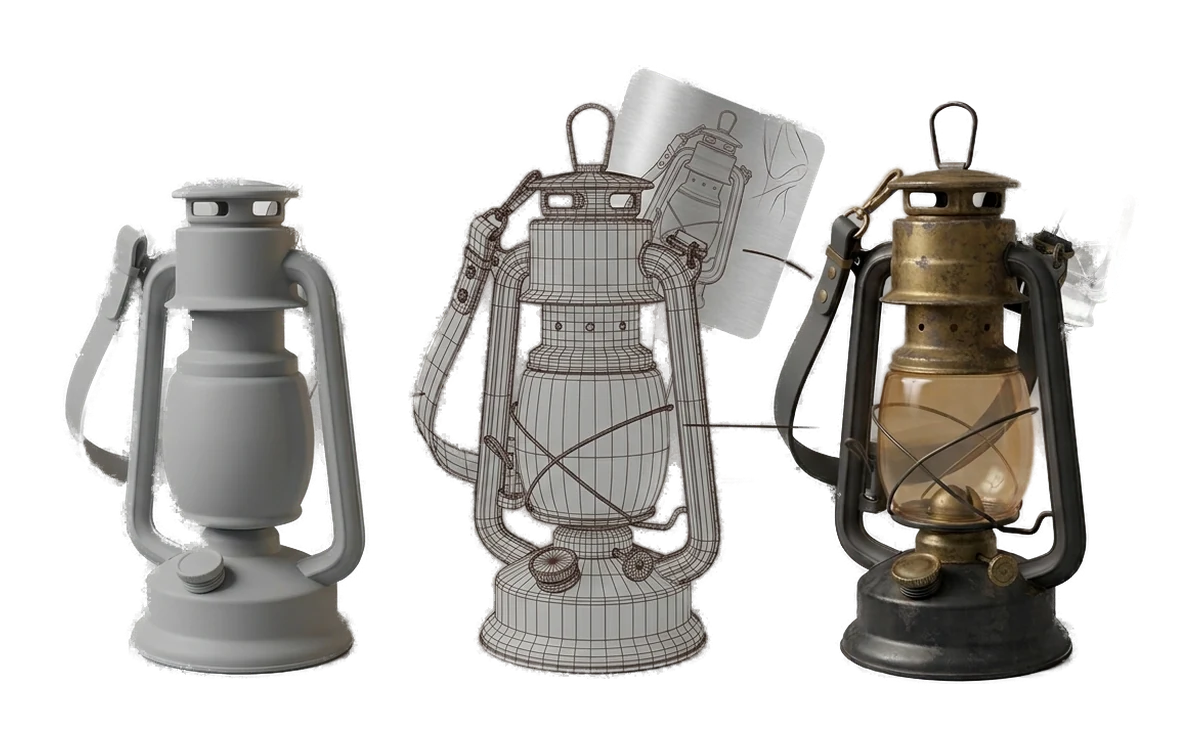
Put a viewer on every machine in the lab for nothing, and let a class generate their own models without a per-student bill.
Studio contracts routinely prohibit sending client concept art to a third-party service. That single clause is why most cloud 3D generators are unusable on professional work and why Fudge3d often is not. Everything stays on the machine it was already cleared to be on.
We are describing how the software behaves, not giving legal advice - check your own agreement.
Pick the one that matches what you ship. Game Development if you are filling levels with props and blockout geometry, Film & VFX for previz and set dressing, VR/AR if polycount is your hard constraint, Product or Interior Design if the output is a presentation rather than a build, Education if you are teaching. Each page covers the same tools from that discipline's angle, so reading two is mostly repetition.
Fudge3d is designed for props, blockouts, kitbash assets, background geometry and rapid iteration rather than hero-asset workflows. Generated and remeshed models should be inspected and refined for the requirements of your project.
Studio and client NDAs may prohibit uploading concept art or reference material to third-party services. Because your own GPU provides the compute, Pro does not add a per-generation charge when you iterate on background assets or scene dressing.
The viewer is free forever, needs no account and never contacts the network, so a classroom can open and inspect models with nothing installed but the app. Generation on the free tier includes a monthly allowance per person. For anything beyond that, the practical constraint is GPUs in the lab rather than licences - check the hardware requirements on the download page before planning a course around it.
Fudge3d exports standard mesh files and ordinary PBR image maps to a folder you choose, so anything that imports common 3D formats will take them. There is no plugin, no integration and no account linking - you import the files the same way you import any other asset. The current export format list is on the download page.
Use the local remeshing workflow, then inspect and validate the result against your target application's visual and performance requirements.
Yes, on both the free and paid tiers, with no royalty and no attribution required. The law on AI-generated output is unsettled and varies by country, so we do not represent that output is free of third-party rights or that it is copyrightable.
The six pages are the workflows we understand well enough to write about honestly. If yours is not there, the tools do not change - generation, texturing and remeshing behave the same regardless of what the model is for. The free tier exists so you can find out whether it fits your pipeline without asking us to guess.
Free includes 10 generations per calendar month. Pro includes unlimited local generation.