
AI Texture Generator for 3D Models
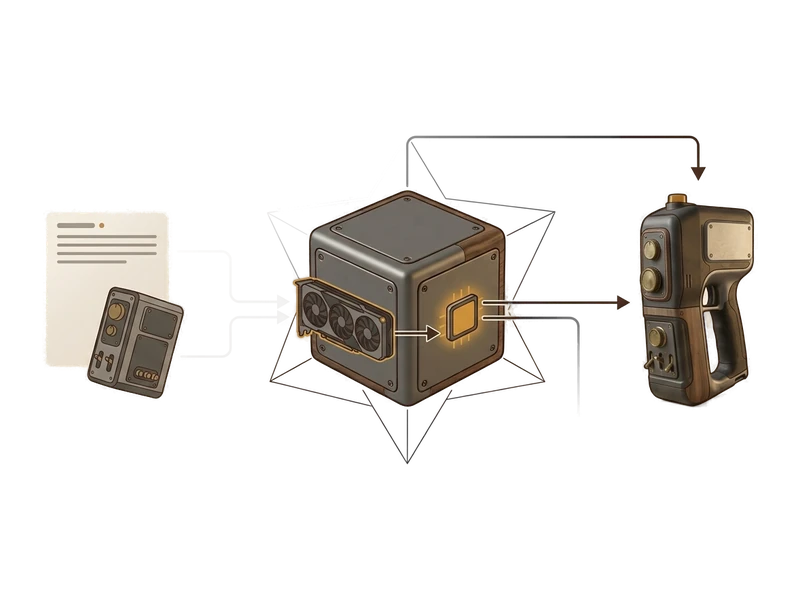
Generate PBR texture maps for supported UV-mapped 3D meshes on your own GPU. Creative files stay local during texture generation.
Windows 10/11 · macOS on Apple Silicon · Local creative operations
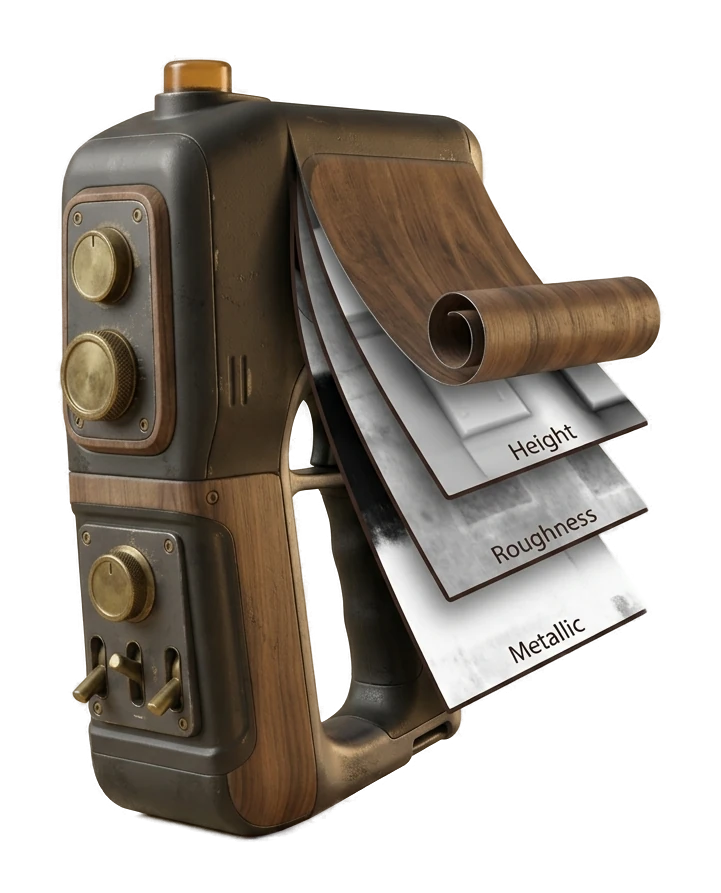
From a bare mesh to a full material set
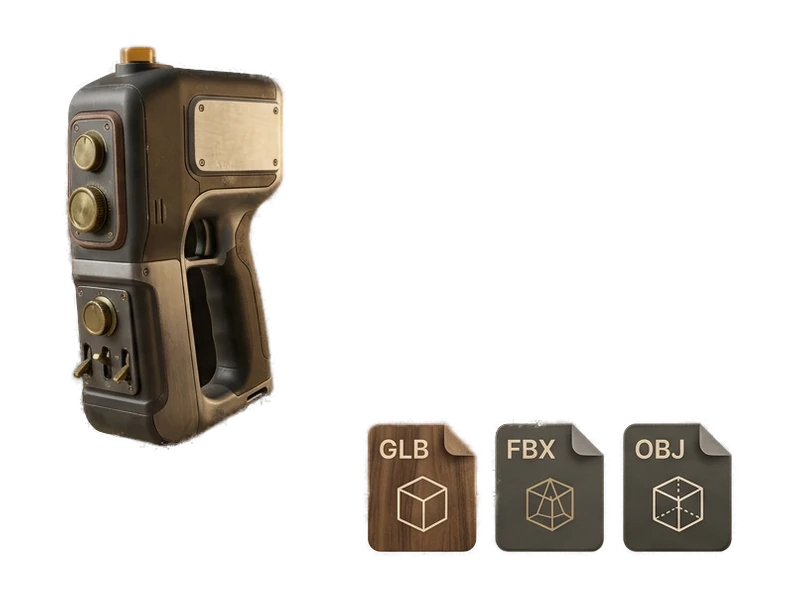
Load your mesh
Bring in a model generated in Fudge3d or a supported model imported from elsewhere. The texture workflow requires a mesh with UVs already in place.
Generate the PBR set
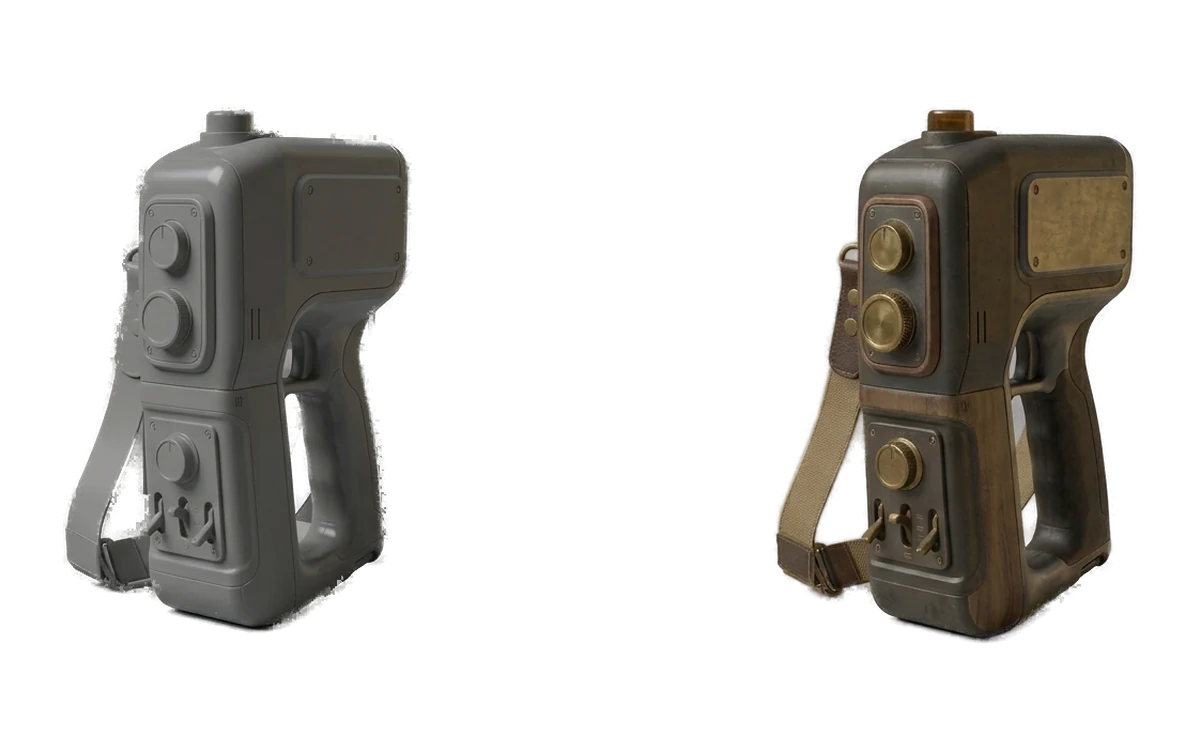
Fudge3d builds albedo, normal, metallic and roughness maps locally on your GPU, matched to your mesh's UVs.
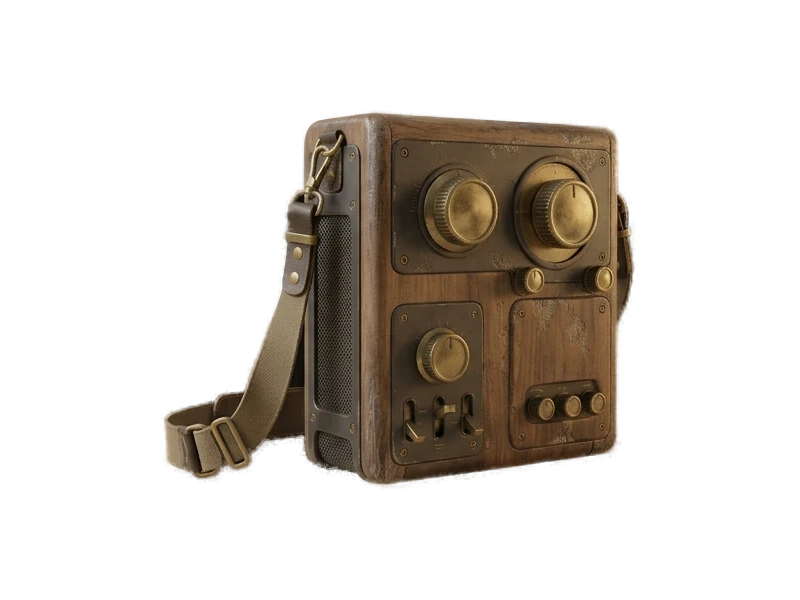
Preview and export
Review the generated map set, then use the image files in the material workflow expected by your engine or DCC tool.
PBR maps for UV-mapped meshes
Albedo
The base color of the surface, with lighting and shadow information removed - the raw material color.
Normal
Encodes fine surface detail - bumps, grooves and texture - without adding extra geometry.
Metallic
Controls which parts of the surface behave like bare metal versus non-metal materials.
Roughness
Controls how sharp or diffuse reflections are across the surface, from mirror-smooth to matte.
Generate PBR Textures for Existing 3D Models
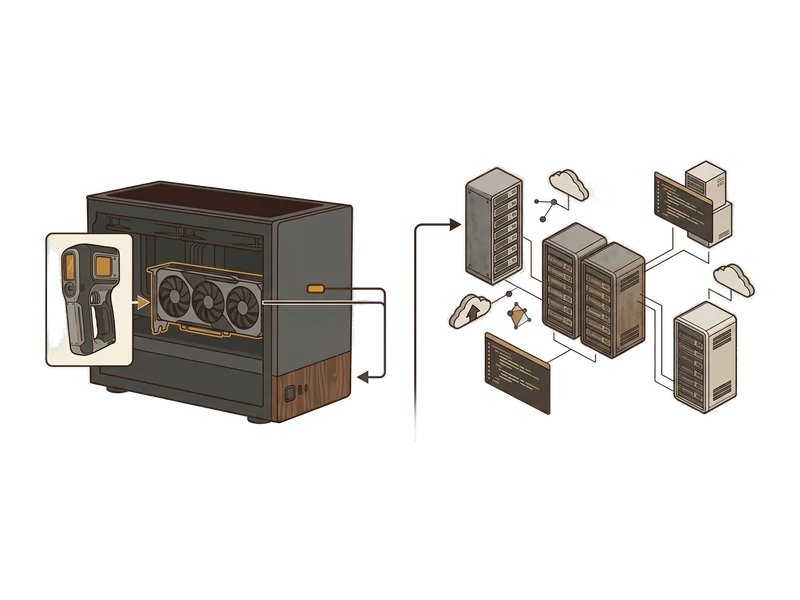
Unlimited & private
Generate texture sets for as many meshes as you like, with no per-mesh cost and no model ever leaving your machine - including client work under NDA.
Local creative processing
Texture generation runs on your own GPU and does not upload creative inputs or outputs for processing. Pro may refresh its signed entitlement while online.
Works on meshes you already have
Texture supported imported models as well as Fudge3d results, provided the mesh already has usable UVs.
PBR map workflow
Albedo, normal, metallic and roughness generated together, matched and ready for a physically based material.
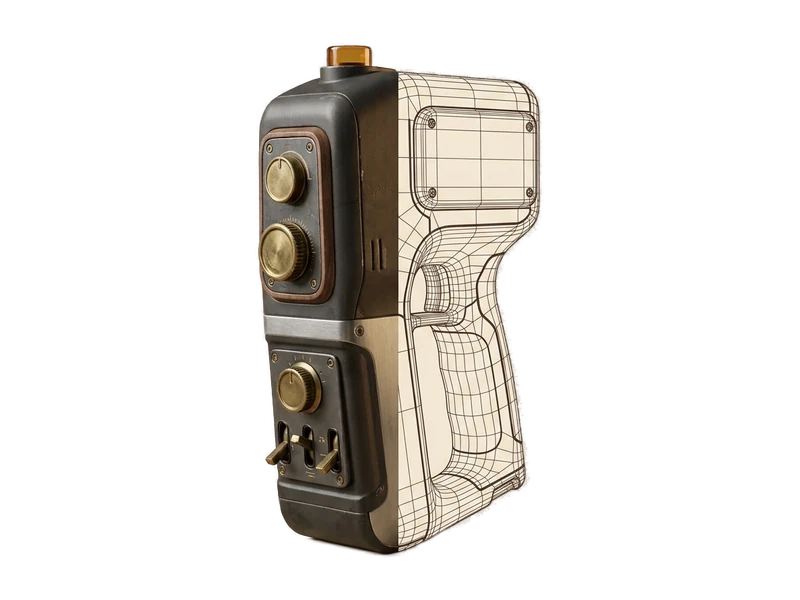
Remesh built in
Need to change topology first? Remesh in the same app before texturing. Remeshing
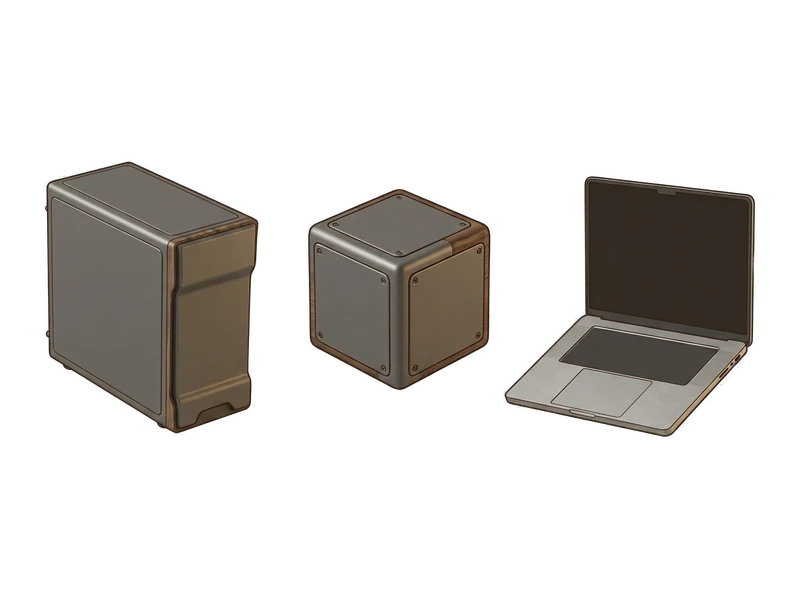
Simple install
One installer, next-next-done. No Python environment, no CUDA setup, no command line to fight with first.
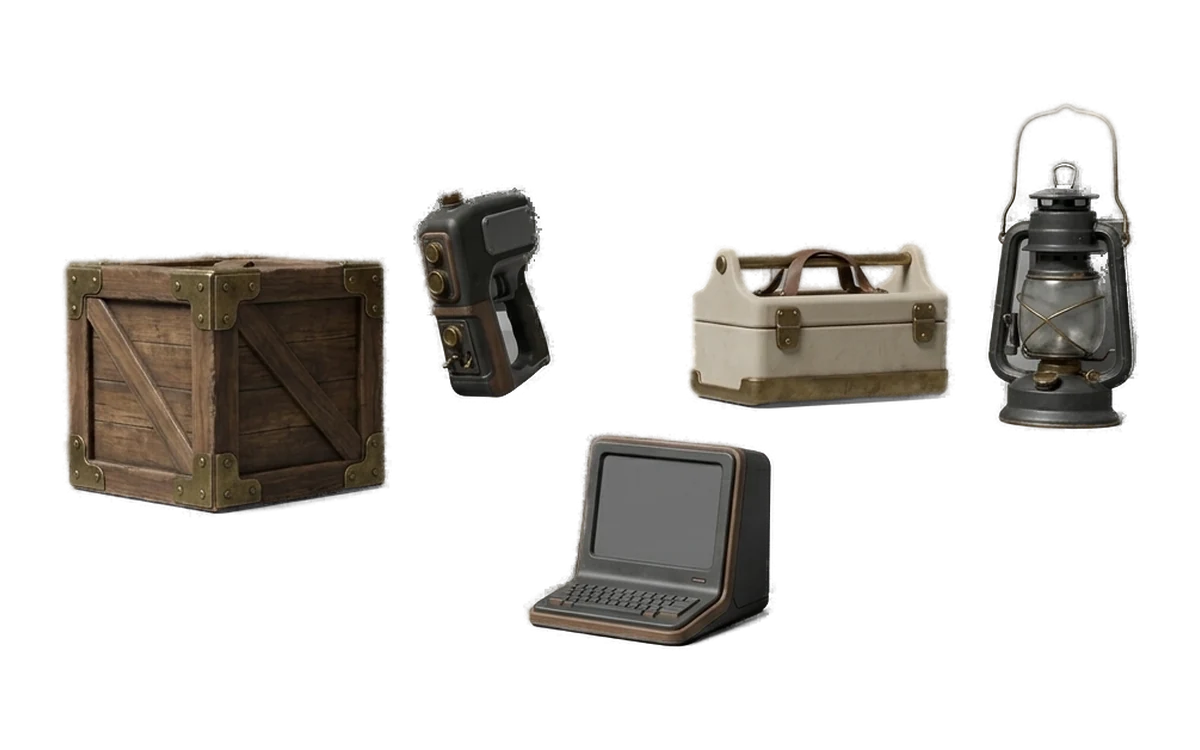
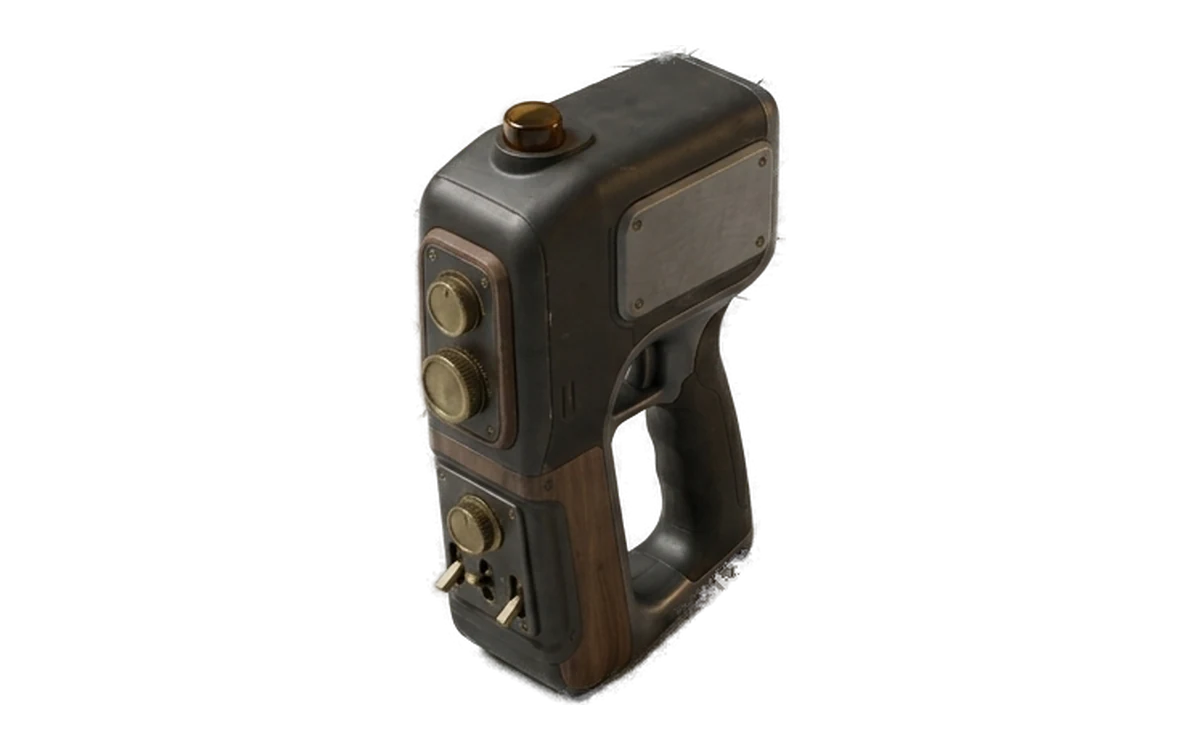
Create Materials for Supported UV-Mapped Models
Common questions
What is an AI texture generator?
An AI texture generator creates material maps for a 3D mesh from a prompt or visual direction. Fudge3d performs that work on your GPU for supported UV-mapped meshes.
Which PBR maps does Fudge3d generate?
Fudge3d generates albedo, normal, metallic and roughness maps. They are ordinary image maps that can be used in a PBR material workflow.
Can I texture a model made outside Fudge3d?
Yes. You can import a supported existing model and generate textures when the mesh has suitable UVs.
Does the mesh need UVs?
Yes. The current texture workflow is described for supported UV-mapped meshes, so usable UVs are required.
Does texture generation run locally?
Yes. Creative texture processing runs on your own GPU and does not send the mesh or prompt to a hosted generation service.
Can I generate textures offline?
Creative processing runs locally. Pro can work between licence checks with a signed entitlement cached for 30 days.
Can I use the maps in Unity or Unreal Engine?
Yes. Use the exported image maps in the material workflow expected by your engine, including any channel packing or smoothness conversion that the engine requires.
What texture resolution does Fudge3d produce?
The final supported resolution options are not yet confirmed for publication. This page does not claim a resolution until that product detail is approved.
Can I remesh and texture in the same app?
Yes. Fudge3d includes remeshing and texture generation in the same desktop application.
Do I own generated texture maps?
Yes. Generated texture maps are yours, including for commercial use, with no Fudge3d attribution requirement.
Explore More Fudge3d 3D Tools
Try Fudge3d on Your Own Hardware
Free viewer · 10 free generations monthly · Local creative processing