
Free 3D Model Viewer for Education
Use the free desktop viewer for model study and supported 3D files. Local generation tools are available when students need to create their own models.
Windows 10/11 · macOS on Apple Silicon · Free viewer
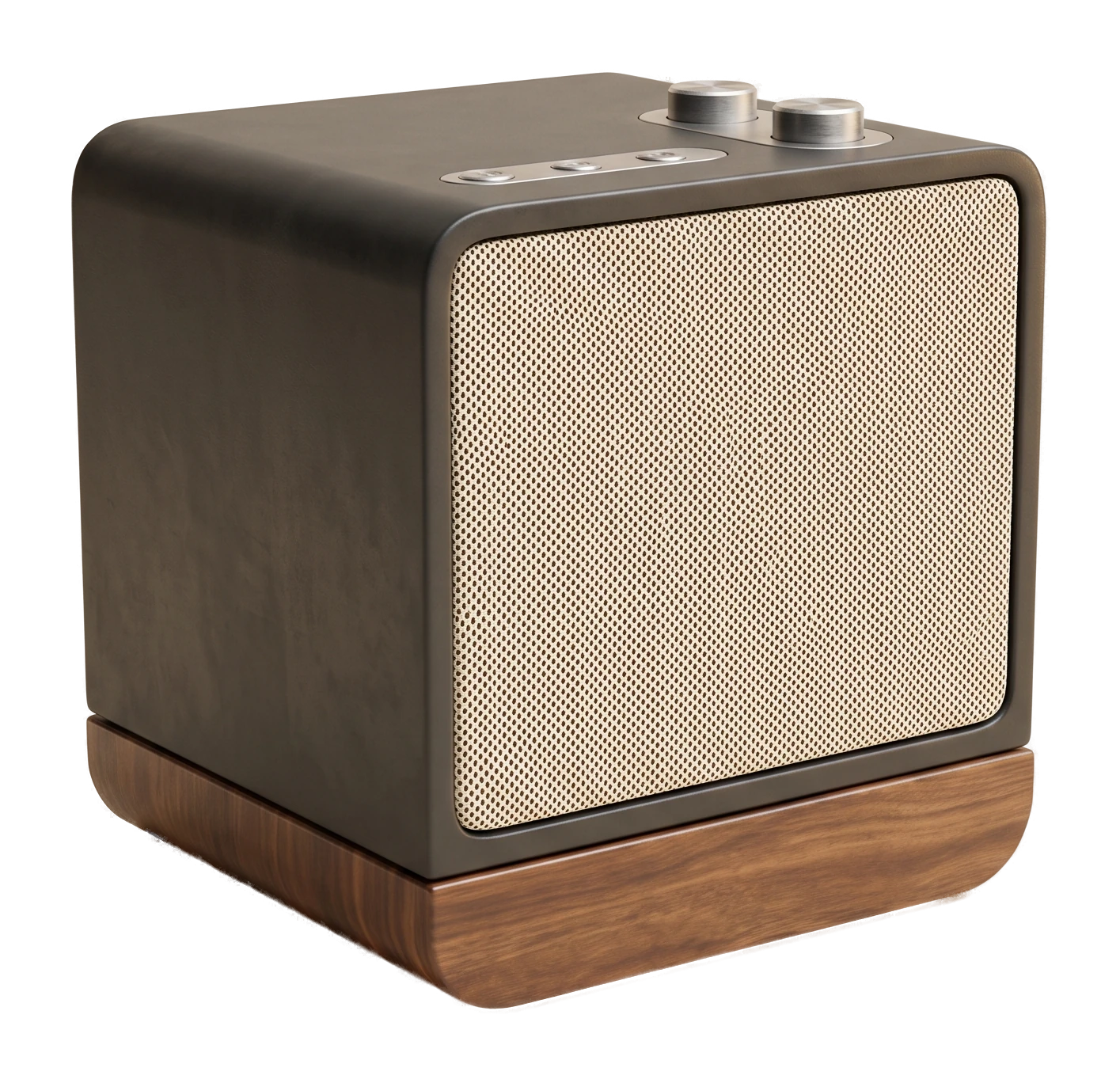
View FBX, OBJ and GLB Files without Student Viewer Accounts
3D Viewer
Install the free viewer on a supported lab computer so students can open FBX, OBJ and GLB course models without viewer accounts.
Text to 3D
Let students describe an object and generate it directly, a quick way to explore 3D concepts in an assignment without needing prior modeling skill.
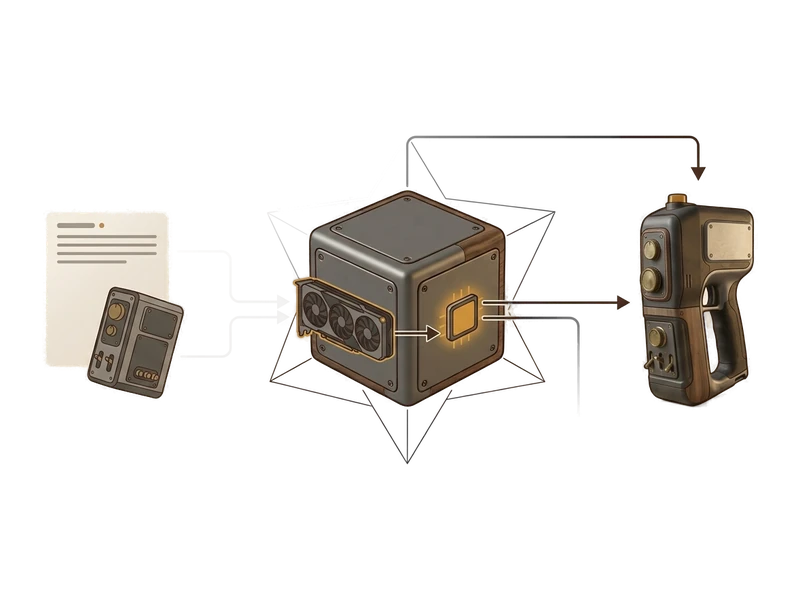
Image to 3D
Turn a photo from a textbook or a field trip into a 3D model students can rotate and inspect, running locally on the lab's own hardware.
Common questions
Does Fudge3d work offline on a school or campus network?
Yes. The viewer makes no network connections, and generation runs locally on the machine's GPU, so it works the same on a locked-down lab network as it does at home.
Is student work kept private?
Yes. Nothing a student opens or generates is uploaded anywhere - models, images and prompts stay on the machine they're working on.
What does it cost for a classroom or lab to use Fudge3d?
The 3D viewer is free forever, with no per-seat cost. Optional generation tiers are available, and you can download the installer to get started.
How do students view course models without setting up accounts?
Install the viewer on a supported computer to open FBX, OBJ or GLB files without a viewer sign-in.
What hardware do lab machines need to run generation?
Generation uses the machine's own GPU. Current confirmed platform support is Windows 10/11 and macOS on Apple Silicon.
Can students use Fudge3d for coursework outside of class, on their own laptops?
Yes. The same installer runs on personal Windows or macOS laptops, so students can continue coursework at home with the same free tools they use in the lab.
A free viewer for supported classroom and home computers.
Free viewer · No viewer account · Local creative processing