
Free FBX, OBJ & GLB 3D Model Viewer
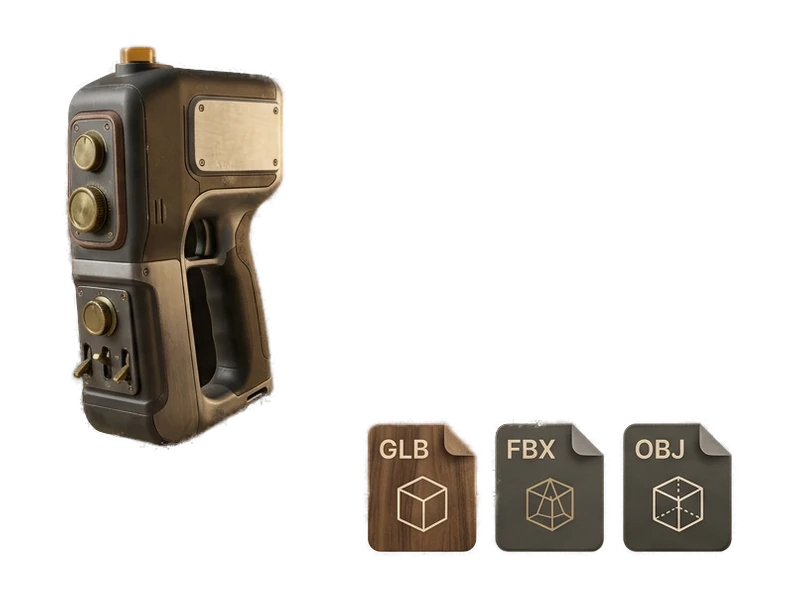
Open and inspect FBX, OBJ and GLB files on Windows 10/11 or Apple Silicon macOS. The viewer is free forever and needs no account or network connection.
Windows 10/11 · macOS on Apple Silicon · Free forever
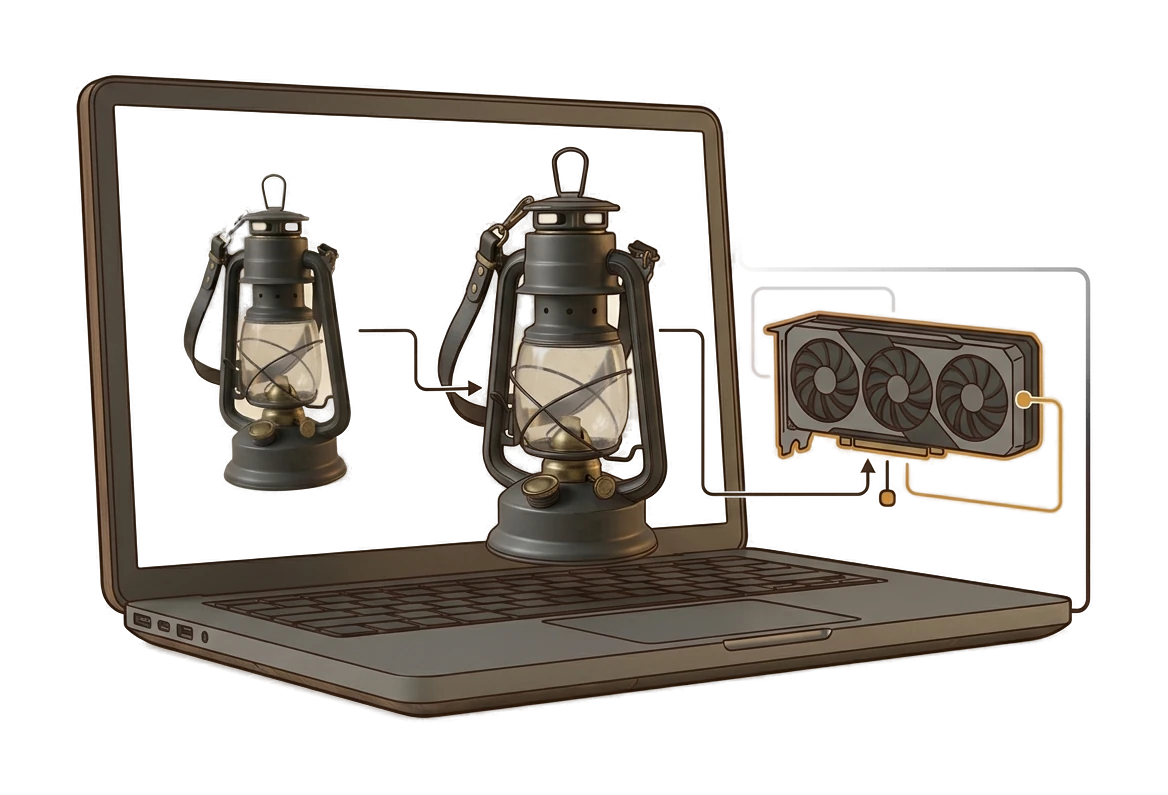
How to Open FBX, OBJ and GLB Files with Fudge3d
Install in three clicks
Run the installer - next, next, done. No Python, no GPU setup, no command line. Fudge3d registers itself as an app that can open FBX, OBJ and GLB files.

Open a supported model
Open an FBX, OBJ or GLB file in the viewer, then inspect it with the available navigation and display controls.
Inspect the model
Use the viewer tools included in the current build to inspect the supported model locally.
A Free Desktop 3D Viewer with No Account Required
Truly free, truly forever
Open as many supported 3D files as you need. Viewer access does not depend on your licence state.
No network connection required
The viewer makes no network connections, requires no account and sends no telemetry. You can open confidential client work without uploading it.
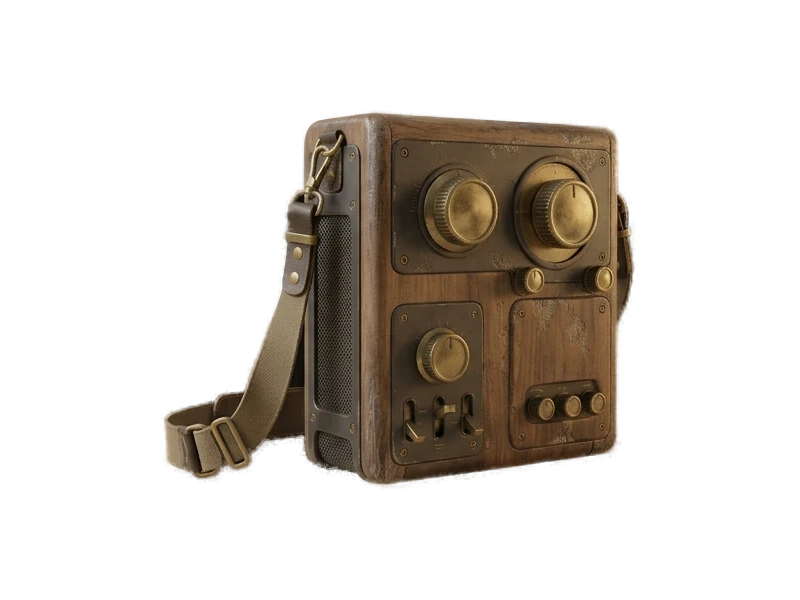
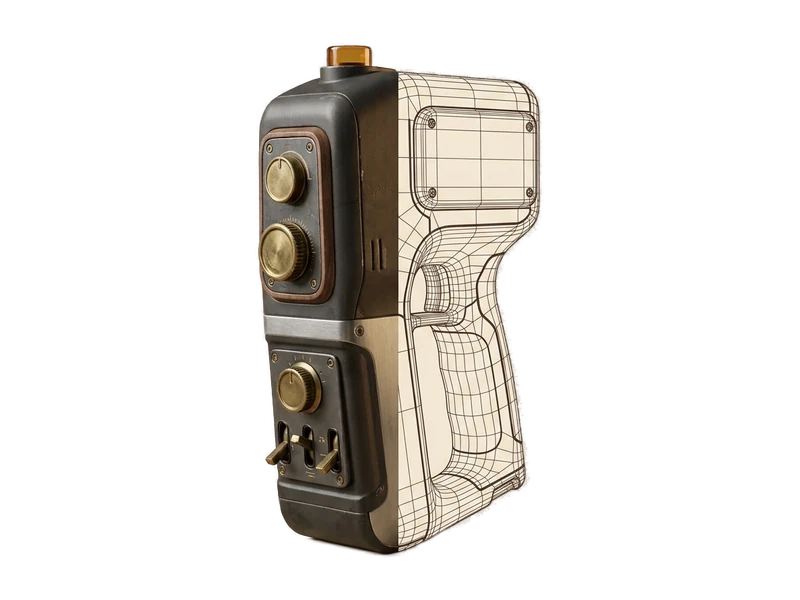
PBR materials, rendered properly
Inspect supported materials and model details directly in the desktop viewer.
A generator is one click away
When you need a model you don't have, the same app generates one from an image or a text prompt, locally on your GPU. Image to 3D
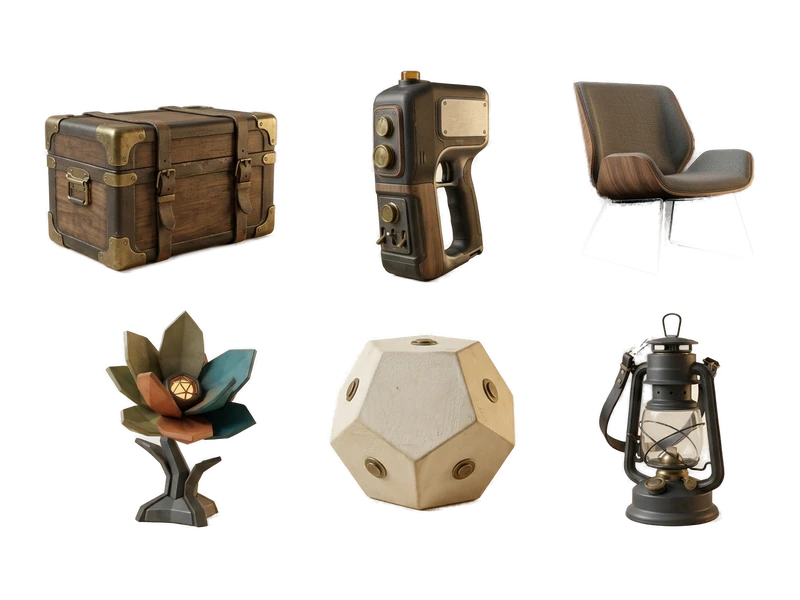
Open 3D Files for Review and Study
Common questions
Is Fudge3d a free 3D model viewer?
Yes. The desktop viewer is free forever for supported FBX, OBJ and GLB files. Viewer access does not depend on a subscription.
How do I open an FBX file?
Install Fudge3d, launch the viewer and choose your FBX file. The file opens locally without a viewer account or network connection.
Can Fudge3d open OBJ files?
Yes. OBJ is one of the three currently confirmed viewer formats, alongside FBX and GLB.
How do I open a GLB file?
Open Fudge3d and select the GLB file from your computer. Viewing happens locally and does not require an upload.
Can I use Fudge3d as an offline 3D viewer?
Yes. Opening and viewing supported FBX, OBJ and GLB files requires no network connection.
Does the free 3D viewer require an account?
No. You can use the viewer without creating or signing into an account. Generation features have separate account and licence requirements.
Is there an FBX viewer for Windows 10 and Windows 11?
Yes. Fudge3d supports Windows 10 and Windows 11 and can open FBX, OBJ and GLB files on those systems.
Can I view FBX files on an Apple Silicon Mac?
Yes. The confirmed macOS support is for Apple Silicon. Intel Mac support is not currently claimed.
What 3D file formats does Fudge3d support?
The free viewer currently supports FBX, OBJ and GLB. Fudge3d does not claim other viewer formats until they are confirmed.
Can I open models exported from Blender or Maya?
You can open an exported model when it is saved as a supported FBX, OBJ or GLB file. Compatibility still depends on the contents of the individual file.
Explore More Fudge3d 3D Tools
Open supported 3D files locally.
Free forever · No viewer account · No viewer network connection