
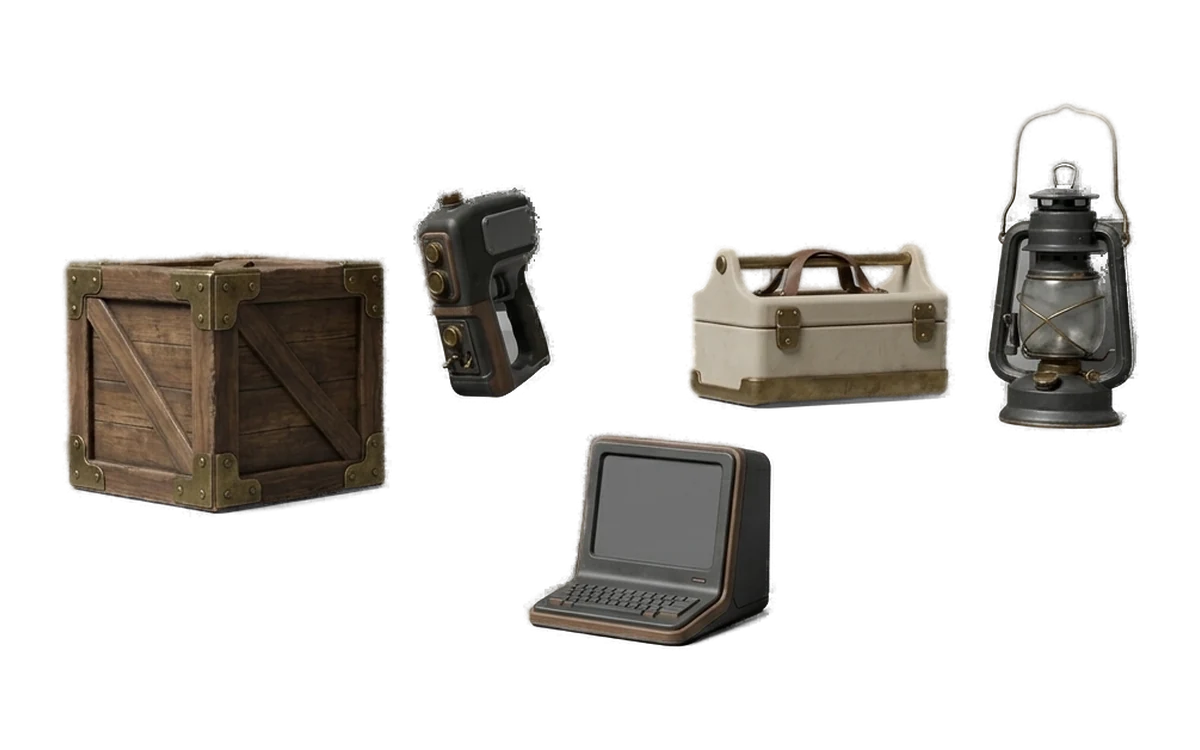
Game Development
Generate props, blockouts and kitbash assets for games without sending unreleased concept art to a creative-processing server.
Turn an image or text prompt into a textured 3D model on your own GPU. Creative generation stays on your machine, and Pro has no per-generation meter.
Windows 10/11 · Apple Silicon macOS · Free FBX, OBJ and GLB viewer · No viewer account Unlimited local generation on Pro
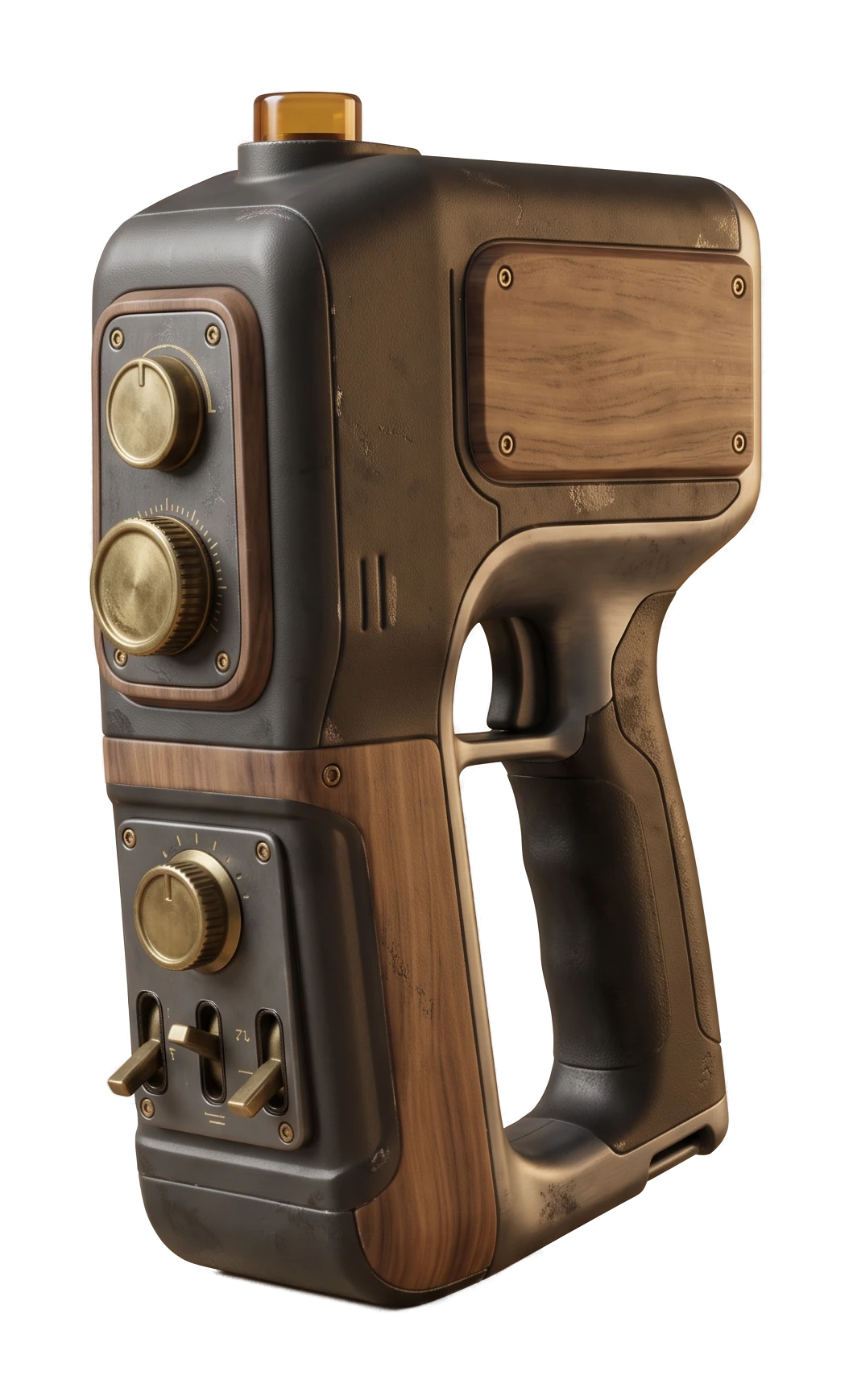
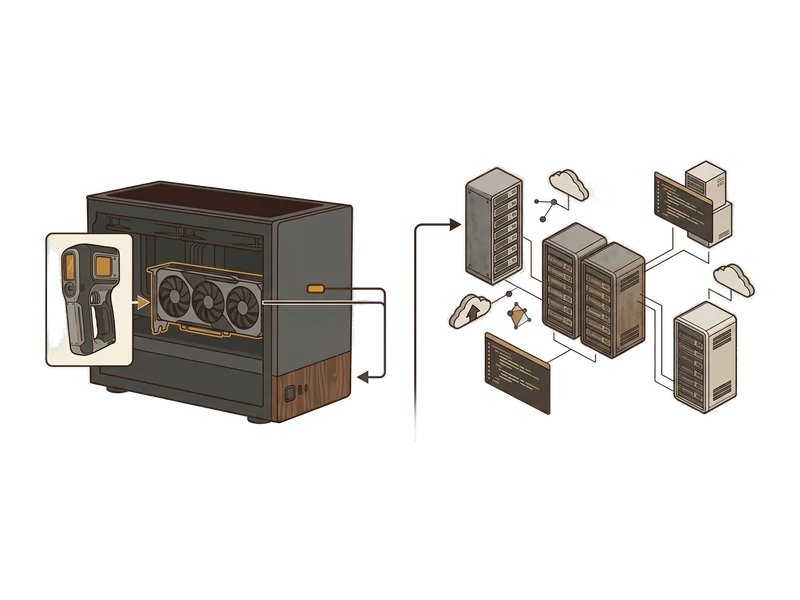
Generation, texturing, remeshing and repainting run on your computer. Creative files are not uploaded for those operations.
A signed Pro entitlement is cached locally for 30 days and can refresh when the computer is online.
Generated models and textures remain yours for commercial use, including after a subscription ends.
Generate 3D models from images or text prompts using your own GPU.
Turn a single reference image into a textured 3D model.
Describe the object you need and generate a model from the prompt.
Change the surface appearance of supported models locally.
Open and inspect FBX, OBJ and GLB files without a viewer account.
Generate PBR texture maps for supported UV-mapped 3D meshes.
Adjust mesh structure and target poly count in the desktop app.
Install normally. No Python environment, CUDA setup or command line.
Your images, prompts and generated assets stay on your computer during creative processing.
Generate as often as you need on Pro. Your GPU provides the compute, so there is no per-generation meter.
Creative generation does not need a hosted AI service. Pro uses a signed entitlement cached for 30 days and refreshes when available online.
Fudge3d runs AI workloads on your computer, so generation requires installation and a compatible GPU. In return, creative processing stays local and Pro does not charge per generation.
Generate props, blockouts and kitbash assets for games without sending unreleased concept art to a creative-processing server.
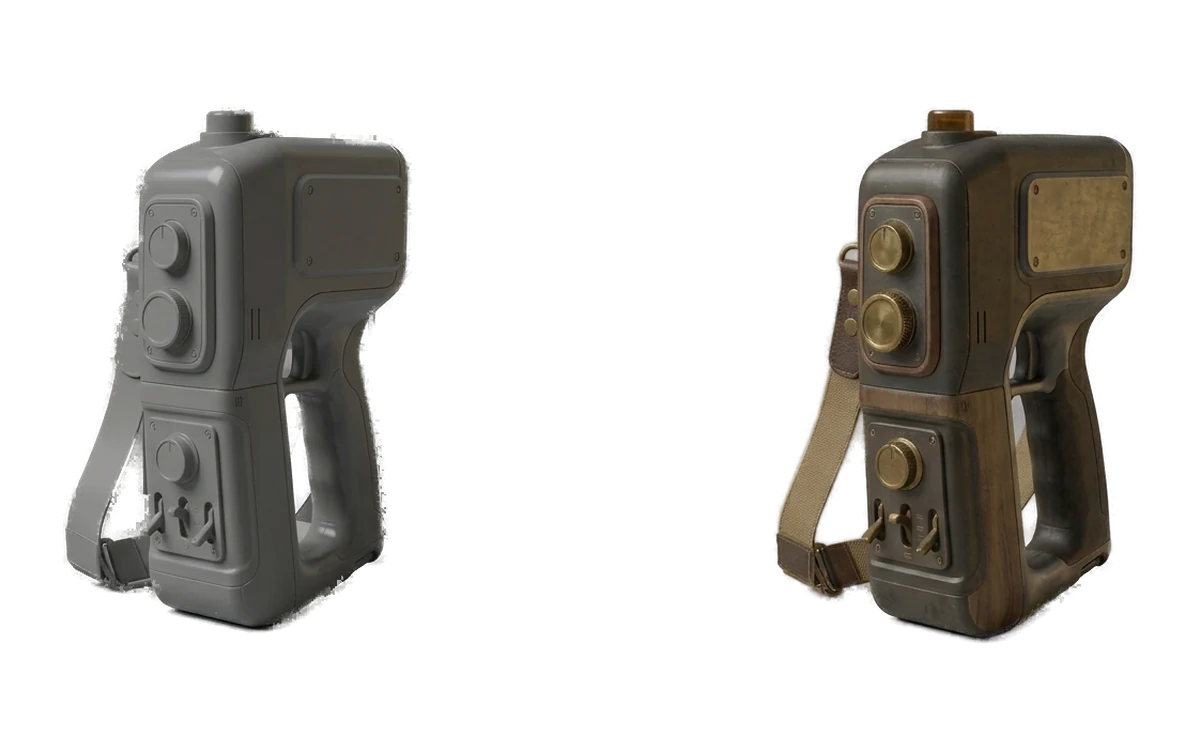
Generate previs props, set-dressing assets and background geometry while concepts are still changing.
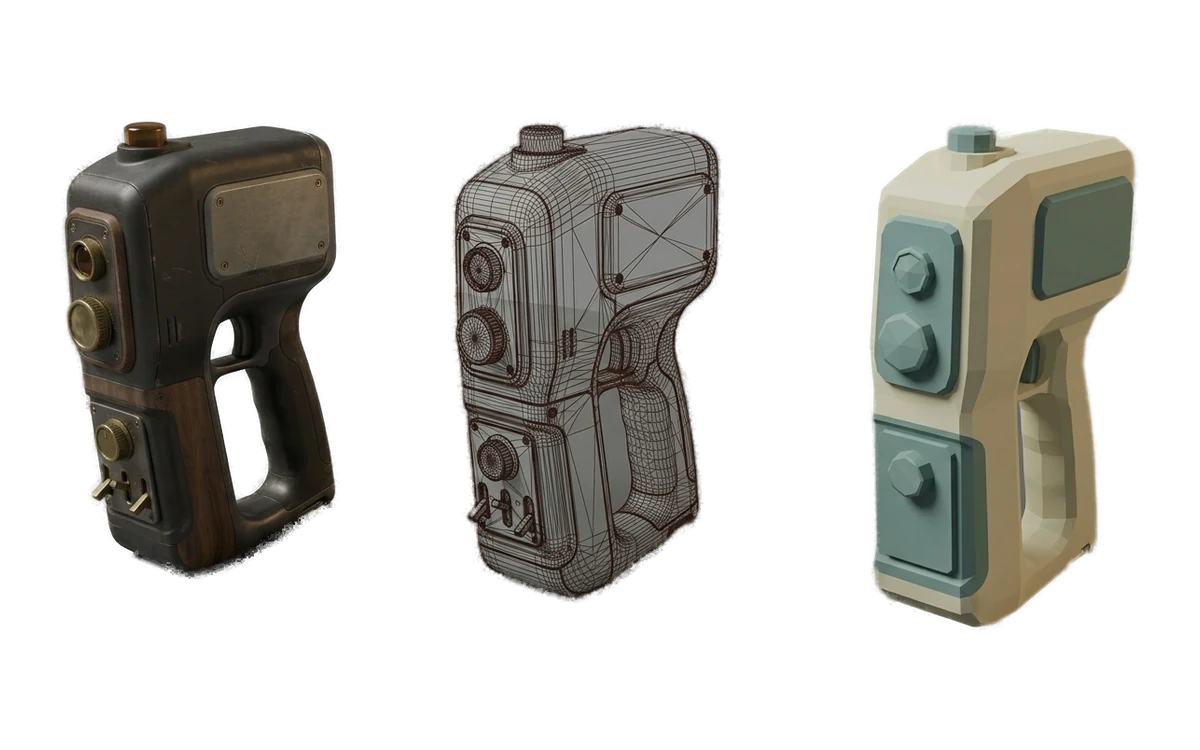
Build prototype props and environment assets, then remesh them for real-time workflows.
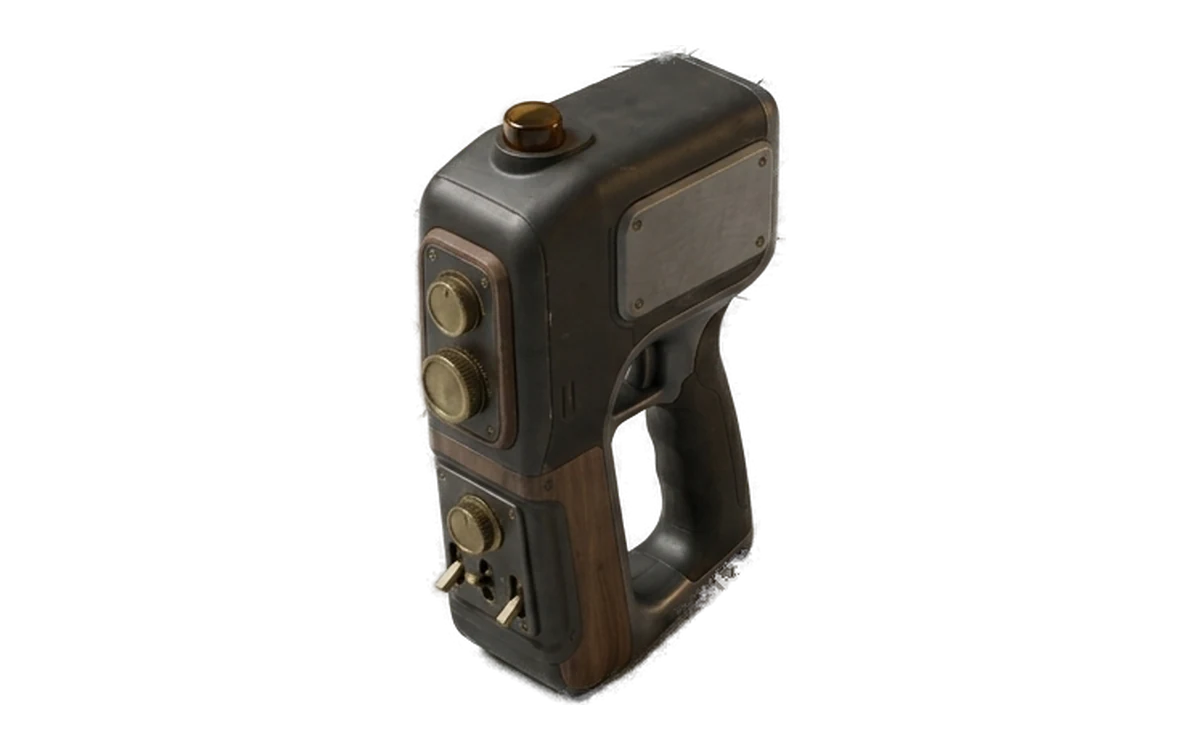
Turn reference images and early product concepts into 3D studies you can inspect, present and iterate locally.

Generate furniture, decor and scene-dressing assets when the exact model you need is not already in your library.
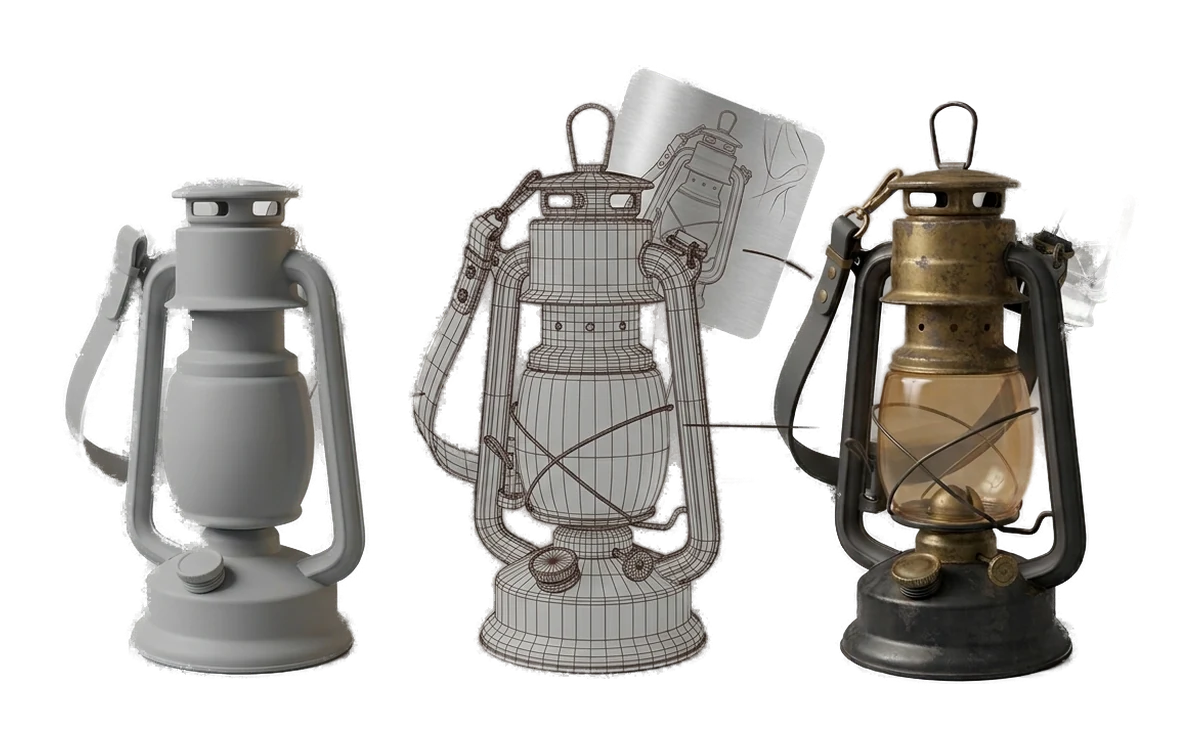
Install the free viewer on classroom or lab computers, then use local generation tools when students need to create their own models.
Free 3D Viewer
Open FBX, OBJ and GLB files in the Fudge3d desktop viewer. No account, network connection or subscription is required to use the viewer.
A curated set of product, prop, architectural and technical studies.
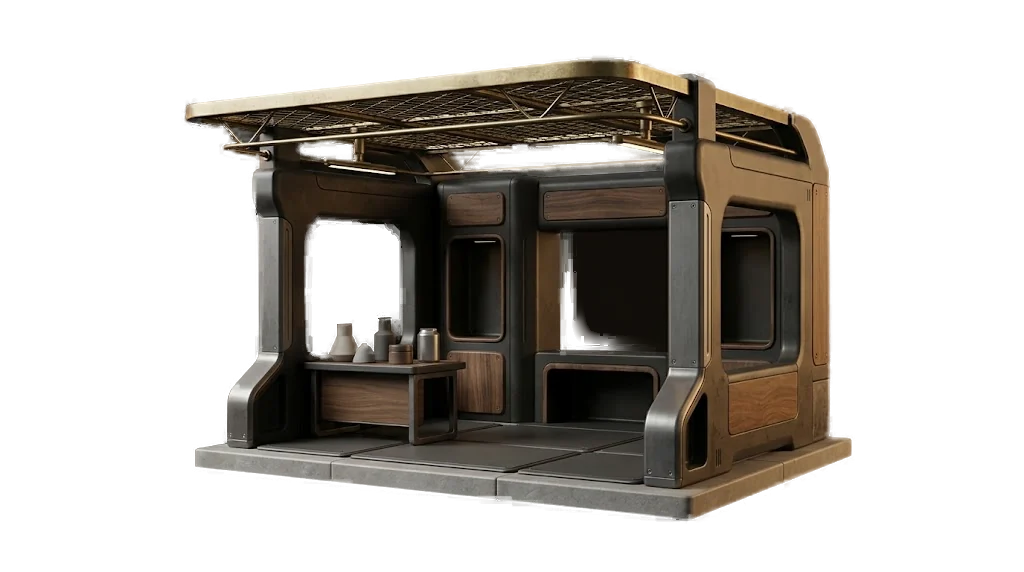
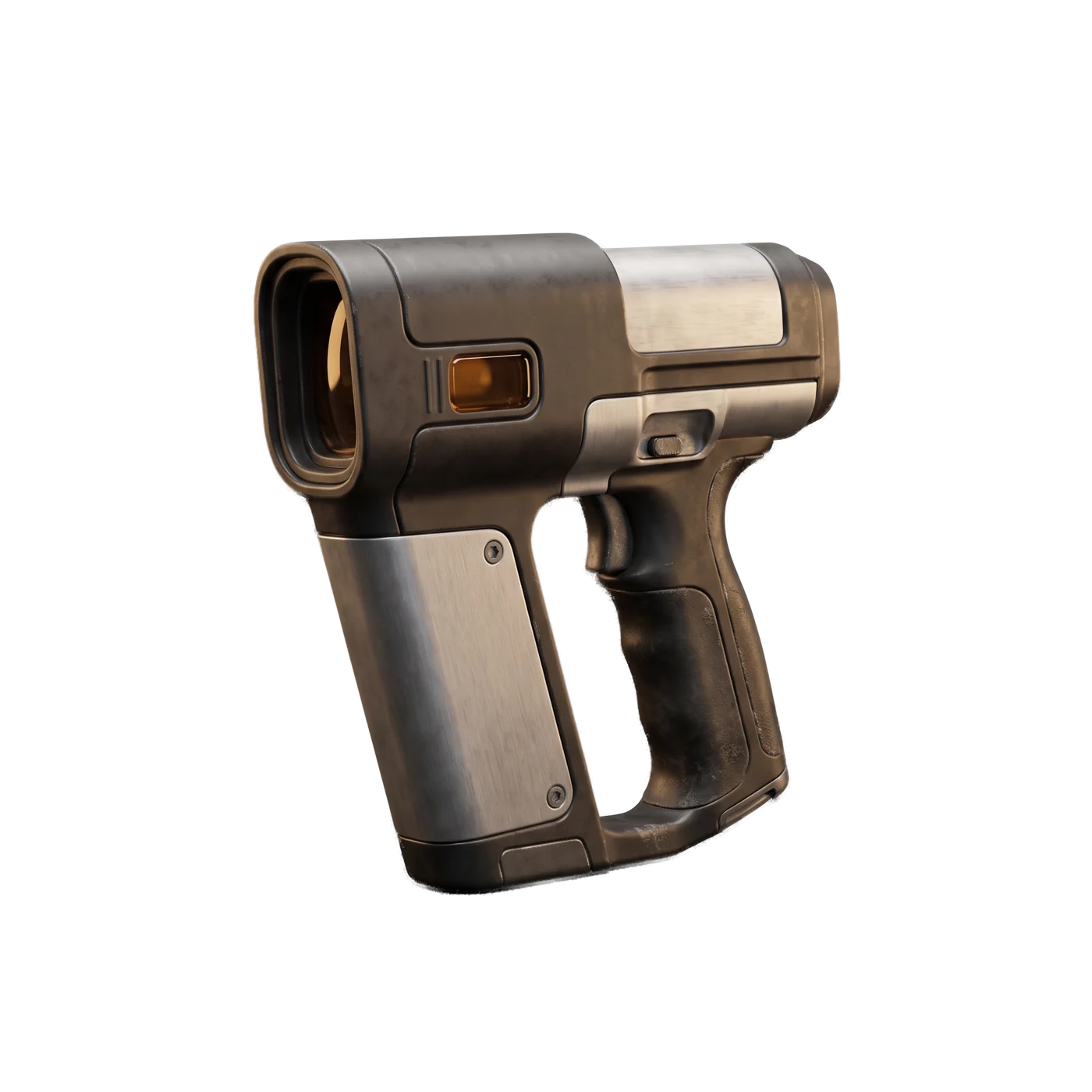
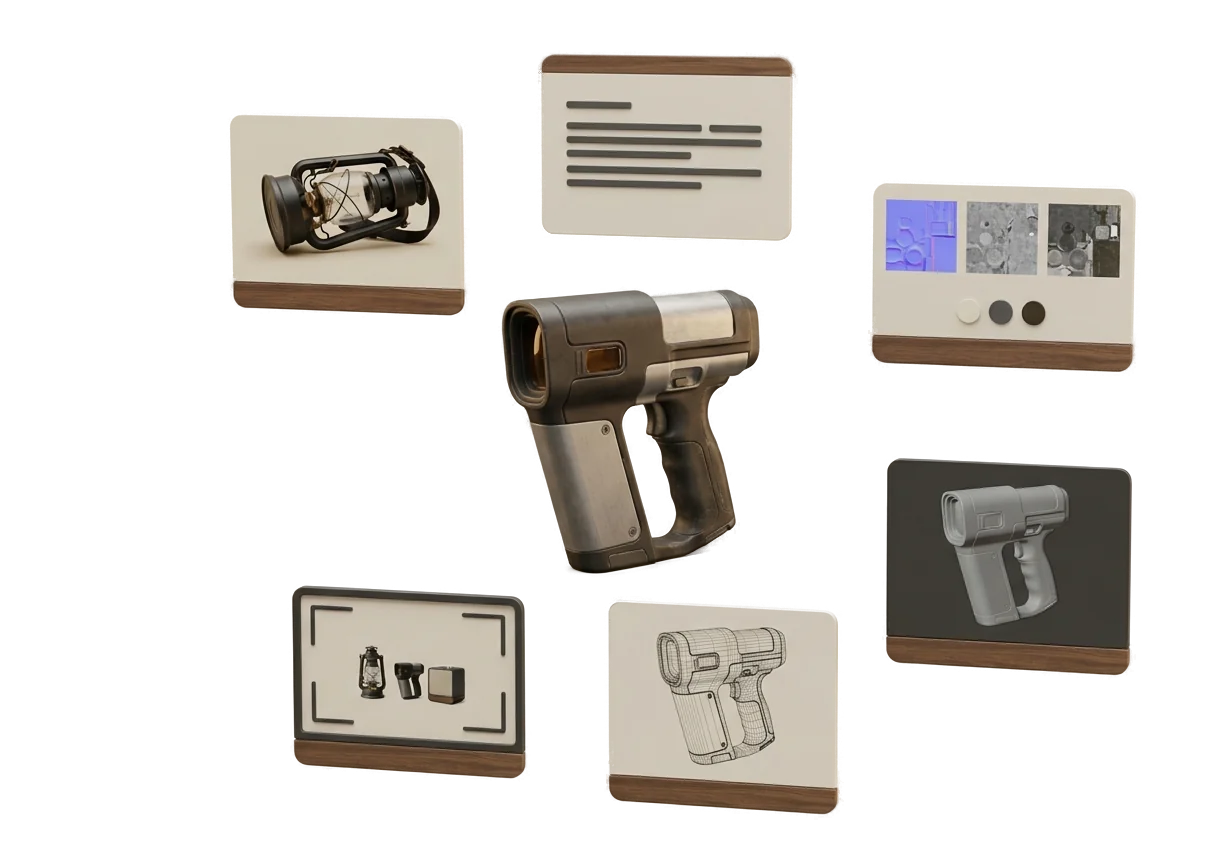
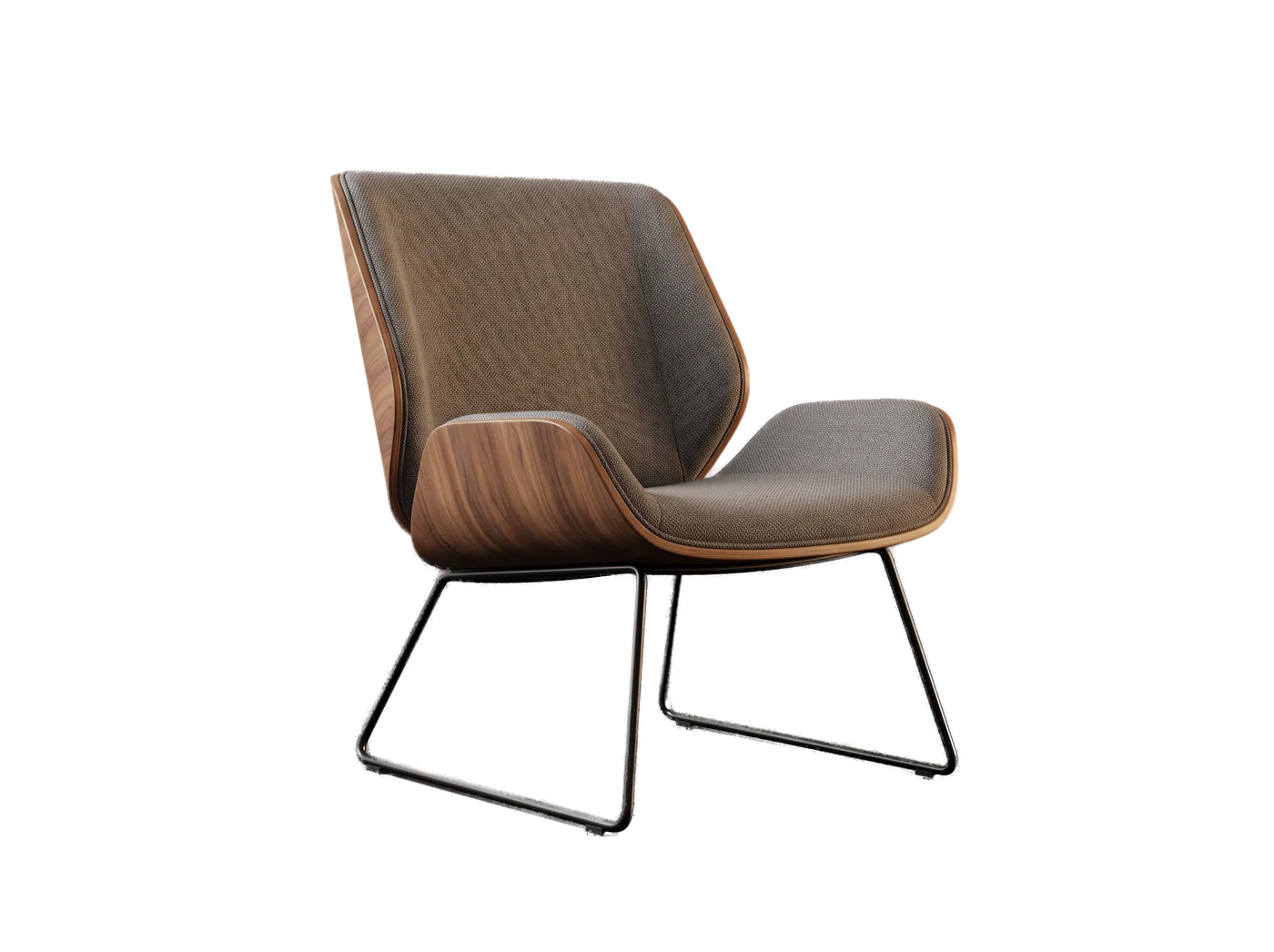
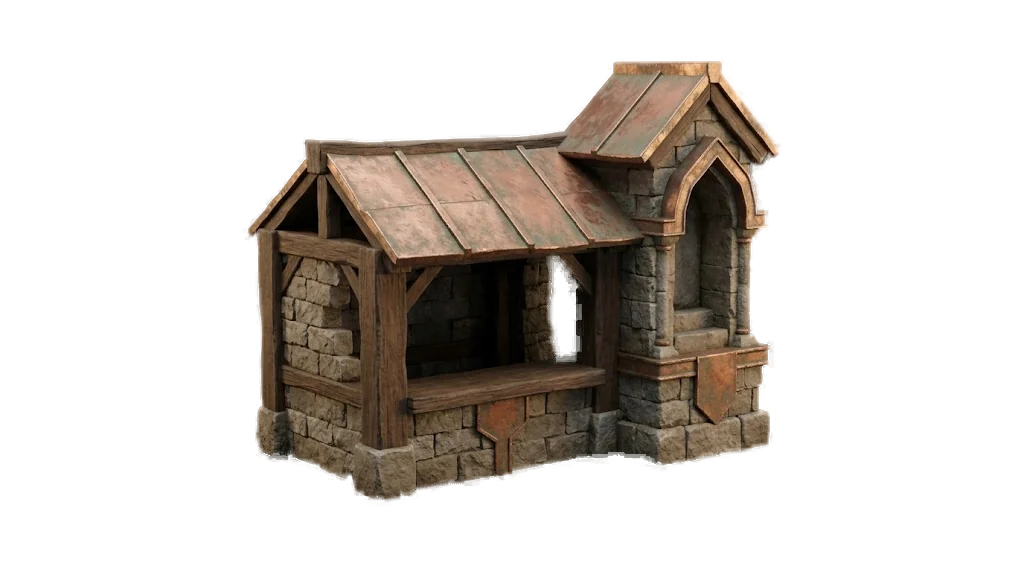

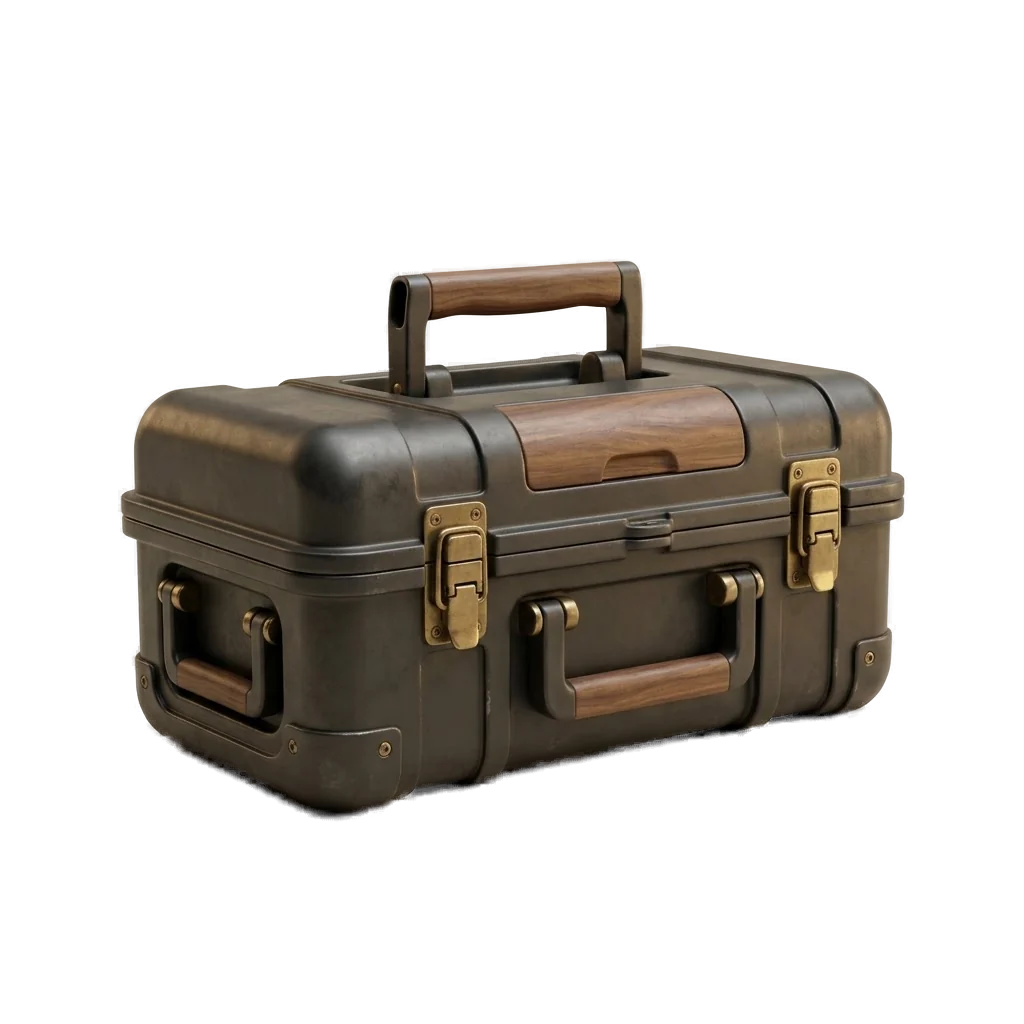
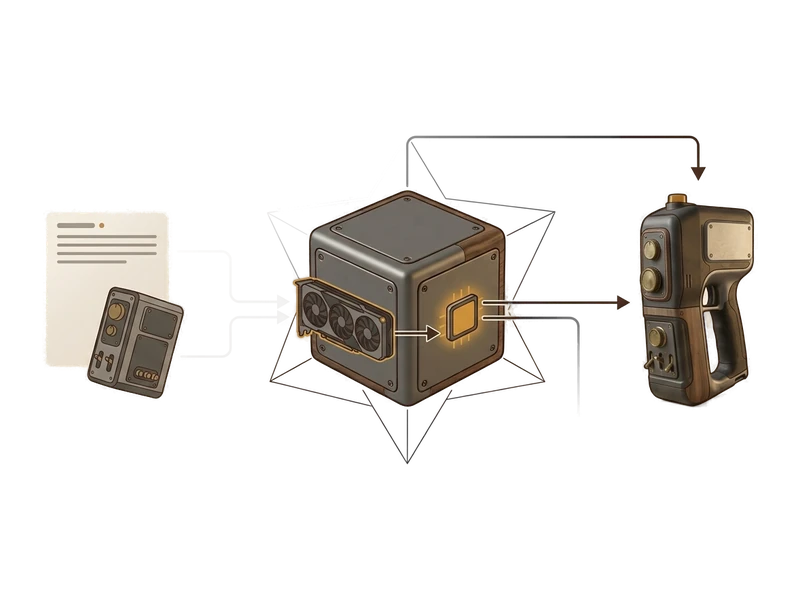
An AI 3D model generator turns a reference image or written description into a 3D model. Fudge3d runs that creative processing on your own GPU and opens the result in the same desktop app for inspection, texturing or remeshing.
Yes. Choose one clear photo or reference image and Fudge3d generates a textured 3D model locally on your computer. The current workflow uses a single source image.
Yes. Describe the object, materials and visible details you need. Fudge3d processes the prompt on your GPU and creates a model that you can inspect and refine.
No creative input or output is uploaded for generation, texturing, remeshing or repainting. Account, licence and payment services still use the internet when those services are needed.
Creative tools run locally. Pro caches a signed entitlement for 30 days and can refresh it when the computer is online. The free viewer needs no account or network connection.
Yes. The FBX, OBJ and GLB viewer is free forever, has no device limit and does not require a viewer account.
The free viewer opens FBX, OBJ and GLB files. Other input or export formats are not claimed until the supported format list is confirmed.
Yes. Models, meshes and textures you generate remain yours. They stay usable after a subscription ends or a refund is issued.
Yes. You may use generated output commercially without paying royalties or providing attribution to Fudge3d. You remain responsible for rights in your inputs and use of the output.
Fudge3d performs creative AI processing on your computer instead of renting hosted compute for each generation. A compatible GPU is therefore required for generation, while exact hardware requirements are still being confirmed.
No. Pro has no per-generation meter because your own GPU provides the compute. The Free tier includes its current monthly generation allowance.
No. Fudge3d is a desktop application for Windows 10/11 and Apple Silicon macOS. Installation and a compatible local GPU are the trade-offs for keeping creative processing on your hardware.
The viewer is free forever. Free also includes 10 AI generations each calendar month.
Download free