
AI 3D Model Generator for Interior Design
Generate furniture, decor and scene-dressing assets from an image or prompt, then inspect and refine them locally.
Windows 10/11 · macOS on Apple Silicon · Free viewer
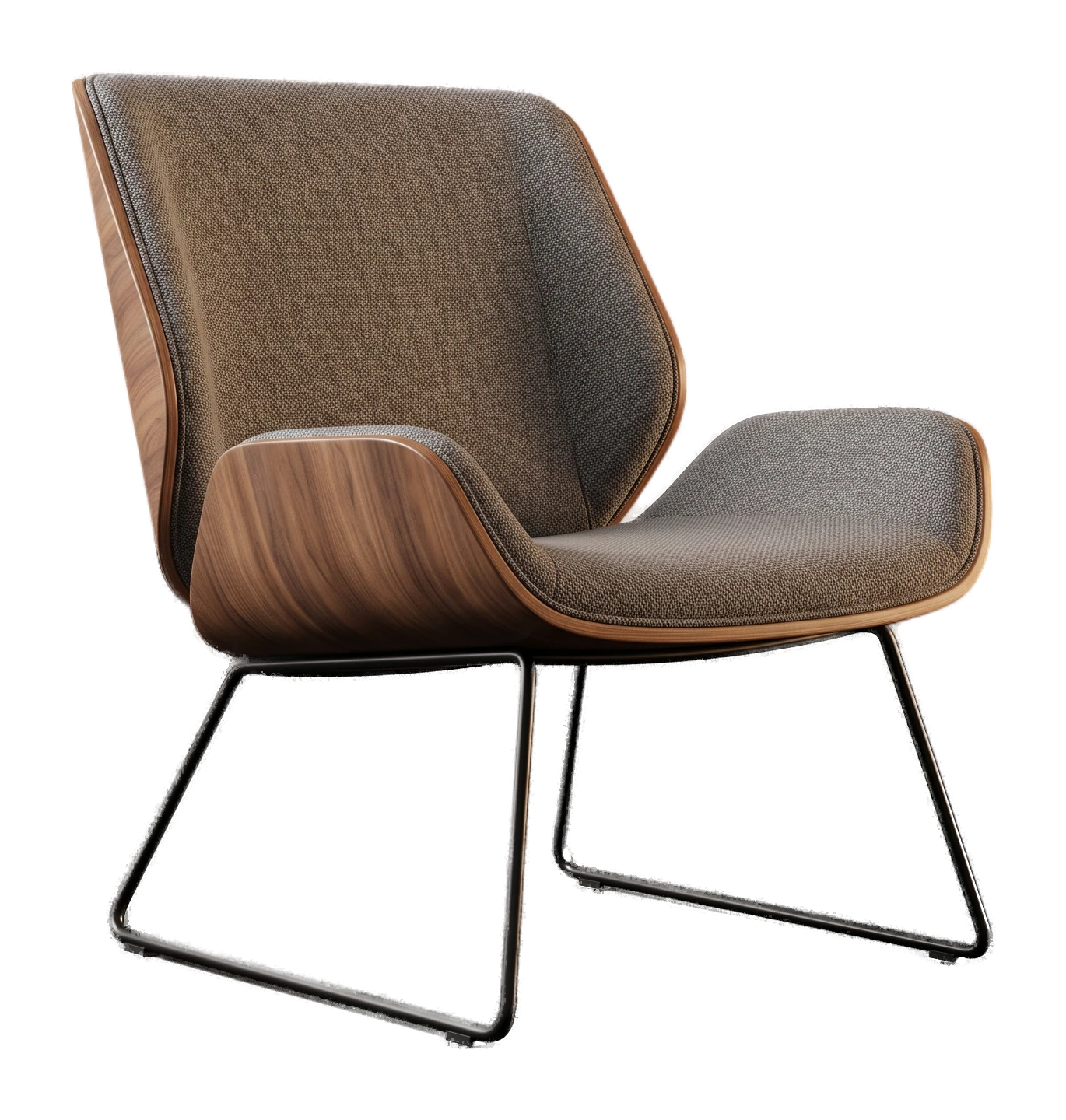
Built for dressing scenes quickly, anywhere
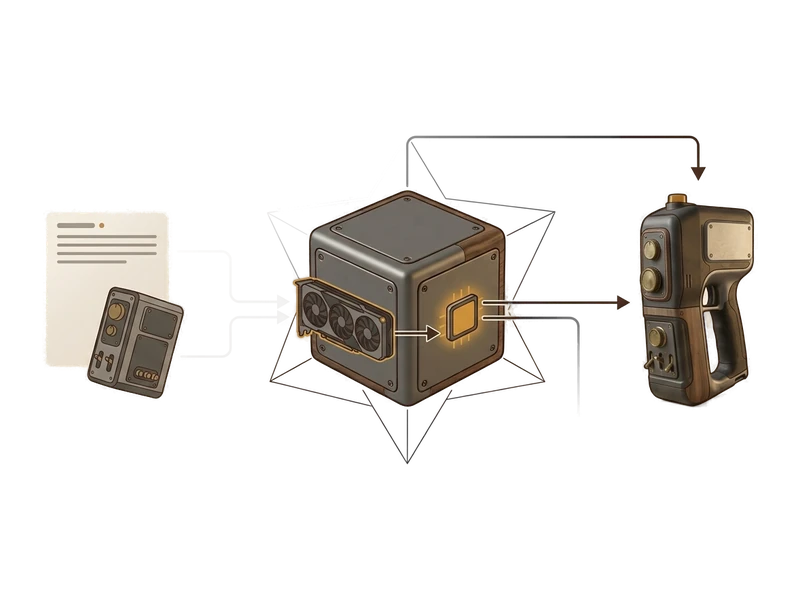
Image to 3D
Photograph a piece you saw in a showroom or a catalog page and turn it into a 3D model you can drop into a scene, without waiting on anyone else.
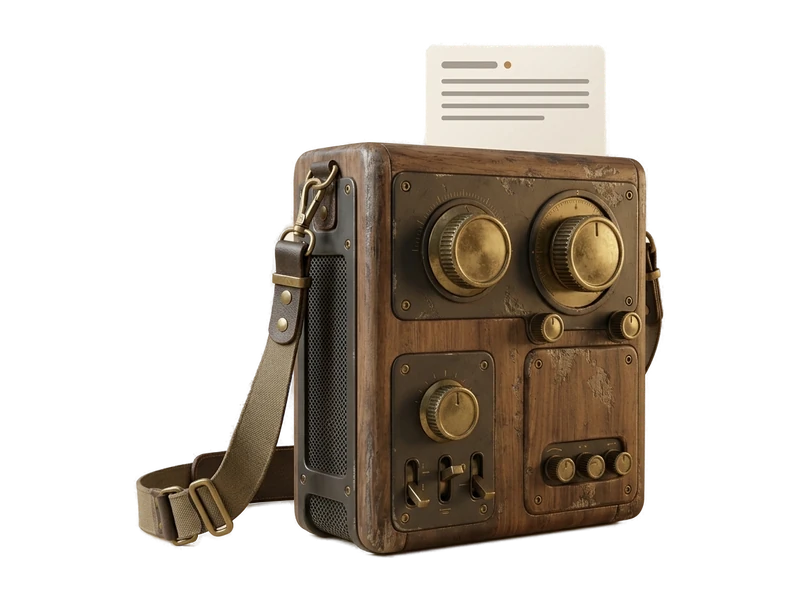
Text to 3D
Describe a chair, lamp or side table you need and generate it directly, useful for filling out a scene when you don't have a reference image handy.
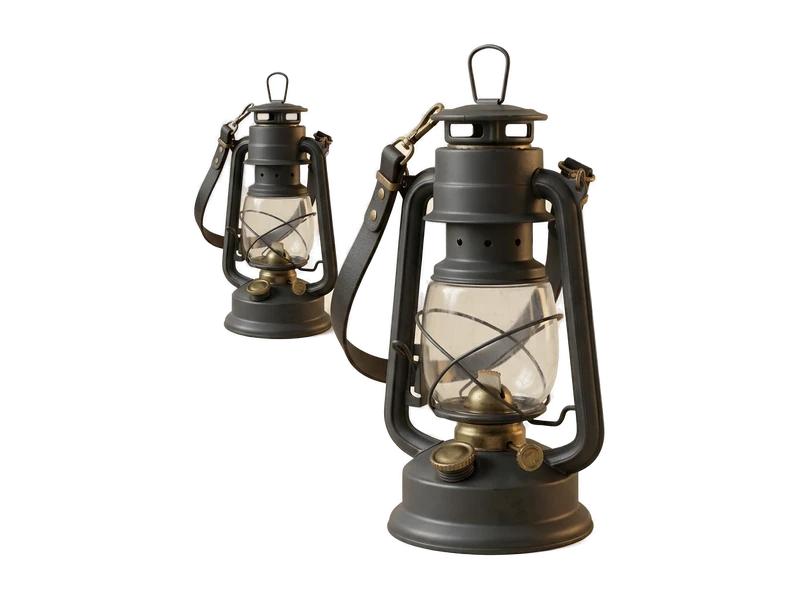
3D Viewer
Open any furniture model a manufacturer sends, or one you generated yourself, and check it fully shaded before it goes into a client presentation.
Common questions
Does Fudge3d work offline on-site at a client's property?
Generation and texturing run locally on your GPU. The viewer requires no network connection. Pro caches a signed entitlement for 30 days.
Is client work kept private when I use Fudge3d?
Yes. Nothing you open or generate is uploaded - reference photos, prompts and models stay on your machine, which matters when a client's space or unreleased project is confidential.
What does it cost to start using Fudge3d for interior design?
The 3D viewer is free forever. Optional generation tiers are available, and you can download the installer to get started.
How do I quickly add a piece of furniture to a scene I'm dressing?
Generate it from a reference photo with Image to 3D, or describe it with Text to 3D, then open it straight in the viewer to check how it reads before dropping it into your scene.
What GPU do I need to run generation?
Generation uses your own GPU, so requirements depend on the hardware you have. Exact specs are listed on the download page.
Can I open furniture models a manufacturer or supplier sends me?
Yes. The free viewer opens FBX, OBJ and GLB files.
Generate and view scene-dressing props anywhere, even offline.
Free viewer · No viewer account · Local creative processing