
3D Remeshing & Repainting Tool
Remesh and repaint supported 3D models on your own GPU without sending creative files away for processing.
Windows 10/11 · macOS on Apple Silicon · Local creative operations
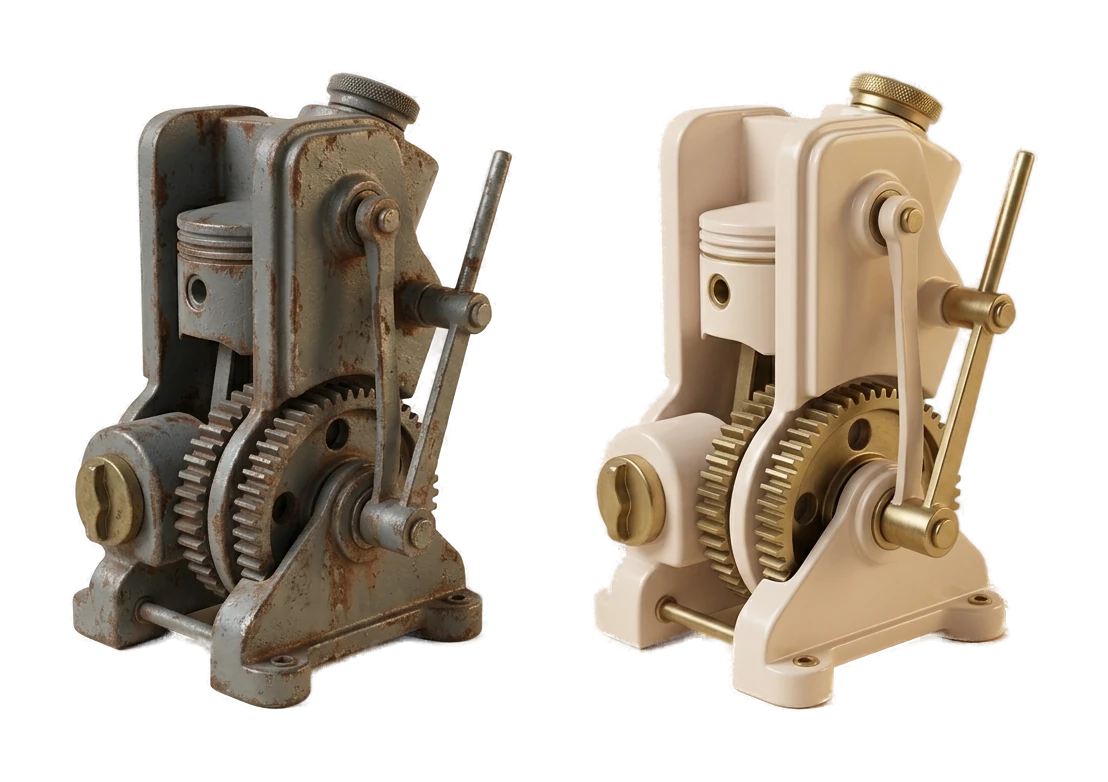
Remesh 3D Models for Different Workflows
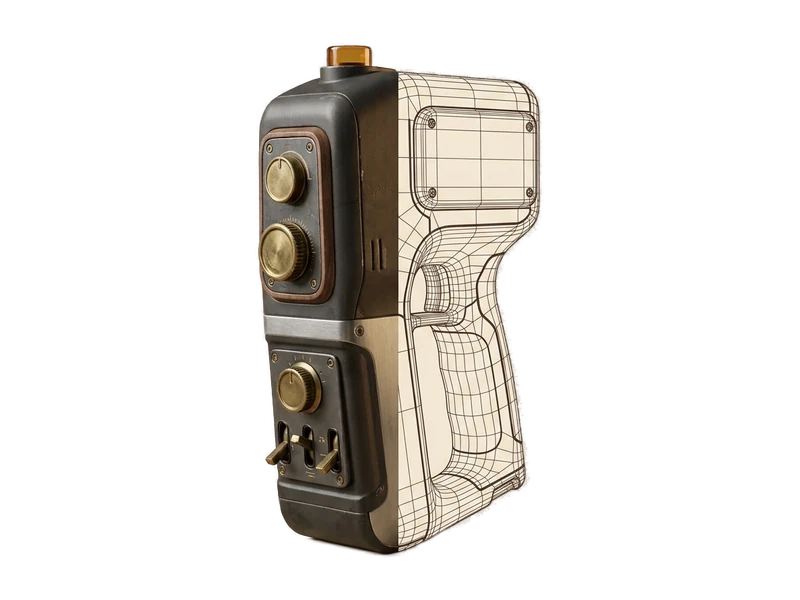
Load an existing model
Open the model you want to update in the Fudge3d desktop app.
Remesh on your GPU
Fudge3d performs the remeshing operation locally on your GPU.
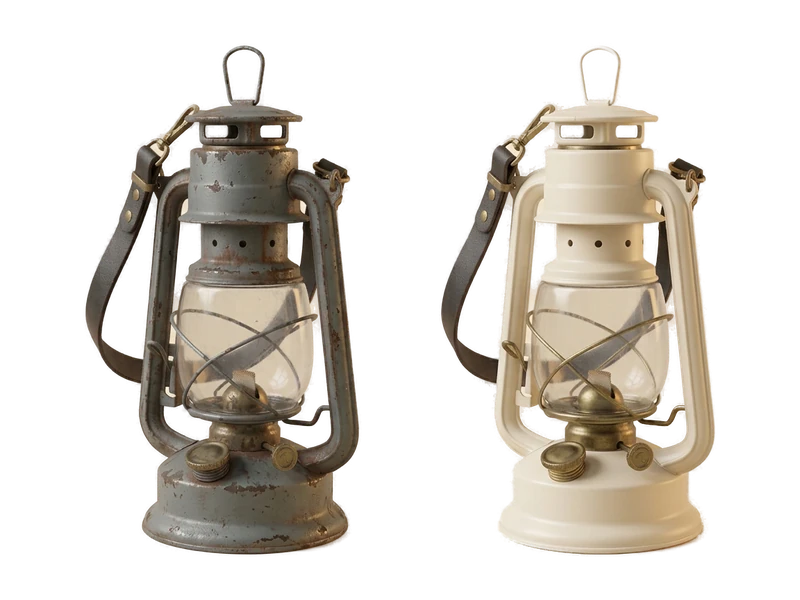
Repaint and export
Repaint the remeshed model in the same app, then export it into your pipeline.
Remesh without leaving your local workflow
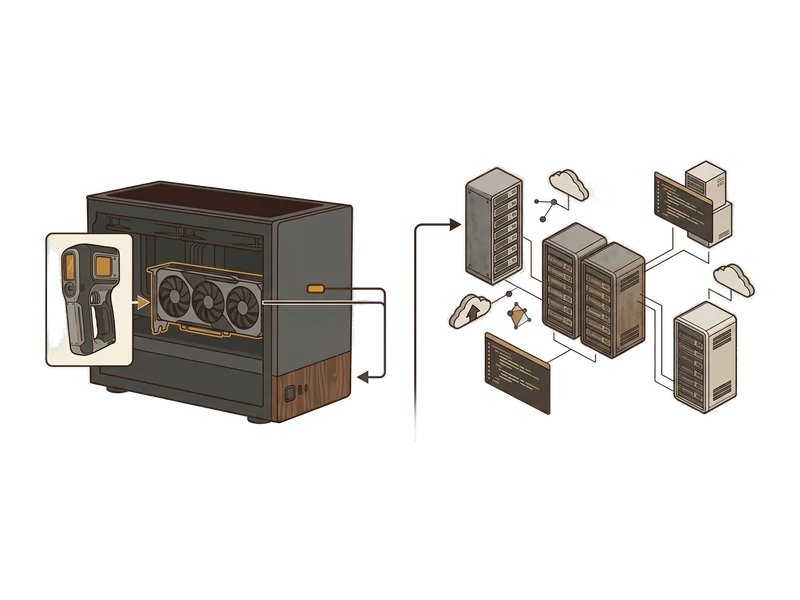
Unlimited & private
Pro includes unlimited local remeshing without a per-model meter.
Local creative processing
Remeshing runs on your own GPU and does not upload creative inputs or outputs for processing. Pro may refresh its signed entitlement while online.
Repaint after remesh workflow
Repainting lives in the same app, so a remesh doesn't mean starting the texturing step over in a different tool.
Simple install
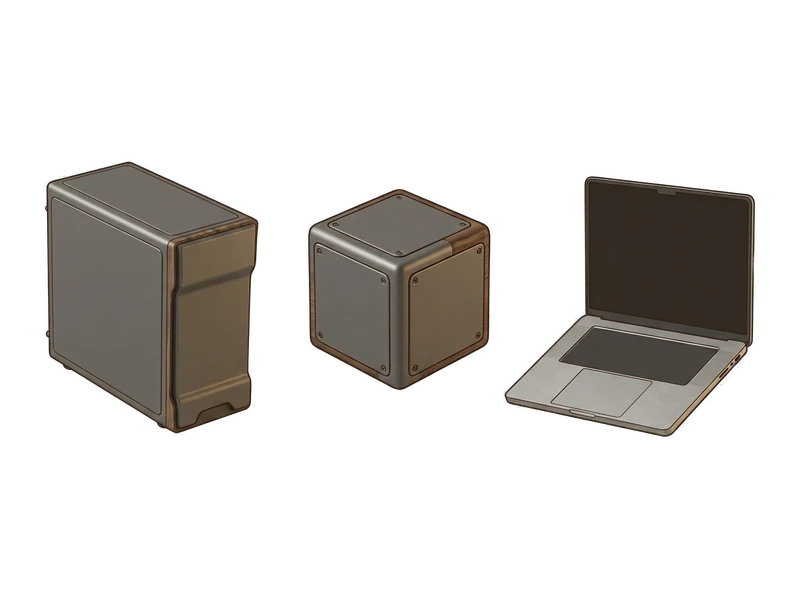
One installer, next-next-done. No Python environment, no CUDA setup, no command line to fight with first.
Repaint existing models, in the same app
Alongside remeshing, Fudge3d can repaint existing models in the same desktop app. Repainting runs locally and does not upload creative inputs or outputs for processing.
Repaint after remeshing
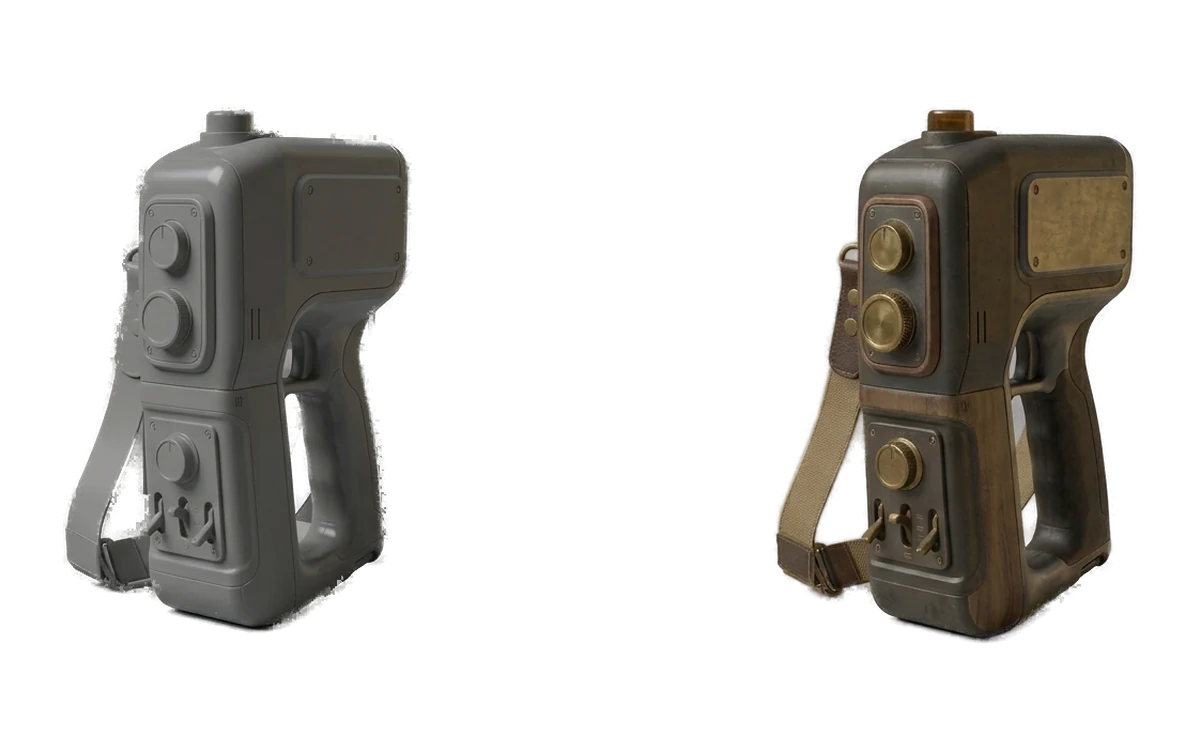
Once a model's topology is set, repaint it to match a new look without switching tools.
Repaint existing models
Repainting works on models you already have, not only ones freshly generated in Fudge3d.
Local and unlimited on Pro
Like remeshing, repainting runs on your GPU and Pro has no per-model meter.
Common questions
What is 3D remeshing?
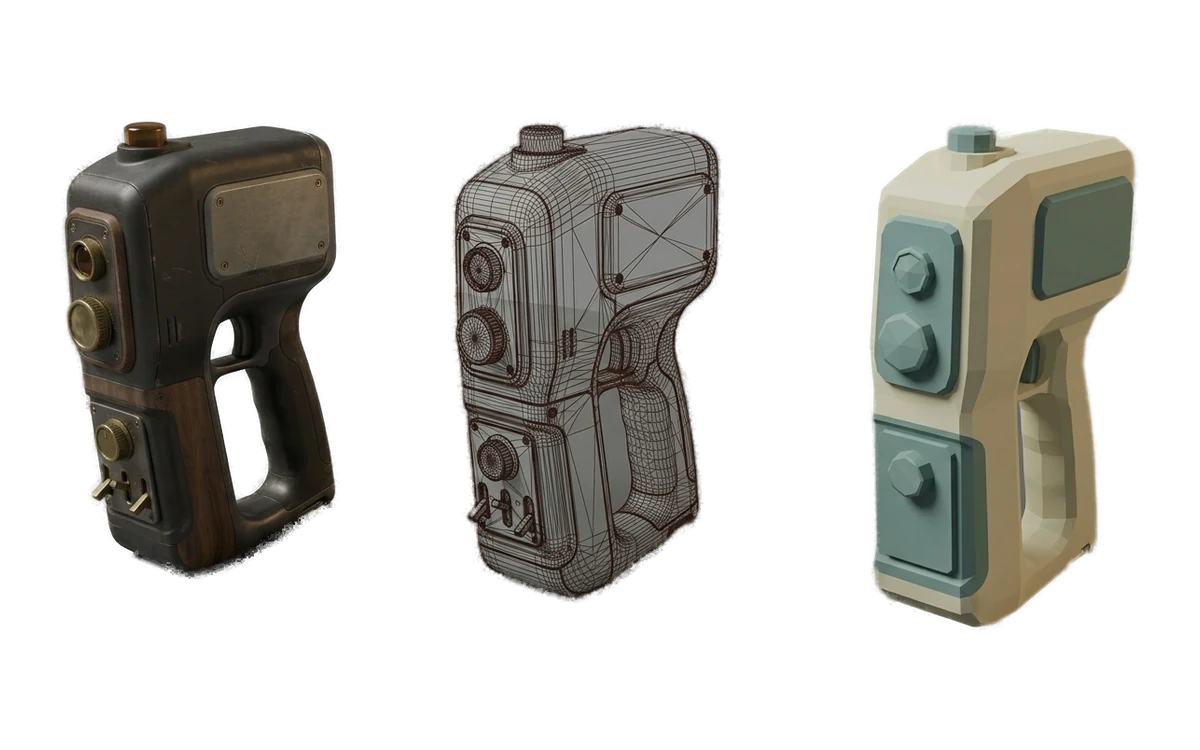
Remeshing changes the structure of a 3D mesh. In Fudge3d you can choose quad or triangle output and work toward a target poly count on your own GPU.
Where does Fudge3d remeshing run?
Remeshing runs on your computer. Creative model data is not uploaded to a hosted processing service.
Can I choose a target poly count?
Yes. Target poly count is part of the confirmed remeshing workflow, although results should still be inspected for the needs of your project.
Can Fudge3d create quad or triangle meshes?
Yes. The launch scope includes quad and triangle remeshing options.
Does remeshing guarantee perfect topology?
No. Fudge3d does not promise perfect or production-ready topology. Inspect the result and validate it for your intended workflow.
Can I repaint a model after remeshing it?
Yes. Remeshing and repainting are available in the same app, so you can adjust the mesh and then change its surface appearance.
Can I remesh an imported model?
Fudge3d can remesh supported existing models as well as generated results. Exact input and export format lists remain subject to confirmation.
Can I use remeshing for game prototypes?
Yes. It can help adjust poly count for props, blockouts and environment dressing, but you should validate the result against the needs of your engine and target hardware.
Can I use remeshing for VR and AR?
Yes. Remeshing can support lightweight real-time prototypes. It does not guarantee a frame rate or headset performance target.
Does remeshing have a per-model fee?
Pro has no per-generation or per-model meter because processing uses your own GPU.
Explore More Fudge3d 3D Tools
Free 3D Viewer
Open FBX, OBJ and GLB files without a viewer account.
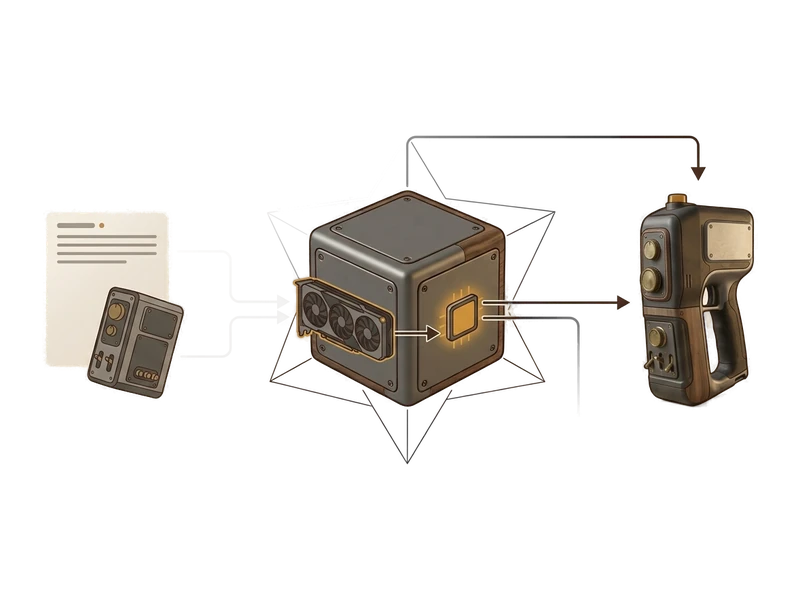
Image to 3D
Turn a single reference image into a textured 3D model.
Text to 3D
Generate a 3D model from a text prompt.
AI Texture Generator
Generate PBR textures for supported UV-mapped meshes.
AI Image Generator
Create reference images for the image-to-3D workflow.
Try Fudge3d on Your Own Hardware
Free 3D viewer · Monthly Free generation allowance · Local creative processing