
Text to 3D Model Generator
Describe the object you need and generate a 3D model from the text prompt on your own GPU. Free includes the current monthly generation allowance, while Pro removes the per-generation meter.
Windows 10/11 · macOS on Apple Silicon · Local generation
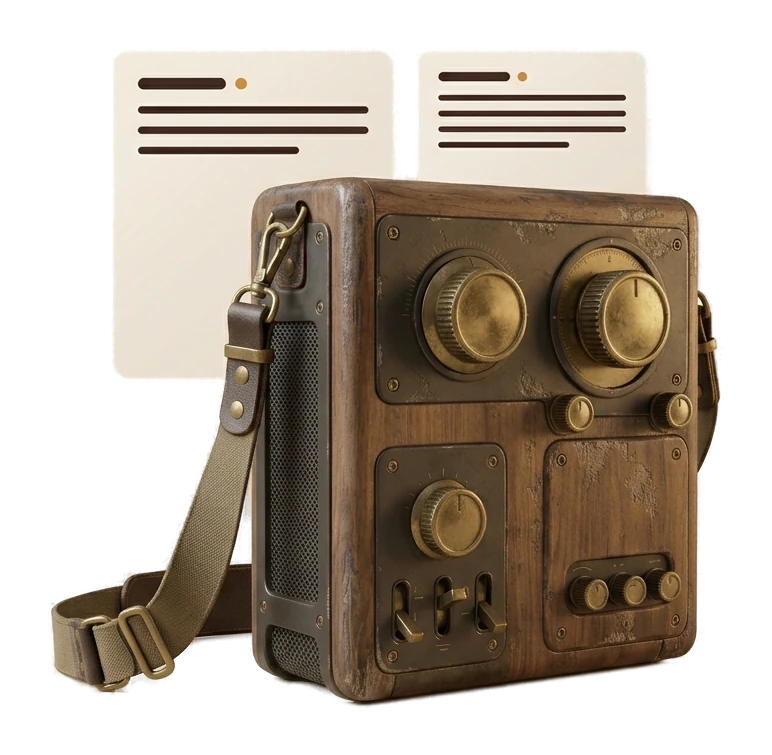
How Text-to-3D Generation Works
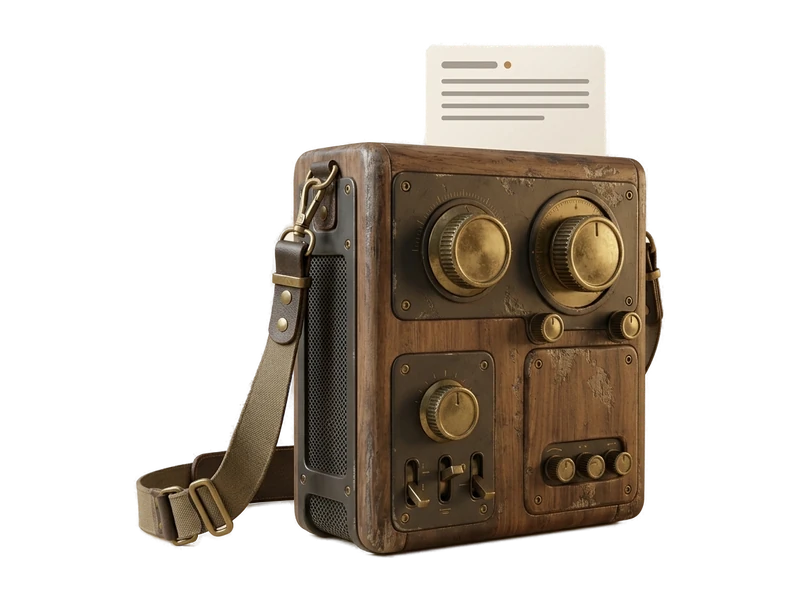
Describe the model
Describe the object, its materials and its condition. Specific nouns and materials give the generator more to work with than a broad category name.
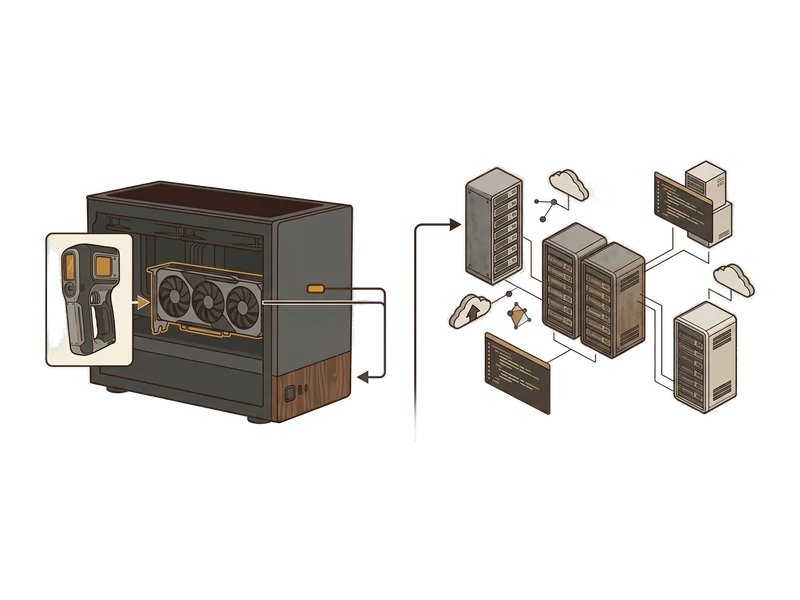
Generate from the text prompt
Fudge3d builds the mesh and PBR textures locally. Because your GPU provides the compute, Pro does not add a per-generation charge when you regenerate.
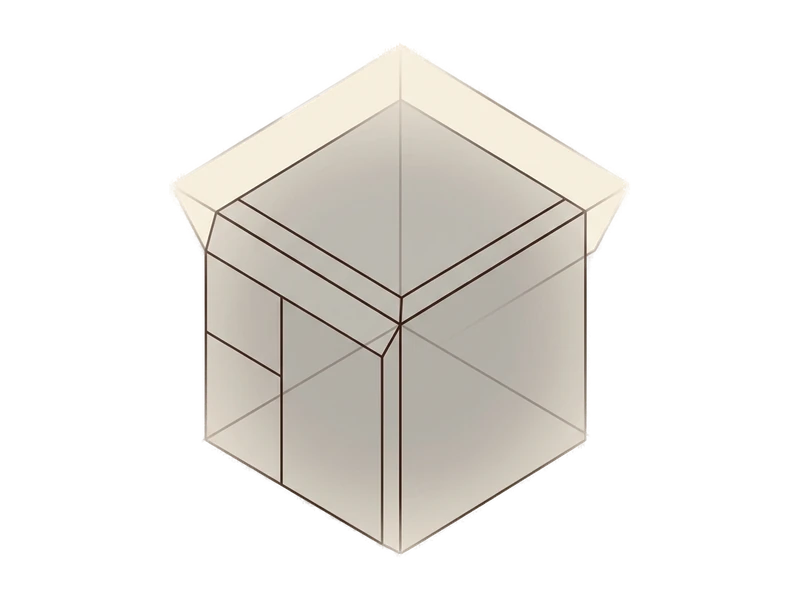
Inspect and refine the 3D model
Iterate on the wording within your plan allowance, then continue to remeshing or export into your pipeline.
Specific prompts beat vague ones
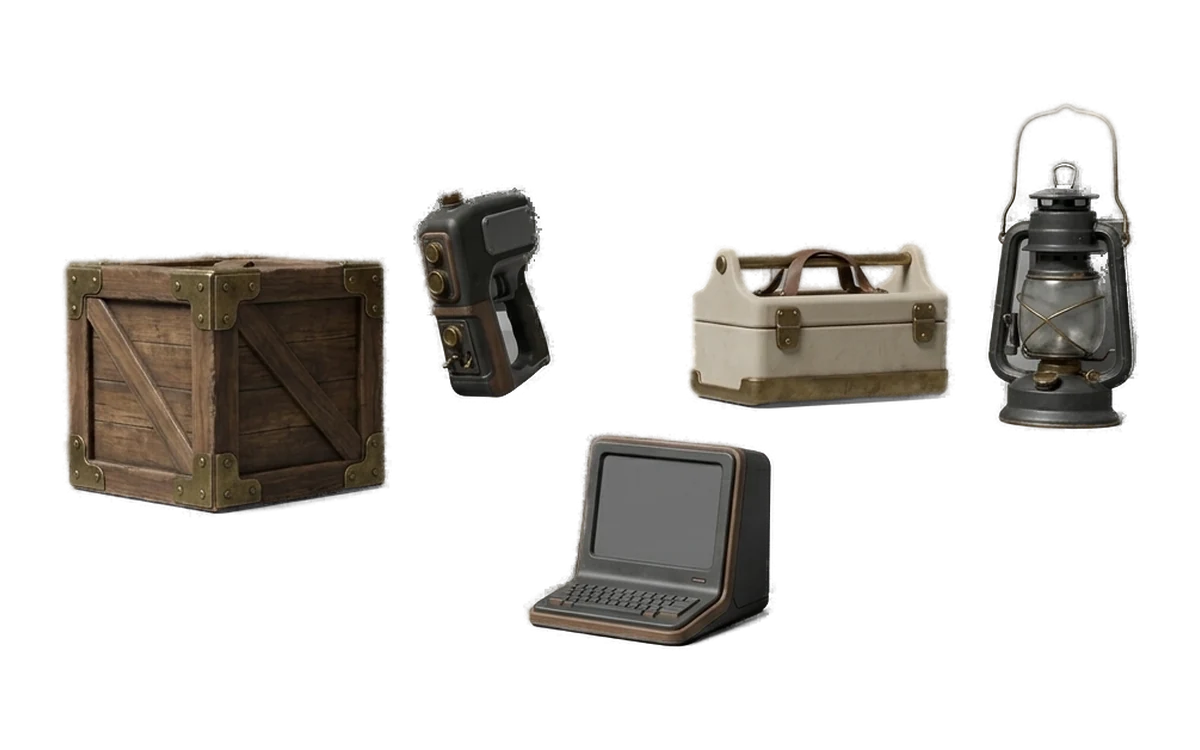
Good: "low-poly wooden crate, weathered planks, metal corner brackets"
Names the object, the material, its condition, and a specific detail. The generator has clear features to build toward.
Vague: "a crate"
Only names a category. The generator has to guess at material, condition and shape.
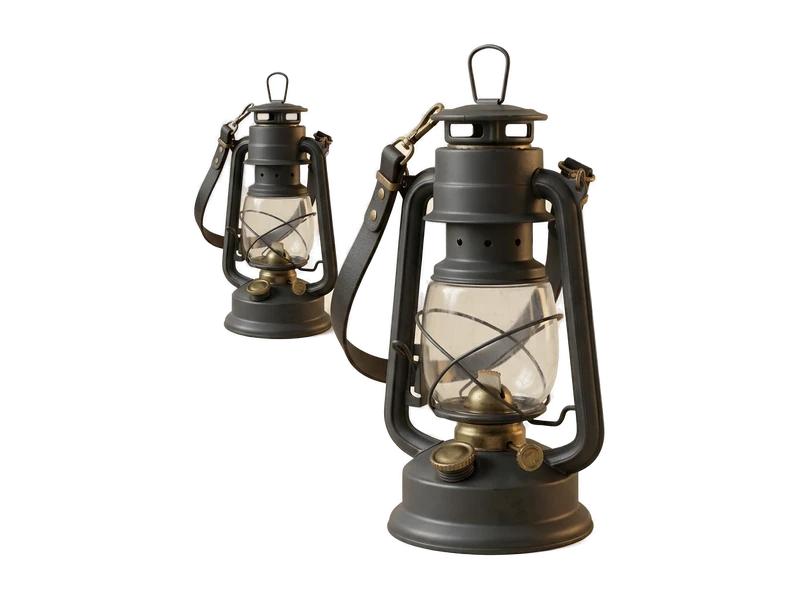
Good: "ornate cast-iron street lamp, curved arm, glass panels, rust at the base"
Material, shape, and wear are all specified - enough for the generator to commit to a design.
Vague: "a lamp"
Could mean almost anything. Add style, material and scale cues.
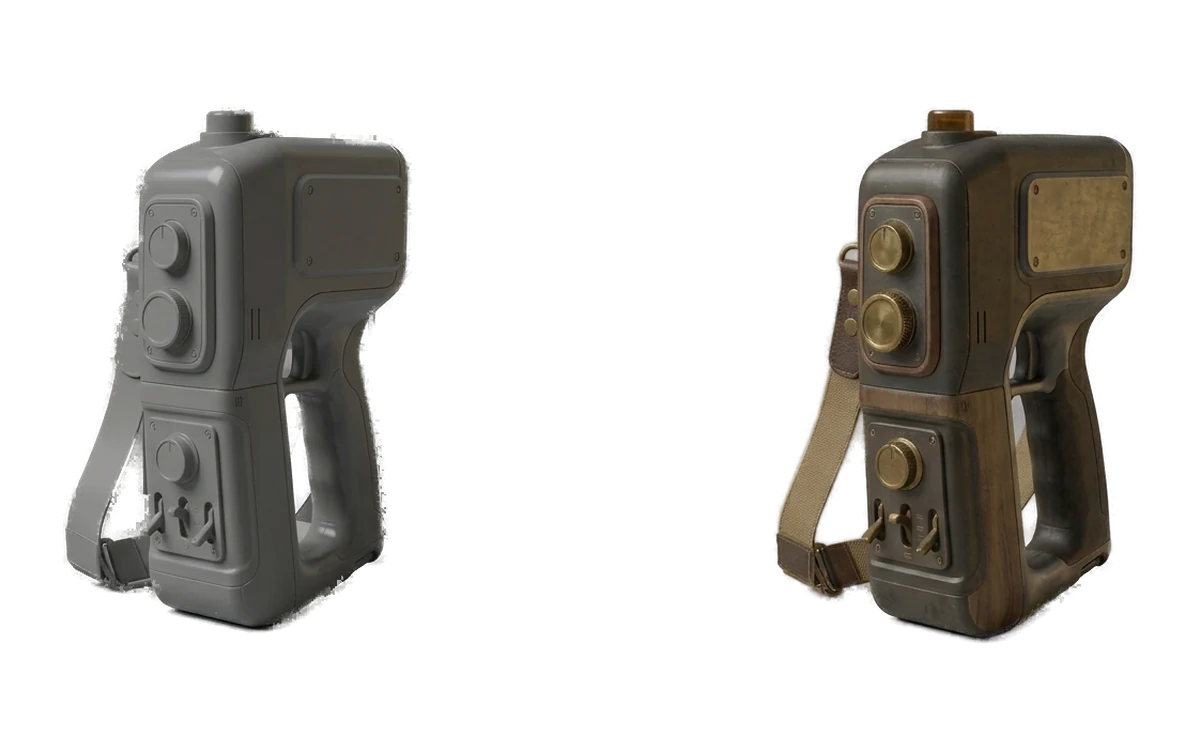
Good: "sci-fi handheld scanner, matte plastic shell, glowing screen, ribbed grip"
A genre cue plus concrete surface and shape details narrow the result meaningfully.
Vague: "a gadget"
No genre, material or shape information to work from.
Iterate freely, on your own hardware
Unlimited & private
Generation runs on hardware you already own, so there's no per-prompt cost and nothing about your prompts or results is sent anywhere.
Local creative processing
Text to 3D runs on your own GPU without uploading creative inputs or outputs for processing.
Iterate freely
Free includes 10 generations per calendar month. Pro includes unlimited local generation for iterative work.
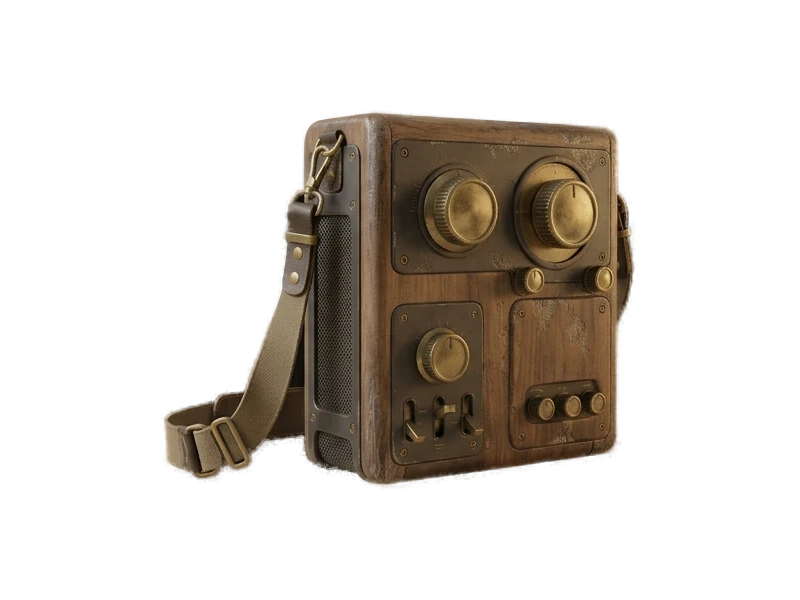
PBR maps included
Continue the local workflow with Fudge3d's texture, remeshing and repainting tools.
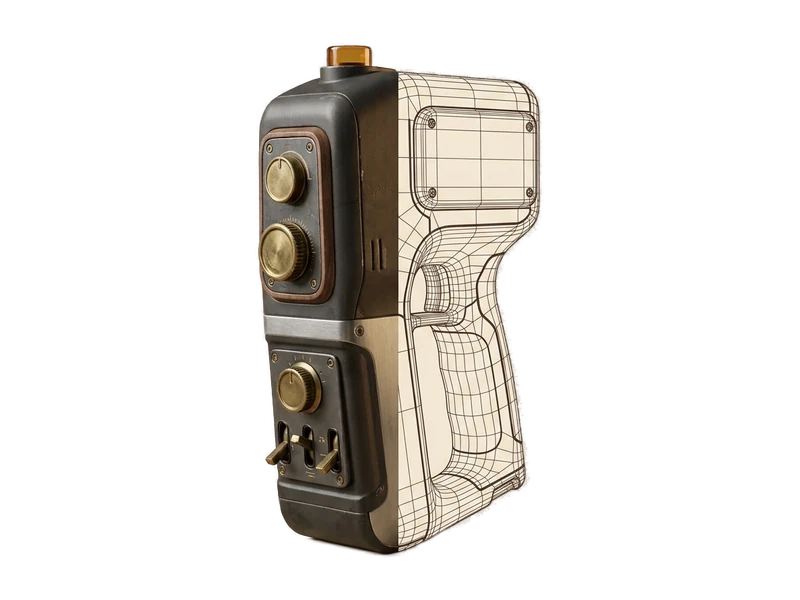
Remesh built in
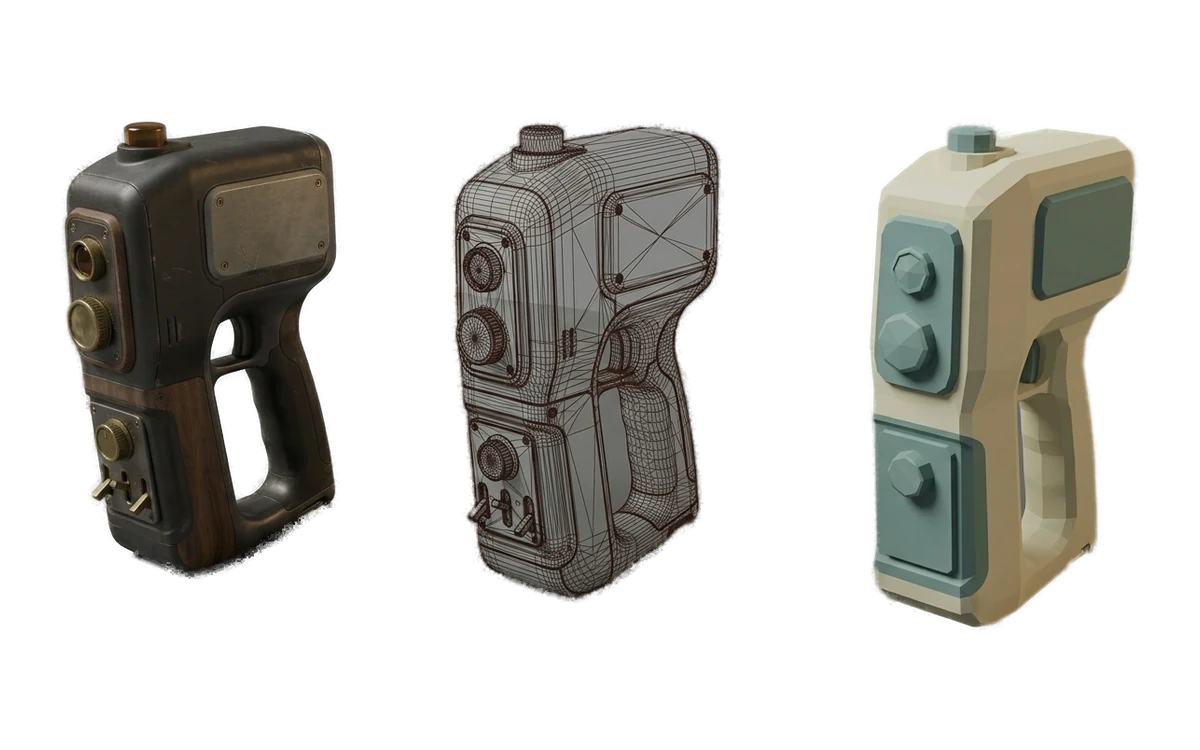
Take a generated model into the local remeshing workflow. Remeshing
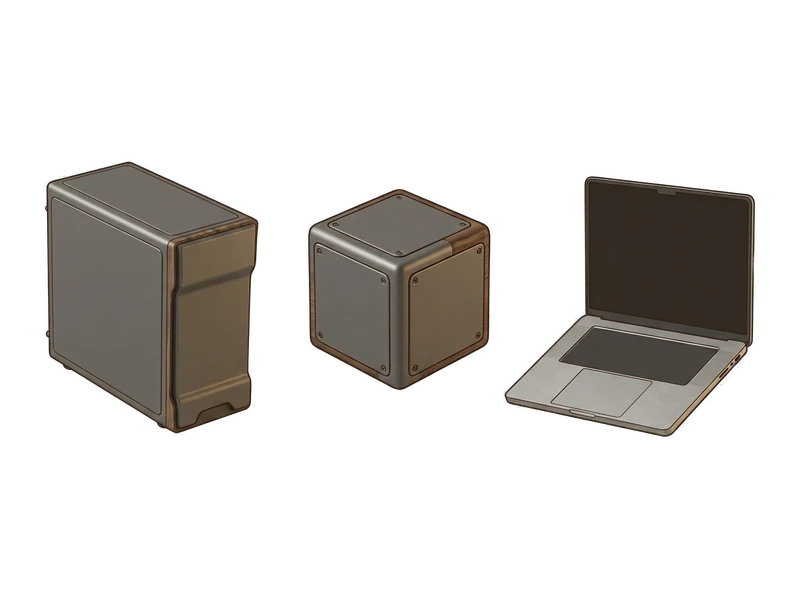
Simple install
One installer, next-next-done. No Python environment, no CUDA setup, no command line to fight with first.
Common questions
What is text-to-3D?
Text-to-3D turns a written object description into a 3D model. Fudge3d runs the generation step on your own GPU and keeps the prompt and result on your computer during creative processing.
How do I generate a 3D model from text?
Describe the object, its material, shape and important visible details, then start generation. Inspect the result in Fudge3d and refine it with texturing or remeshing as needed.
What makes a good text-to-3D prompt?
Concrete nouns and visible details help. Name the object, material, condition, proportions and distinctive parts instead of relying on broad terms such as chair or prop.
Does text-to-3D work offline?
Creative generation runs locally. Pro can work between licence checks using a signed entitlement cached for 30 days.
Are text prompts uploaded?
No. Prompts are processed on your computer for text-to-3D generation and are not uploaded to a hosted creative-processing service.
Is there a per-generation charge?
Pro has no per-generation meter because your GPU supplies the compute. Free includes the current monthly generation allowance.
Can I remesh a text-generated model?
Yes. Open the generated model in the same app and use remeshing to adjust its mesh structure and target poly count.
Can I create PBR textures for it?
Yes. The AI Texture Generator creates albedo, normal, metallic and roughness maps for supported UV-mapped meshes.
Do I own the generated model?
Yes. Generated models and textures are yours and remain usable after a subscription ends.
Can I use text-generated models commercially?
Yes. Commercial use is allowed without a royalty or attribution obligation to Fudge3d. You remain responsible for the prompt and the way you use the output.
Explore More Fudge3d 3D Tools
Free 3D Viewer
Open FBX, OBJ and GLB files without a viewer account.
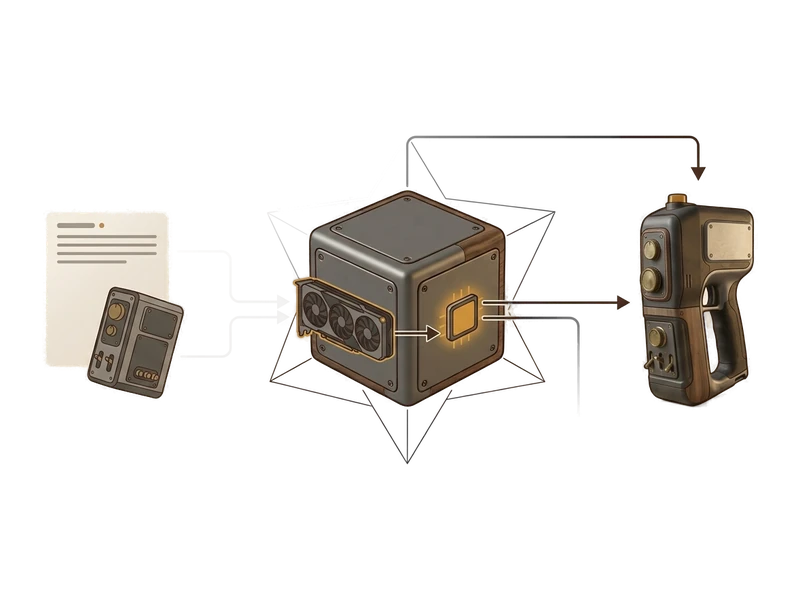
Image to 3D
Turn a single reference image into a textured 3D model.
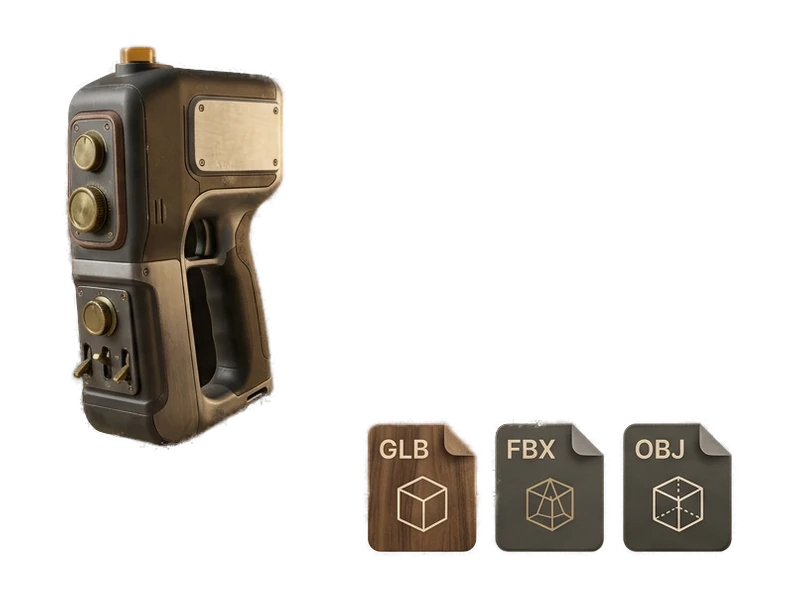
AI Texture Generator
Generate PBR textures for supported UV-mapped meshes.
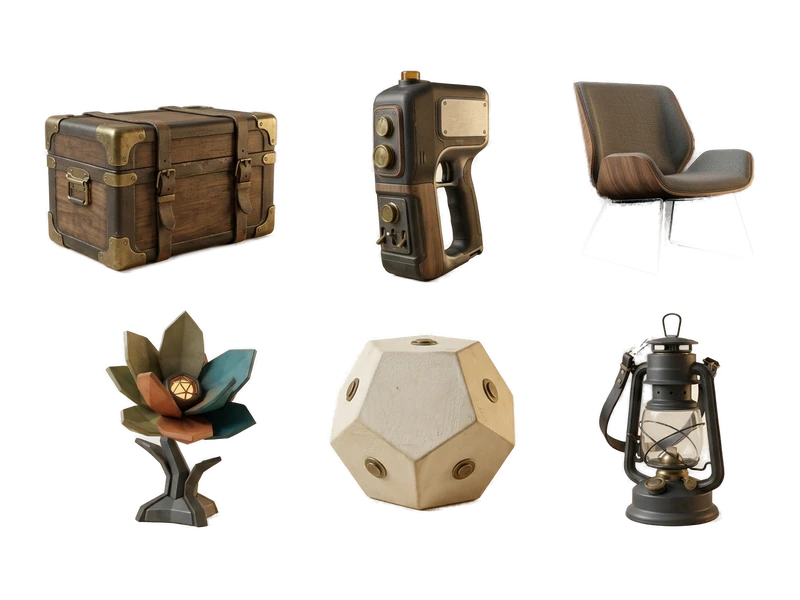
AI Image Generator
Create reference images for the image-to-3D workflow.
Remeshing
Local mesh and surface updates.
Try Fudge3d on Your Own Hardware
Free viewer · 10 free generations monthly · Local creative processing